
 Try the Workspace
Spotify Canvas and Lyric Videos: A Practical 2026 Guide for Independent Artists
Exact Spotify Canvas specs, lyric video tips, and how to make both from one ready-made music video.

A release in 2026 needs more than an audio file. Fans meet your song on a phone, so two short-form visuals do a lot of the work: a Spotify Canvas on the track and a lyric video on YouTube and social. This guide covers what each one is, the exact specs, and how to make both from one ready-made music video.
What is Spotify Canvas?
Canvas is a short looping visual that plays in the Spotify app's Now Playing view in place of your album artwork. It can also loop behind your track when a listener shares it to Instagram Stories.
Spotify Canvas specs
According to Spotify's Canvas guidelines, your file must be:
- 3–8 seconds long
- Vertical 9:16 ratio
- 720–1080 px tall
- An MP4 or JPG file
Spotify notes that uploads can fail if the length or size is even slightly off, so check the file before you upload.
What makes a good Canvas
- No singing or talking on screen. The loop does not sync with your lyrics.
- Slow, clean movement. Avoid rapid cuts and flashing graphics.
- Keep the key action central. Phone edges and player controls cover parts of the frame.
- Skip the song title and artist name. Spotify already shows them.
- Pick a loop style: a seamless continuous loop, a hard cut, or a rebound (forwards then reversed).
What is a lyric video?
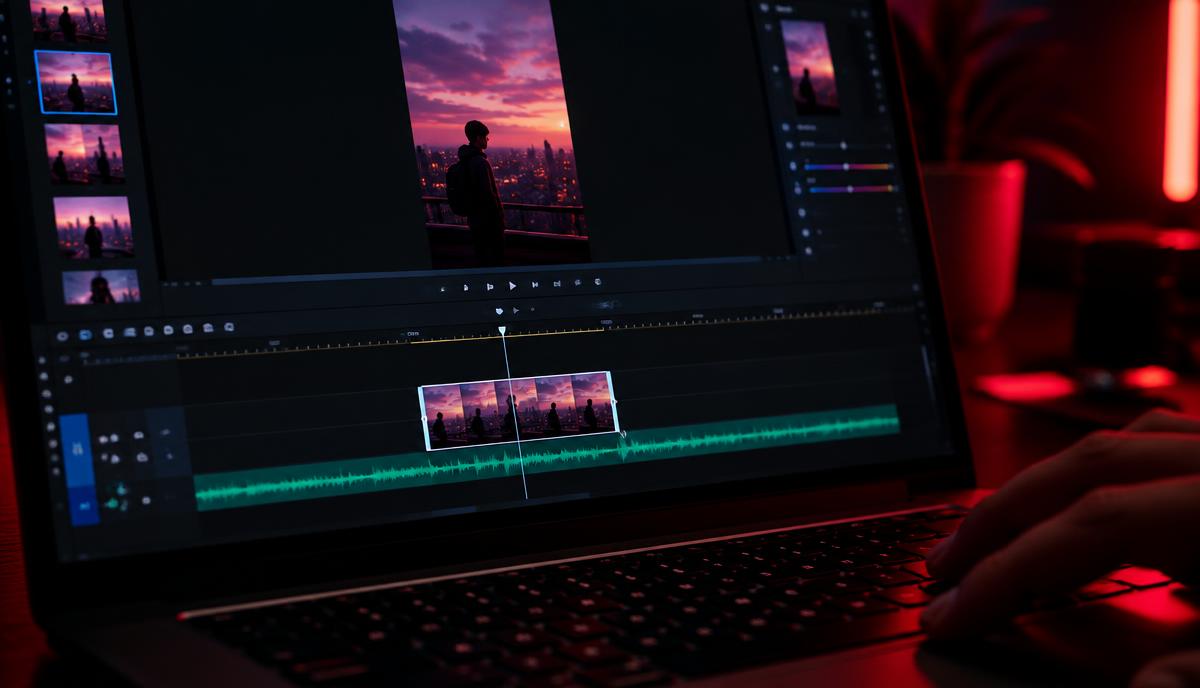
A lyric video puts your words on screen in time with the song. It gives fans a reason to sing along, works with the sound off on social feeds, and gives you a second upload around your release. You can go simple (clean text over moving footage) or stylised (animated type). If you are deciding between formats, read our comparison of music video vs lyric video vs visualiser.
Lyric video tips
- Check every word against your final lyric sheet before you export.
- Keep text large and high-contrast so it reads on a phone.
- Time each line to land just before it is sung.
- Export a 16:9 version for YouTube and a vertical version for Reels, Shorts and TikTok.

Make both from one ready-made music video
The hard part of both formats is having good footage in the first place. Music Video Marketplace has a catalogue of ready-made, human-made music videos, so you start with finished, professional footage rather than a blank timeline.
With a membership you choose one title each month (two in your first month). Each pick includes every format available for that title, which can include the full video, a vertical reel and a behind-the-scenes cut. In the Workspace you can then use the same footage to:
- Cut a Spotify Canvas loop
- Add your own words to make a lyric version
- Trim a 30-second clip for social
You do not have to edit anything: you can also download the supplied files as they are. See membership pricing for the current price in your currency.
Quick release checklist
- Pick your footage from the catalogue.
- Cut a 3–8 second, 9:16 Canvas loop and upload it in Spotify for Artists.
- Build your lyric version, then export widescreen and vertical copies.
- Post a 30-second clip on release day to point fans to the full video.
Read next
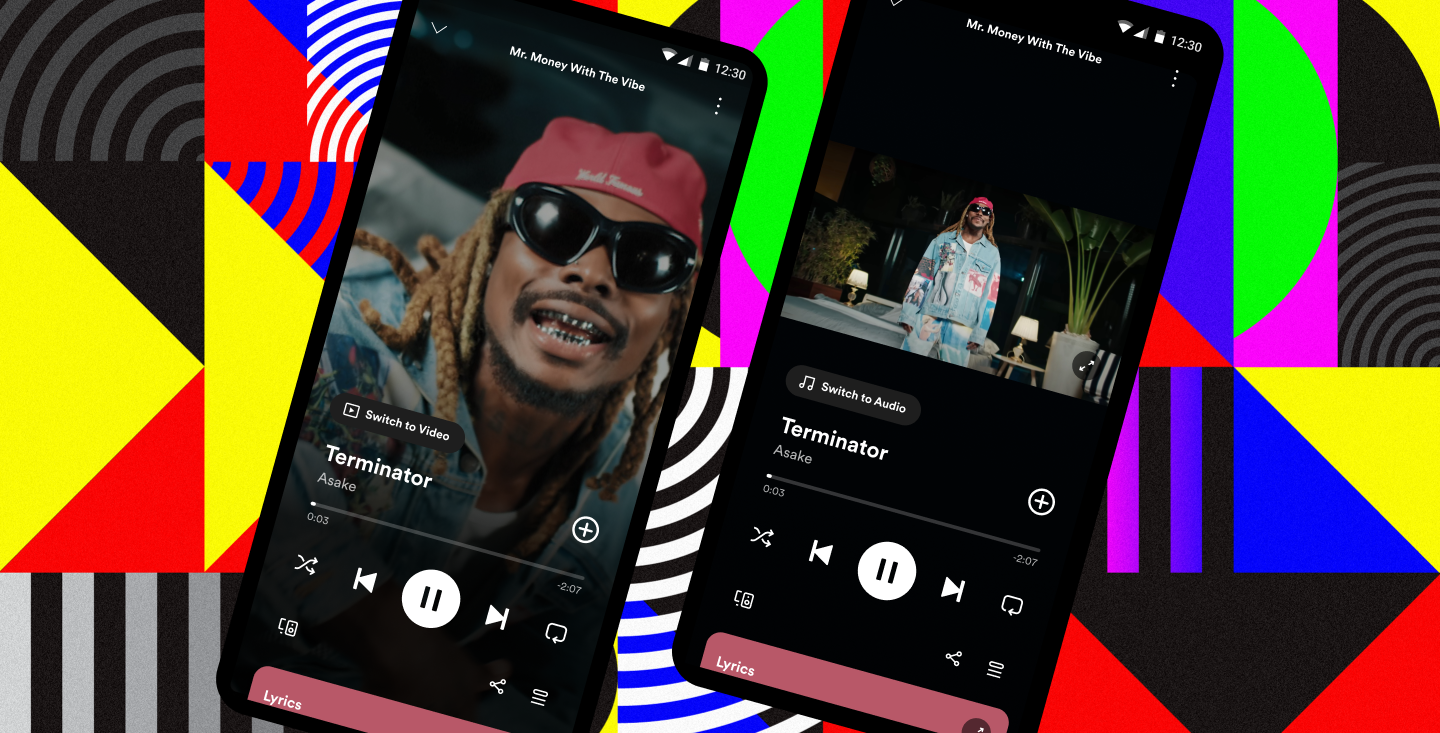 Spotify Music Videos Launch USA & CanadaSpotify’s rollout of full-length music videos in the USA and Canada is changing how artists grow their fanbase. Discover why visuals matter more than ever — and how Music Video Marketplace delivers instant, done-for-you music videos.
 Step-by-step guide to launching your first music ad campaignUnlock your music's potential with our step by step music ad campaign guide. Learn to drive streams and grow your fanbase effectively!
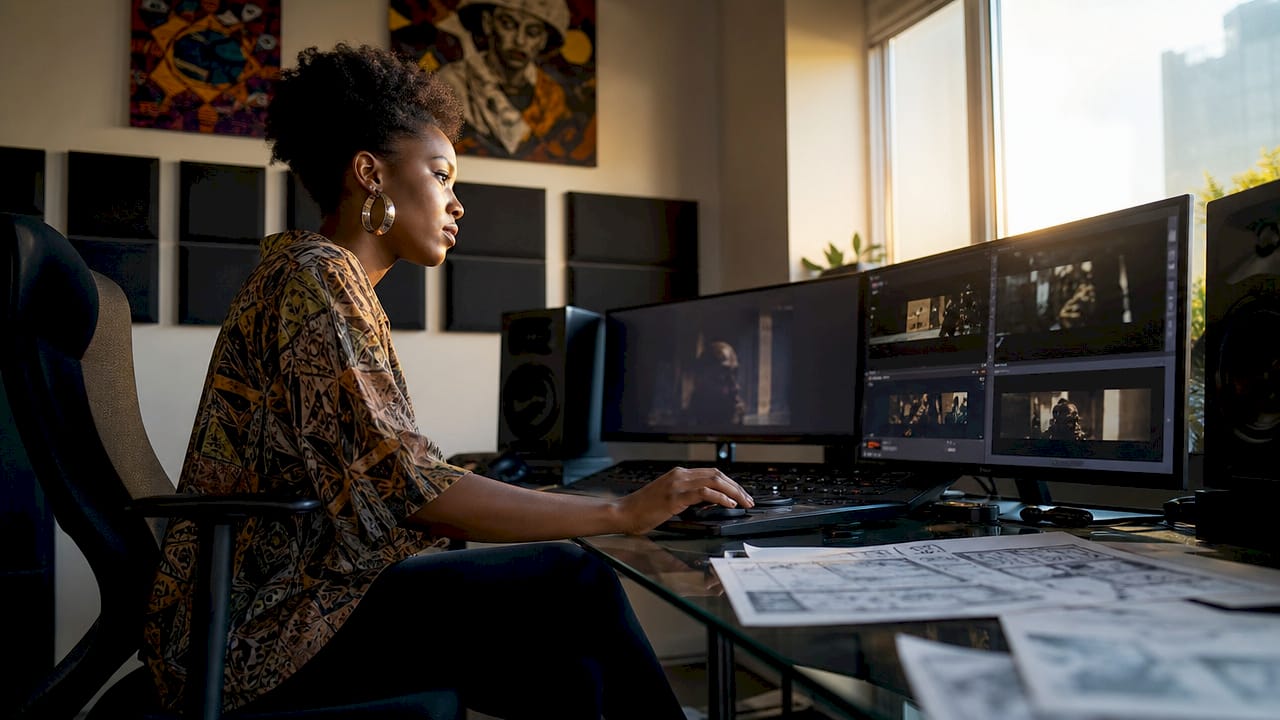 Stock footage in music videos: a creator's guideDiscover the ultimate guide to using stock footage in music videos. Transform your projects with stunning visuals and expert tips for seamless integration.
 Split Testing Music Ads: 7 Checks for Musicians Before LaunchLearn how musicians can test music ads one variable at a time, track cost per meaningful outcome, and use a clear stop rule before scaling campaigns.
Turn the idea into a finished music video.
Drop your track into the Workspace and build your visual in minutes.