
Best UltraMixer alternatives for long-form music videos in 2026
Discover the best ultramixer.com alternatives for long-form music videos in 2026. Streamline your production with tailored tools!

Best UltraMixer alternatives for long-form music videos in 2026
TL;DR:
- Choosing the right UltraMixer alternative depends on whether your priority is audio control, video quality, or fast production. VirtualDJ, Ableton Live, Final Cut Pro X, and CapCut each suit different workflows for long-form music videos. For quick, no-fuss results, Musicvideomarketplace offers a rapid creation and promotion platform, bypassing software learning curves entirely.
Which UltraMixer alternatives work best for music video creators?
If you produce long-form music videos for YouTube, the best UltraMixer alternatives are VirtualDJ, Ableton Live, Final Cut Pro X, and CapCut. Each one covers a different slice of the production workflow, and choosing the wrong category of tool is where most creators lose time.
UltraMixer suits mobile DJs and dance schools well, with its 4-player mode, BPM management, and 16-channel jingle machine. But for musicians building YouTube channels around long-form content, those features are largely beside the point. What you actually need is a tool that handles visual integration, automated production workflows, and clean exports ready for YouTube promotion.
Here is where each alternative fits:
- VirtualDJ brings advanced audio and video mixing with deep system-level settings, making it the strongest pick for creators who want granular control over both audio effects and live visuals within a single platform.
- Ableton Live is the industry-standard DAW for musicians who need serious audio production depth. Its session and arrangement views suit pre-recorded long-form content far better than any DJ-centric tool, and its plugin ecosystem is vast.
- Final Cut Pro X is the go-to for Mac-based creators who prioritise high-quality video editing. Its Apple ecosystem integration means faster rendering and a tight connection to Logic Pro if you produce your own audio.
- CapCut is the fastest route from raw footage to a YouTube-ready upload. Its built-in templates, auto-captions, and audio mixing tools make it genuinely useful for creators who want results quickly without a steep learning curve.
Pro Tip: If your primary output is a long-form music video rather than a live DJ set, you almost certainly need a video production tool or DAW, not DJ software. The overlap between these categories is smaller than most people assume.
Comparing UltraMixer alternatives by features, platform, and pricing
Choosing between these tools comes down to four things: what platform you are on, what your workflow actually looks like, how much you want to spend, and how much ongoing support you will need. Hidden costs in DJ and video production software often relate more to support accessibility and update frequency than the initial purchase price.

| Tool | Platform | Best for | Customisation | Learning curve | Pricing model | Update frequency |
|---|---|---|---|---|---|---|
| VirtualDJ | Mac / Windows | DJing with video mixing | Very high | Moderate | Free tier; paid from ~£30/year | Frequent |
| Ableton Live | Mac / Windows | Music production and audio mixing | Very high | Steep | One-time from £299.99 (full version) | Regular |
| Final Cut Pro X | Mac only | Professional video editing | High | Moderate | One-time £299.99 | Frequent |
| CapCut | Mac / Windows / Mobile | Quick video and audio editing | Moderate | Low | Free; Pro subscription available | Regular |
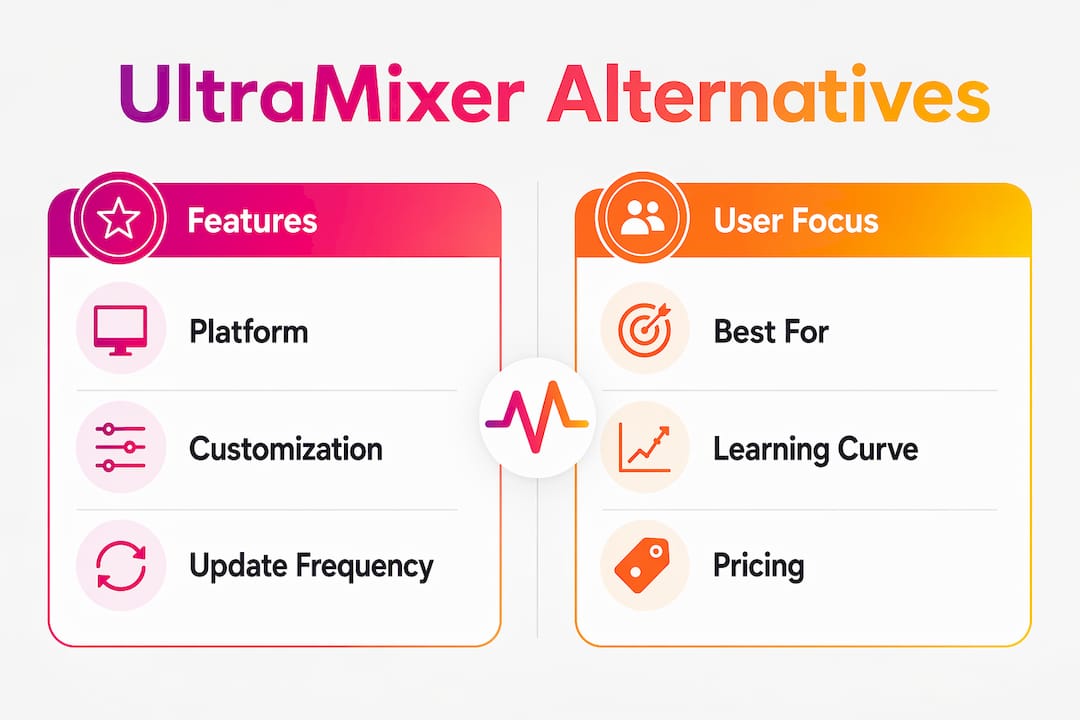
VirtualDJ vs UltraMixer is the most direct comparison. Where UltraMixer focuses on BPM management and tailored playout, VirtualDJ extends into system-level settings and video gallery features that give creators far more to work with. The trade-off is complexity: VirtualDJ rewards time invested in learning its interface.
Ableton Live sits in a different category entirely. It is a digital audio workstation, not DJ software, and that distinction matters for long-form YouTube content. DAW or dedicated video mixing software serves long-form YouTube producers better than tools built around live club performance. Ableton’s essential DAW features for music production, including MIDI sequencing, multi-track recording, and an extensive plugin library, make it the strongest choice for musicians who want their audio to sound genuinely professional before the video edit even begins.
Final Cut Pro X costs £299.99 as a one-time purchase from the Mac App Store, which compares favourably against subscription-based alternatives over a two or three year period. Its magnetic timeline and colour grading tools are built for the kind of long-form, polished output that performs well on YouTube. The limitation is obvious: Windows users need not apply.
CapCut is the outlier here. It is free at its core, runs on mobile as well as desktop, and its template library means a creator with no editing background can produce something watchable in under an hour. The audio editing automation capabilities within tools like CapCut have improved considerably, making it a credible option for creators who prioritise speed over depth.
Key considerations by workflow type:
- Live mixing focus: VirtualDJ is the clear choice, with MIDI controller support and real-time video effects.
- Audio-first production: Ableton Live gives you the most control over the music itself before any video work begins.
- Video-first production on Mac: Final Cut Pro X handles long timelines and colour work better than any other tool on this list.
- Speed and accessibility: CapCut removes nearly every barrier to entry and exports directly in YouTube-compatible formats.
How to choose the right UltraMixer alternative for your production style
The single biggest mistake creators make is picking software based on feature count rather than workflow fit. Confusing DJ software with video production tools leads to friction that compounds over every project. Before committing to any platform, work through this checklist:
- Define your primary output. Is it a pre-recorded long-form video, a live-streamed performance, or an automated playlist? Each requires a different type of tool.
- Check platform compatibility. Final Cut Pro X is Mac-only. If you are on Windows, your shortlist is VirtualDJ, Ableton Live, or CapCut.
- Test the demo before you buy. Expert reviewers recommend assessing a tool’s barrier to entry during the demo phase, not after purchase. Pay attention to how quickly you can complete a task you do regularly.
- Account for hidden costs. A low licence fee means little if updates are infrequent or support is hard to reach. Industry analysts note that ongoing maintenance affects overall cost-effectiveness more than most creators expect.
- Consider library migration. Switching platforms can mean database incompatibility challenges that disrupt your existing cue points, metadata, and playlist structures. Factor in the time cost of migration, not just the software price.
- Match system requirements to your hardware. Ableton Live and Final Cut Pro X both benefit significantly from faster CPUs and dedicated RAM. CapCut runs comfortably on mid-range hardware.
- Think about YouTube integration. Tools that export directly in H.264 or HEVC at the right resolution and frame rate save you a separate transcoding step every time you upload.
Pro Tip: Download the free tier or trial of your top two choices and complete the same short project in both. The one that feels less like work after 30 minutes is almost always the better long-term fit for your production style.
Defining your use-case before you spend money is the advice that industry analysts consistently surface when comparing DJ software against video production suites. Some alternatives specialise in live VJ performance visuals; others are built for automated broadcast playout. Neither of those is what a YouTube music video creator needs. Prioritise tools built around video creation for musicians and pre-recorded content workflows.
Key takeaways
For long-form YouTube music video creators, the right UltraMixer alternative depends on whether your priority is audio depth, video quality, or production speed.
| Point | Details |
|---|---|
| Match tool to output type | DJ software suits live performance; DAWs and video editors suit long-form YouTube content. |
| Platform limits your options | Final Cut Pro X is Mac-only; VirtualDJ, Ableton Live, and CapCut all run on Windows and Mac. |
| Hidden costs matter | Support quality and update frequency affect long-term value more than the initial licence fee. |
| Test before committing | Completing a real task during the demo period reveals workflow fit faster than any feature list. |
| Musicvideomarketplace offers a faster route | For creators who want a long-form music video ready to upload without learning new software, Musicvideomarketplace handles the production in minutes. |
Musicvideomarketplace: long-form music videos without the software learning curve
Every tool on this list requires time to learn, hardware to run, and ongoing effort to maintain. That trade-off is worth it for creators who want full production control. For musicians whose priority is getting their song in front of a YouTube audience quickly, there is a shorter path.

Musicvideomarketplace lets you create a long-form music video in minutes and launch a YouTube ad campaign for your song from the same platform. No timeline editing, no export settings, no plugin management. You bring the music; the platform handles the visual production and campaign setup. It is a different approach to the same goal: a polished, promotable music video on YouTube. If you are ready to skip the software stack entirely, start your first video at Musicvideomarketplace today.
Recommended
- Top 5 softwares de vídeo para djs em 2026 | Music Video Marketplace Blog
- Top 6 music video generators for djs 2026 | Music Video Marketplace Blog
- Why use long form video for DJs: 2026 guide | Music Video Marketplace Blog
- Top 4 rotorvideos.com Alternatives in 2026 for Musicians to Create Engaging Music Videos Effortlessly | Music Video Marketplace Blog
Read next
 Top 4 videos4music.com Alternatives 2026Discover 4 effective videos4music.com alternatives for independent musicians. Compare features and find the best fit for your music videos.
 Top 4 vizzy.io Alternatives for Music Video Ads 2026Explore 4 vizzy.io alternatives to help decide on music video ad creation platforms for your creative needs and marketing efforts.
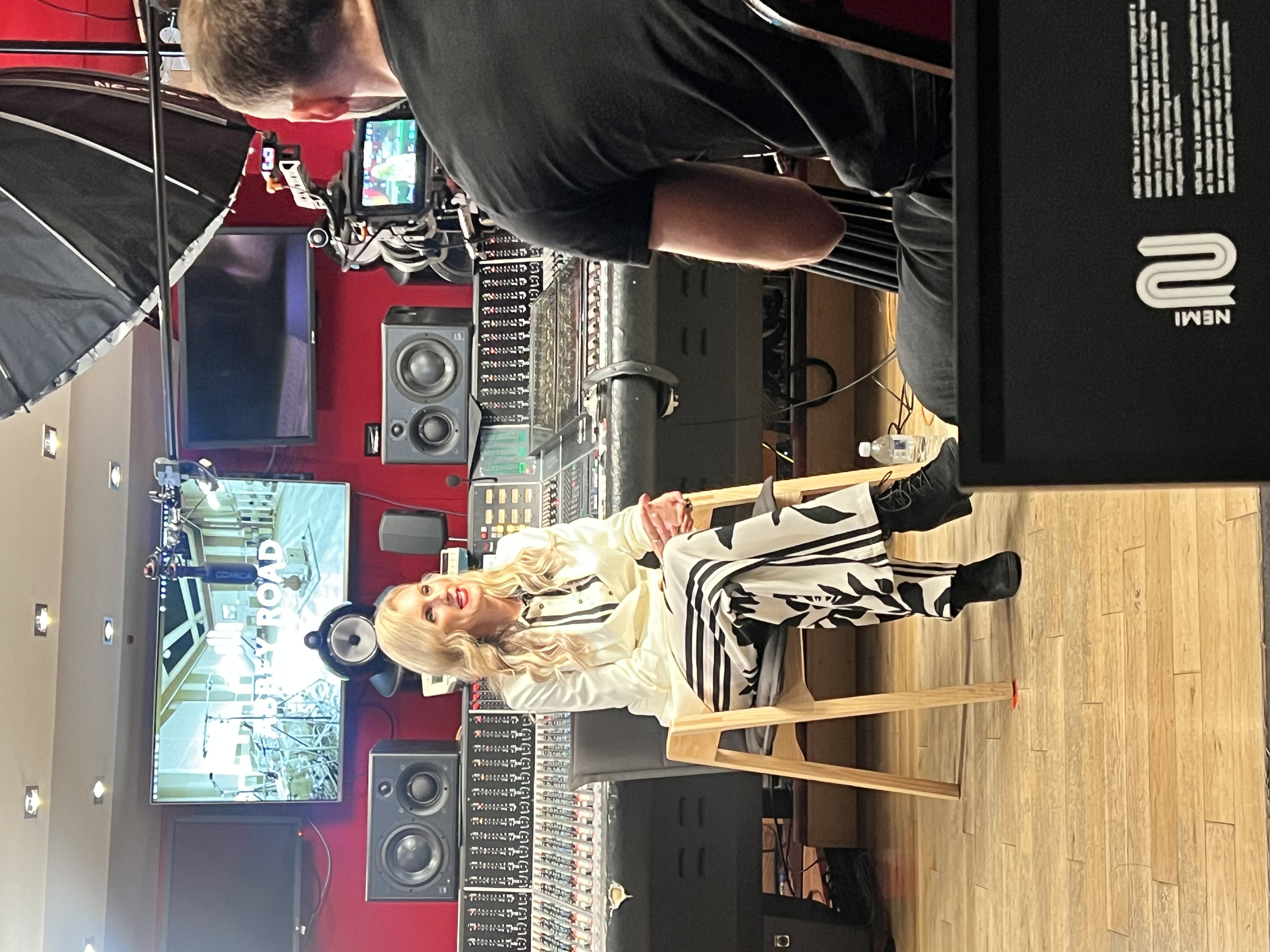 Music Video Marketplace | Innovation and GrowthMusic Video Marketplace is changing how artists create visuals. From idea to innovation, the platform delivers ready-made videos, smart tools, and creative solutions to help musicians stand out and promote their music with ease.
 Top 7 TunePocket.com Alternatives in 2026 for MusiciansDiscover 7 TunePocket.com alternatives for musicians. Compare features and find the best fit for your music needs in this comprehensive guide.
Turn the idea into a finished music video.
Drop your track into the Studio and build your visual in minutes.