
Top 4 Quickreel.io Alternatives 2026
Explore 4 quickreel.io alternatives to decide which music video creation software best fits your needs and enhances your content.

Top 4 Quickreel.io Alternatives 2026
Finding music video creation software that delivers unique ownership, fast production, and real performance footage is harder than it should be. Most competing platforms rely too heavily on generic stock clips, template driven edits, or opaque licensing that limits true asset control. This comparison lets independent musicians, social media content creators, and small marketing teams choose a provider that matches their workflow and ownership needs.
Table of Contents
Music Video Marketplace
At a Glance
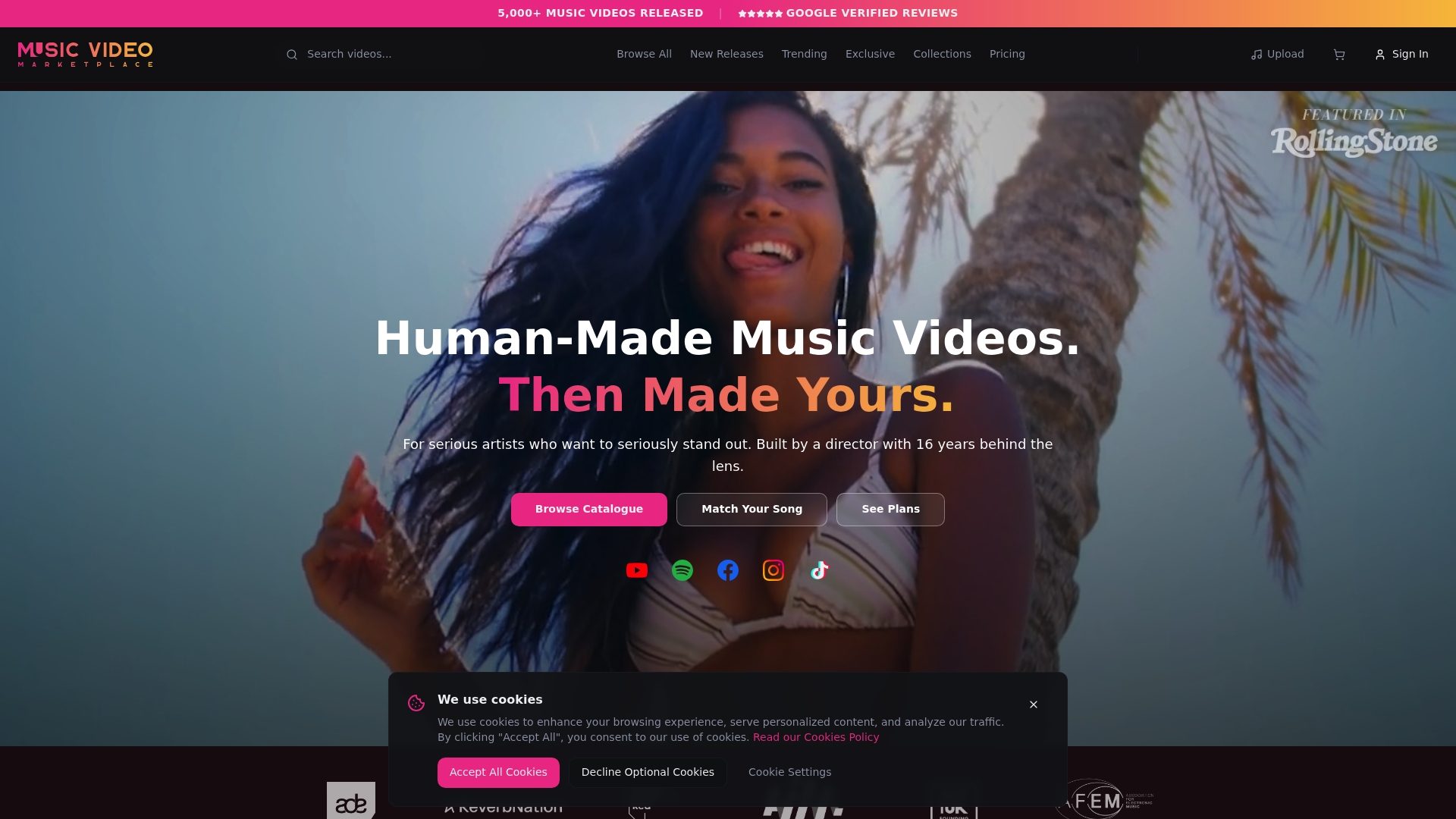
Exclusive purchases remove the video from the catalogue so the buyer owns the footage outright. This makes true ownership simple for artists who want unique assets. The platform was built by a director with 16 years of experience and focuses on human made, professionally shot music videos.
Core Features
Music Video Marketplace matches songs to videos with smart AI matching and a curated catalogue of director made clips. It offers flexible licences including standard, premium, and exclusive rights, plus built in editing tools for basic customisation and social media ready clips for Reels, Shorts, and TikTok. The site supports single purchases or subscription plans and promotes real performances rather than stock footage.
Key Differentiator
Only platform offering fully owner claimed, director made music videos with a transparent licensing system. That structure combines a curated catalogue, the option to retire clips after limited non exclusive licences, and an explicit path to exclusive ownership. The result is a licensing model focused on clear, transferable rights for artists and labels.
Pros
High quality, director made videos replace generic stock clips and give releases a more authentic visual identity. Ownership options and exclusive licences let an artist secure a video outright and remove it from the marketplace, which suits campaigns that demand uniqueness. The catalogue is curated, which reduces time spent hunting for a match, and the built in editor lets you prepare YouTube long form videos and short social edits quickly. The platform also supports artists without record label budgets and maintains a creator community for collaboration and guidance.
Cons
- Limited to 50 licences per video for non exclusive options, after which the clip is retired from sale.
Who It’s For
Serious independent musicians and emerging artists who want director made videos with clear ownership options. Also useful for managers or small labels seeking exclusive content for high impact releases. Ideal for anyone who needs a real performance video rather than stock footage and who values transferable rights.
Unique Value Proposition
Videos shot by a director with 16 years of experience combine with explicit ownership paths and licence clarity. That means you can create a long form video in minutes to upload to YouTube and then run an ad campaign for your song using footage you own. The model lowers legal friction for paid promotion because licence terms and exclusive removal are documented at purchase.
Real World Use Case
An independent artist uploads a track, uses smart matching to find a curated clip, and tweaks the cut in the built in editor. They publish the long form video to YouTube and export short clips for social ads. If they buy exclusive rights the video is removed from the catalogue and they control future use.
Website: https://musicvideomarketplace.com
Rotor Videos
At a Glance
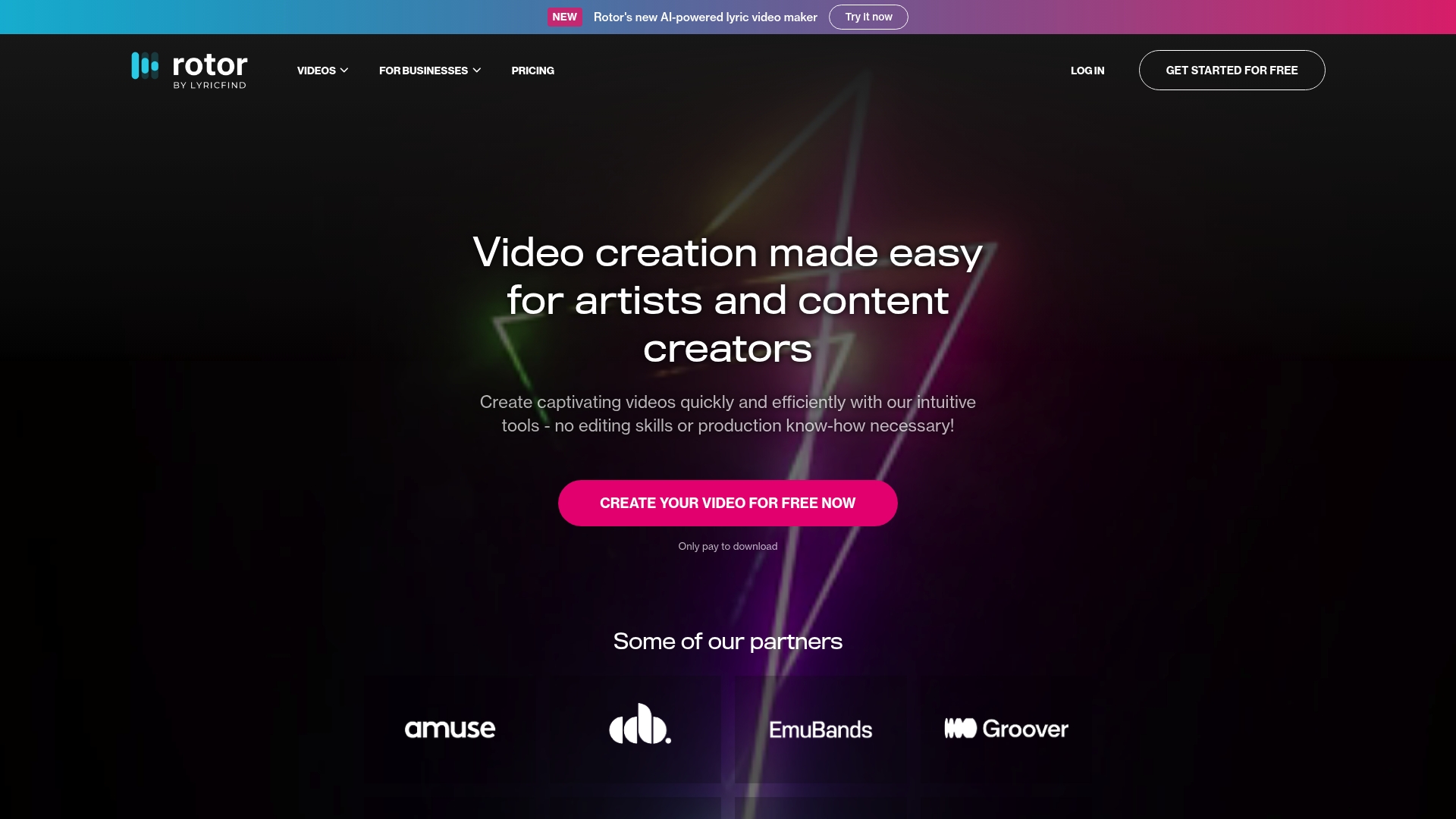
Rotor Videos’ marketing materials state over 9 million stock clips are available for video builds. The service pairs that library with AI powered auto sync for lyrics and music and sells finished files through a credit based model. The platform targets musicians and small teams who need quick promotional content without hiring an editor.
Core Features
Rotor Videos offers AI powered auto sync of lyrics and music, a large stock footage catalogue, and more than 150 professional video styles and filters that you can apply to a project. The editor resizes exports for social formats such as square and vertical video, adds text overlays and promotional messaging, and lets you download high resolution exports under a pay per download model. Credit bundles pay for downloads rather than a recurring monthly licence.
Key Differentiator
The strongest single feature is the pairing of AI driven lyric synchronisation with a very large stock clip library. That combination lets you build a timing accurate lyric or promo video in minutes rather than hours. It suits artists who want polished assets fast without deep editing skills.
Pros
Fast video creation works well for release day promotions and social content. The interface focuses on music specific workflows such as lyric videos and album motion visuals which reduces setup time compared with general purpose editors. Credit bundles do not expire and the vendor offers enterprise arrangements for labels that need platform integration. The stock library and the range of filters give you clear stylistic choices even when you need many short clips for different platforms.
Cons
- Credit based pricing can feel opaque for very high volume production. Tracking credits across multiple projects will require extra planning.
- The platform gives less control over frame by frame edits and custom animations than professional editing suites. This limits bespoke cinematography work.
- Buyer feedback highlights room for improvement in the AI synchronisation accuracy, so manual checks remain necessary for complex lyric timing.
When It May Not Fit
If you need pixel perfect animation or extensive frame level compositing, Rotor Videos will feel too limited. The product focuses on speed and template driven output rather than bespoke VFX. Larger production houses that require full non linear editing toolchains should opt for a dedicated editing application.
Who It’s For
Independent artists, record labels, and social media managers who need quick lyric videos, teaser clips, and motion artwork will gain the most. Small marketing teams that lack editing skills can produce campaign assets in-house. It is not aimed at editors who need granular control over every cut.
Real World Use Case
A band prepares a single release. They upload an audio file, paste the lyrics, and apply a style template. The AI syncs timings, the editor places cutaways from the stock library, and the team exports vertical and square clips for Instagram and TikTok. The band uses those clips to promote the single through organic posts and paid ads.
Pricing
Pricing works on a credit based model with bundles starting at $9 for 5 credits. There is no fixed monthly fee and larger bundles offer discounts. You buy credits to download final videos rather than subscribing to a seat licence.
Website: https://rotorvideos.com
Neural Frames
At a Glance
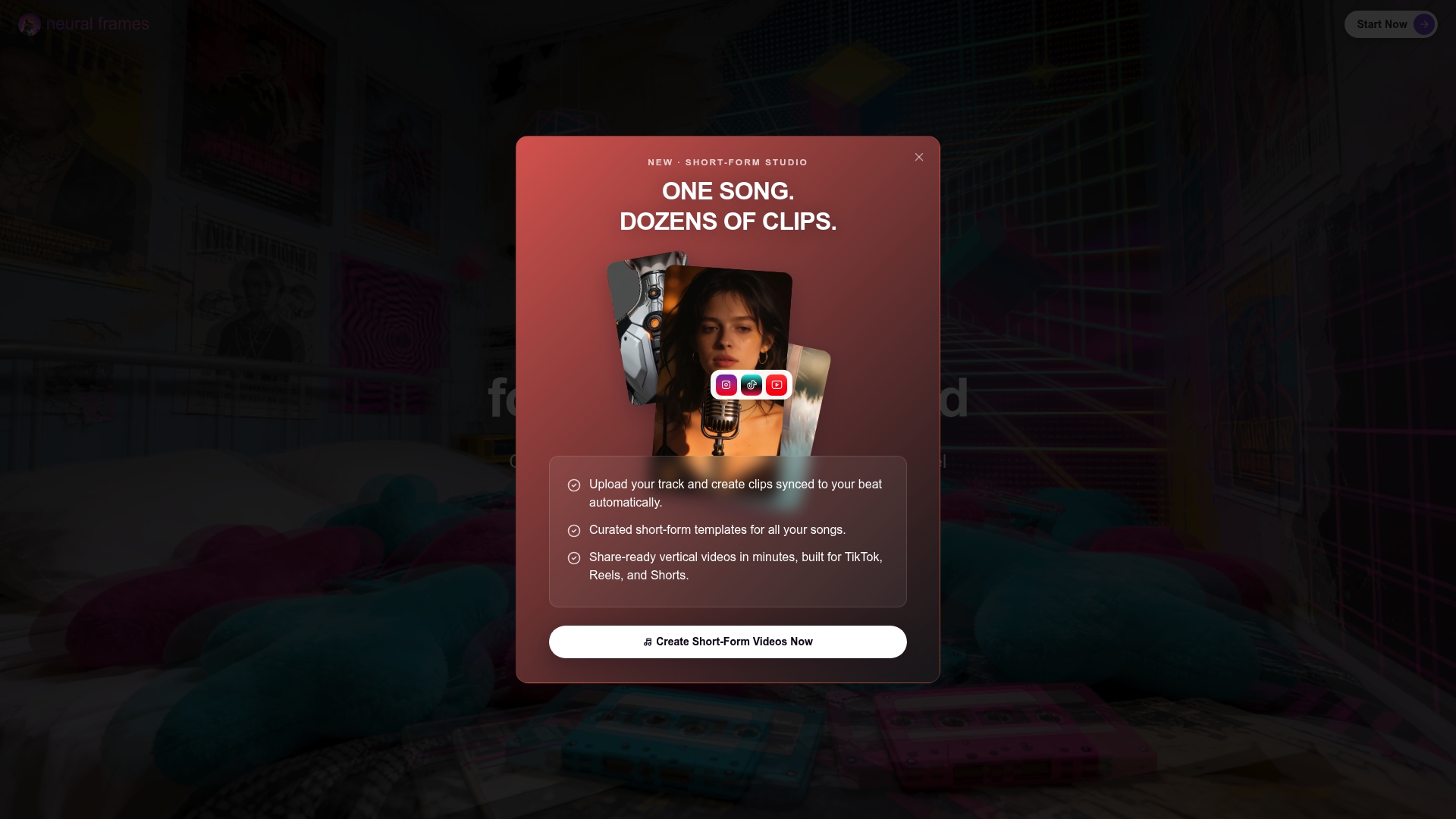
Neural Frames includes audio reactive visuals driven by eight stem analysis. The platform supports full 4K output and offers frame by frame editing alongside automated generation. That combination lets musicians move from a rough autopilot draft to precise, export ready footage.
Core Features
Autopilot mode converts a song into a rough cut automatically while the frame by frame editor gives fine grained control over timing and motion. The system uses multiple AI models for distinct visual styles and supports custom model training for character and style consistency. It also extracts lyrics, offers text to video generation, and includes intelligent 4K upscaling for final exports.
Key Differentiator
Neural Frames pairs automated song to video generation with deep manual control so you can iterate quickly and then refine each frame. That mix suits projects that need both speed and polish. The platform places emphasis on audio reactive effects while still letting you override AI decisions when required.
Pros
Neural Frames gives creators detailed control without forcing a single workflow, so you can use autopilot for drafts and then refine frames for a polished release. The platform supports full ownership and monetisation of finished videos, which matters for artists who keep rights. Automatic audio analysis helps keep visuals in sync with stems and vocals, and 4K output is available for cinematic releases.
Cons
- 4K upscaling and some advanced features are not available in the lowest tier plans. This forces upgrades for high resolution exports.
- The range of controls produces a learning curve for beginners. New users may need time to master frame level editing.
- Pricing can become costly for high volume creators who produce many long videos or use custom model training heavily.
When It May Not Fit
Teams that need an ultra simple, one click template workflow will find Neural Frames too granular. If you only plan short, templated social clips with no manual edits a lighter tool will be faster. Also, high volume output without budget for upgraded plans will raise costs quickly.
Who It’s For
Neural Frames fits independent musicians, producers, and digital artists who want finer creative control over music videos. It suits creators who value ownership and who will spend time crafting visuals beyond automated drafts. If you plan to release full length 4K videos for YouTube and ads, this tool aligns well with that workflow.
Real World Use Case
A musician uploads a new single and runs Autopilot mode to generate a draft visualiser. They then switch to the frame by frame editor to correct character movements and align cut points to vocal stems. The final file exports in 4K ready for YouTube and paid promotion.
Pricing
Plans start from $26/month with savings available on annual billing. Neural Frames also offers a custom Autopilot pricing calculator to estimate costs based on song length and chosen AI model. Some advanced features and high resolution options require higher tier plans.
Website: https://neuralframes.com
Cremi AI
At a Glance
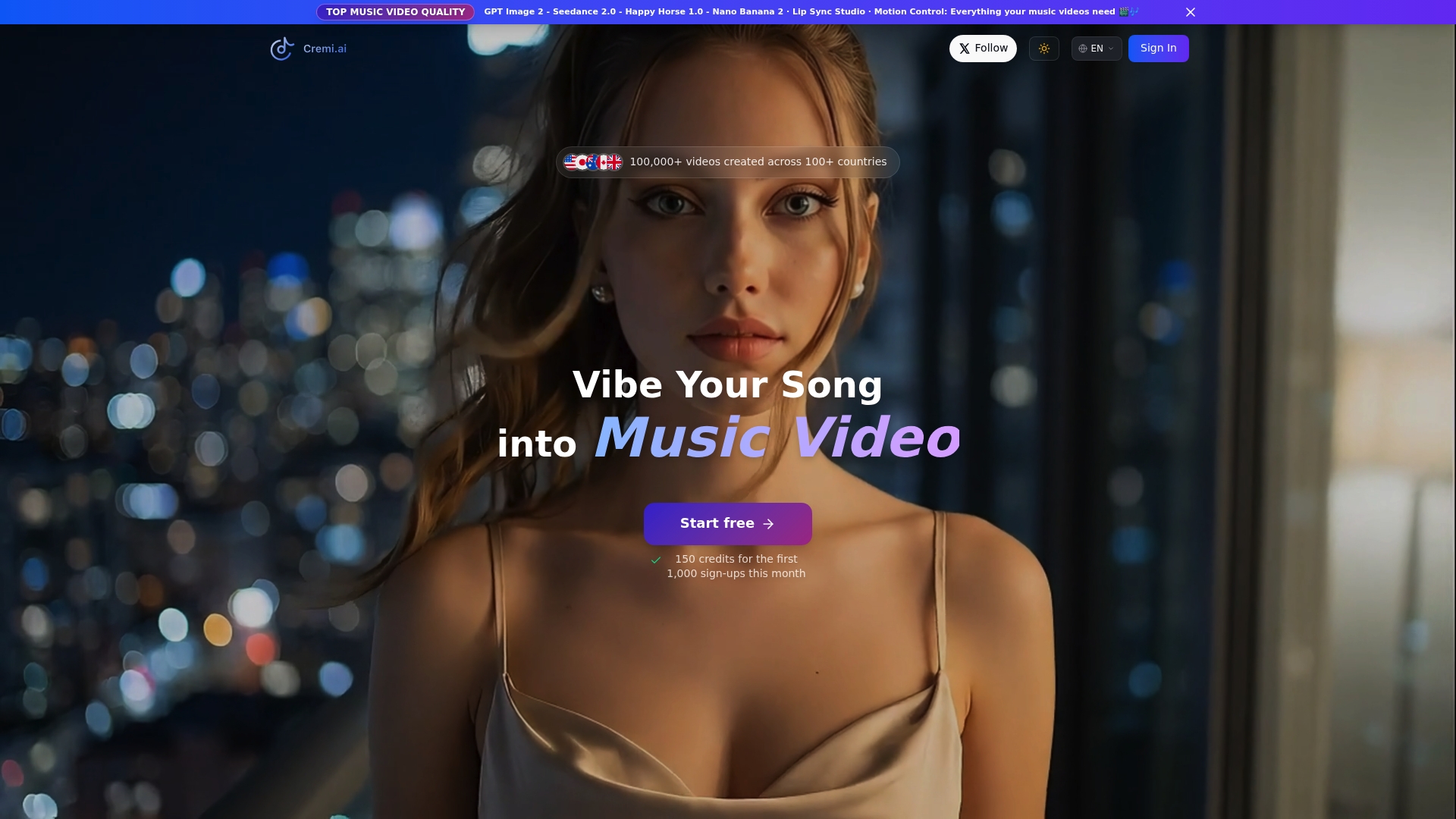
Unlimited credit roll‑over with no expiry sets Cremi AI apart for creators who need flexible output across projects. The system turns an uploaded track into a staged, cinematic video using automated scene selection. That model mix and credit policy make it practical for repeated experiments without losing purchased capacity.
Core Features
Cremi AI performs AI-driven music video creation from an audio file and offers storyboard and scene customisation tools to shape the narrative. The platform uses multiple AI models so you can pick styles and quality levels that suit social formats or longer form YouTube content. Automatic scene analysis synchronises visuals to the track while character consistency and lip sync preserve continuity across shots.
Key Differentiator
The single most notable angle is how Cremi AI converts songs into cinematic videos with minimal input from the creator. The platform relies on multiple AI models to produce distinct visual styles without manual frame by frame edits. That focus on automatic, audio led generation is the primary thing that separates it from manual editors.
Pros
Cremi AI automates the heavy lifting of video production so you get a finished music video far quicker than a manual edit. The service offers tiered subscriptions that match hobbyist, professional, and enterprise needs, which helps teams pick capacity and model access. Regular model updates and the unlimited credit roll‑over policy support ongoing campaigns and staggered releases without wasted credits.
Cons
-
Complex features may have a learning curve for new users. Some creators will need time to master storyboard and model selection.
-
Limited free credits restrict initial experimentation. That can slow testing before committing to a paid plan.
-
Advanced features and higher quality models sit behind costlier plans. Occasional creators may find those tiers expensive.
-
Some third party reviews report rendering errors or model limitations that require manual adjustments or retries.
When It May Not Fit
Cremi AI requires a stable internet connection and works best in desktop Chrome, which excludes some mobile first workflows. Advanced visual control is gated by paid plans, so one off projects may cost more than manual editing. Occasional rendering glitches mean perfectionist creators should plan for extra review and small manual fixes.
Who It’s For
Independent musicians, social media content creators, and small marketing teams who need quick, polished music videos will get the most value. Producers who want fast promotional clips for TikTok, Reels, or YouTube benefit from the automated audio synchronisation. Teams that rely on repeatable outputs will appreciate the credit roll policy.
Real World Use Case
An indie musician uploads a new single, selects a cinematic vibe, and generates several draft videos to test on social channels. The musician refines the storyboard once and regenerates variants across models to find the best cut for TikTok and YouTube. That workflow saves days compared with hiring a production crew for short promos.
Pricing
Free access is available with limited credits for basic features. Paid plans start at $12.9/month and scale to $99/month for higher capacities and advanced models, with enterprise options available for larger teams.
Website: https://cremi.ai
Comparison of alternatives
Among platforms supporting music video creation, Music Video Marketplace distinguishes itself by offering a unique licensing system that solidifies content ownership. This comparative evaluation highlights key advantages and scenarios for using Music Video Marketplace alongside Rotor Videos, Neural Frames, and Cremi AI.
Licensing and Ownership
Music Video Marketplace excels with its explicit and flexible licensing arrangements. Users can purchase exclusive rights, ensuring no other party accesses the chosen footage. This feature contrasts with competitors such as Rotor Videos, which lack a true exclusivity option in their video licensing. Neural Frames and Cremi AI offer monetisation capabilities, but neither guarantees exclusivity, making Music Video Marketplace the standout pick for ownership-focused use cases.
Production Workflow and Automatability
When rapid production is a priority, Rotor Videos offers a solution tailored to streamlined creation, leveraging synced lyrics and music fastened to an intuitive template system. In contrast, Neural Frames provides detailed customisation for creators needing intricate frame-by-frame adjustments. Cremi AI simplifies automation further by designing cinematic clips suited for social formats with minimal actor input. Each approach serves different production needs based on campaign complexity and desired editing control.
Best fit
- Artists aiming to secure exclusive ownership of high-quality music videos will benefit most from Music Video Marketplace’s guaranteed rights model.
- Singer-songwriters requiring speedy production of lyric videos or promos will prefer the automation features of Rotor Videos.
- Musicians needing frame-level editing and responsive audio-visual syncing for polished output should consider Neural Frames.
- Marketers and independent creators prioritising automated workflows for promotional clips could find Cremi AI.
Our pick
Music Video Marketplace combines exclusivity options and collaborative tools, making it the most effective for professionals needing content ownership. If exclusivity is less critical to your projects, exploring Rotor Videos’ automation or Neural Frames’ customisation features could align more with your objectives.
Choose the platform that best aligns with your needs for professional music video production based on these unique capabilities, pricing, and potential limitations.
| Product | Primary Feature | Best For | Pricing | Limitation |
|---|---|---|---|---|
| Musicvideomarketplace | Director-made videos and ownership options | Independent musicians and emerging artists | Price not published | Limited to 50 licences per video |
| Rotor Videos | Large stock clip library and lyric sync | Quick promo videos and social media clips | $9 for 5 credits | Limited frame-by-frame editing control |
| Neural Frames | Audio-reactive, frame-by-frame editing | Customised, high-quality professional edits | From $26/month | Learning curve for beginners |
| Cremi AI | Automated cinematic video generation | Quick, repeatable promotional productions | $12.9/month (basic features) | Limited free credits for initial testing |
Which Quickreel.io Alternative Best Fits Your Music Video Needs?
Musicians and emerging artists often look for quick solutions to create compelling video content without sacrificing ownership or authenticity. The challenge lies in finding tools that offer clear rights and exclusive options alongside fast editing features. Musicvideomarketplace addresses these key user concerns by providing director-made videos with transparent licences and a built-in editor that lets you create a long form video in minutes to upload to YouTube and run a full ad campaign.
Musicvideomarketplace suits serious independent musicians and small labels seeking unique, transferable rights. Don’t settle for generic stock clips or limited licence clarity. Explore how Musicvideomarketplace’s curated catalogue and exclusive ownership options can secure your video assets and boost your next release. Try the built-in editor and see how straightforward producing authentic visuals for your campaigns can be.
FAQ
How does Musicvideomarketplace ensure video ownership for artists?
Musicvideomarketplace lets artists secure exclusive licences for videos, removing them from the catalogue once purchased. This clear ownership model benefits artists seeking unique assets. Artists can create distinctive content for their campaigns without worrying about shared usage.
What is the difference between Musicvideomarketplace and Rotor Videos?
Rotor Videos excels with its AI-powered auto sync of lyrics to music, allowing quick video creation. Musicvideomarketplace, on the other hand, focuses on providing high-quality, director-made videos with explicit ownership paths. While Rotor is ideal for rapid, automated outputs, Musicvideomarketplace supports artists wanting control over unique, professionally crafted videos.
Which platform offers more editing options, Musicvideomarketplace or Neural Frames?
Musicvideomarketplace includes built-in editing tools for basic customisation and social media clips, while Neural Frames provides a frame-by-frame editor for detailed control. This makes Musicvideomarketplace suitable for artists needing quick social media-ready content, while Neural Frames caters to those seeking extensive manual edits.
Can independent musicians easily create videos with Musicvideomarketplace?
Independent musicians can easily create videos using Musicvideomarketplace, which features a curated catalogue of director-made clips and flexible licensing options. This caters specifically to independent artists looking for unique video content without the need for extensive resources.
How many licences can a video have on Musicvideomarketplace?
Musicvideomarketplace limits non-exclusive video options to 50 licences per video, after which the clip is retired from sale. This ensures that artists can maintain a level of exclusivity if they wish to secure unique assets.
Recommended
- Top 4 videos4music.com Alternatives 2026 | Music Video Marketplace Blog
- Top 4 rotorvideos.com Alternatives in 2026 for Musicians to Create Engaging Music Videos Effortlessly | Music Video Marketplace Blog
- Top 3 alternativas a distrovide.com 2026 | Music Video Marketplace Blog
- Top 4 comparatif logiciels vidéo musique Alternatives 2026 | Music Video Marketplace Blog
Read next
 Top 4 rotorvideos.com Alternatives in 2026 for Musicians to Create Engaging Music Videos EffortlesslyDiscover 4 top rotorvideos.com alternatives to create captivating music videos and compare their features for the best choice in 2026.
 How to Sell Music Video Templates in the UKLearn how to sell music video templates in the UK: what buyers want, where to sell, how to package and price them, and the copyright and VAT rules to check.
 Top 8 Specterr.com Alternatives in 2026 for Musicians EverywhereDiscover 8 spectacular specterr.com alternatives to elevate your video content creation in 2026. Compare features and choose your ideal tool.
 Best quickframe.com alternatives for UK marketers in 2026Discover the best quickframe.com alternatives for UK marketers in 2026. Explore unique video solutions to elevate your advertising strategy!
Turn the idea into a finished music video.
Drop your track into the Studio and build your visual in minutes.