
Top 8 Specterr.com Alternatives in 2026 for Musicians Everywhere
Discover 8 spectacular specterr.com alternatives to elevate your video content creation in 2026. Compare features and choose your ideal tool.
Top 8 Specterr.com Alternatives in 2026 for Musicians Everywhere
Musicians everywhere want unique ways to make their work stand out and finding the right platform can open new creative doors. With so many options available, the search for tools that fit every style and budget is more exciting than ever. Each service offers something different, but which one truly helps music shine brighter online and reach the right crowd? Get ready to discover a range of fresh choices that offer musicians new ways to create and share their vision.
Table of Contents
Music Video Marketplace
At a Glance
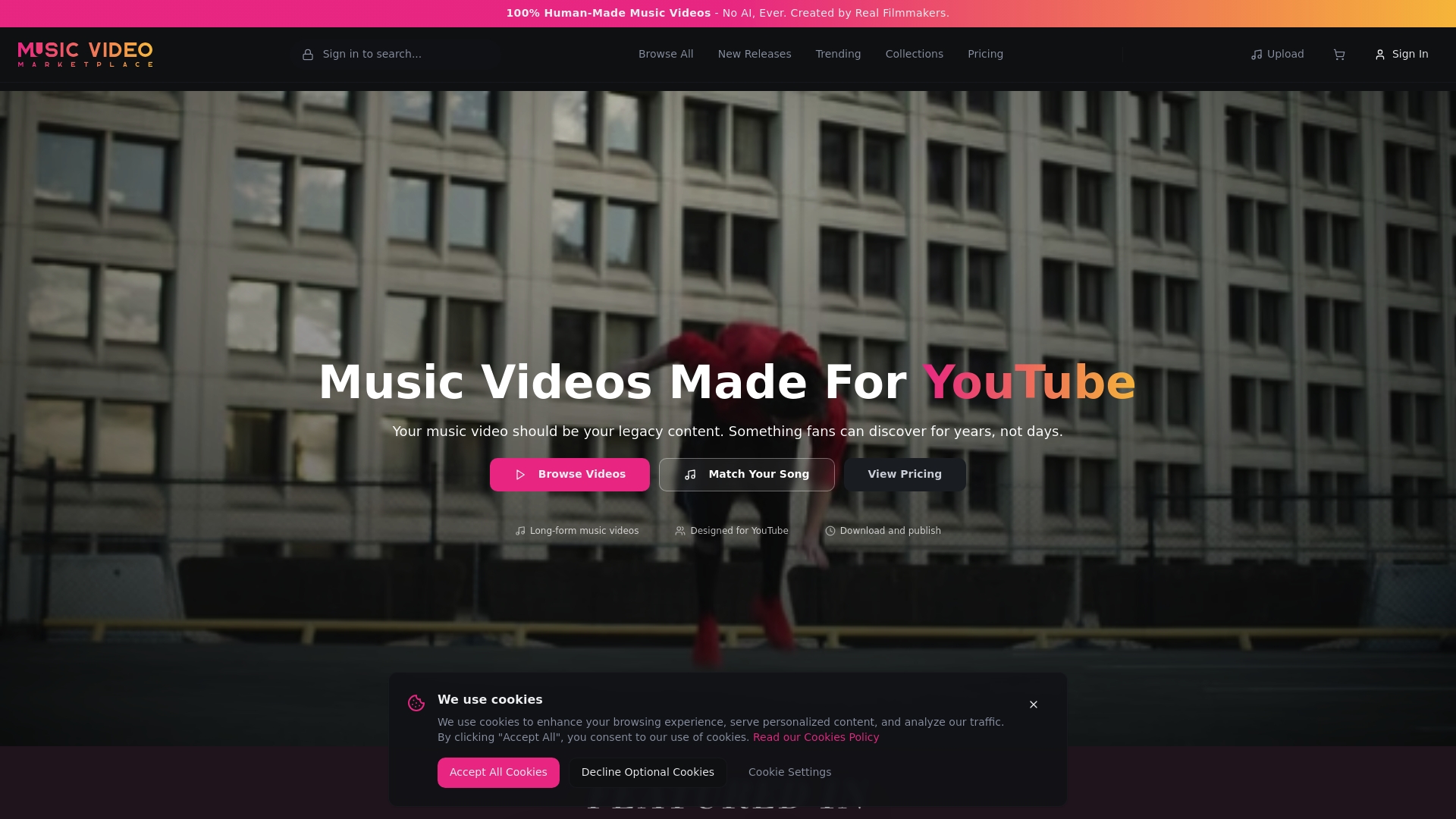
Music Video Marketplace offers 100% human-made music videos created by experienced filmmakers, not algorithms. It is built specifically for YouTube and for artists who want long form video content that supports discovery and sustained listening. We enable musicians to create a long form video in minutes to upload to YouTube and create an ad campaign for their song. The service feels premium and focused on authenticity rather than quick automation.
Core Features
The platform delivers human-made music videos that are crafted by real filmmakers and tailored for YouTube exposure. It emphasises long form videos of around four minutes to match single length and maximise watch time. The system uses smart song matching to pair visuals to your track based on BPM, genre, energy and mood and it curates collections and new releases so you can browse relevant options quickly. The combination of filmmaker-led production and targeted matching speeds up the process while keeping professional quality.
Pros
- Authentic human-produced content: Every video is produced by filmmakers, which creates visual nuance and emotional detail that AI cannot replicate.
- Designed for maximum YouTube impact: The videos target watch time and discovery with formats that perform well on the platform.
- Custom matching to your music: Smart song matching aligns tempo and mood so visuals feel native to the song rather than imposed.
- Professional sets and editing: Filmmaker expertise shows in composition, lighting and pacing, which improves artist presentation.
- No AI in content creation: The explicit refusal to use AI reassures artists who prioritise human craft and original production.
Who It’s For
This service suits independent musicians, bands and labels who value authentic filmmaking and want a ready route to upload a high quality video to YouTube. It helps artists who lack a production team but want professional visuals that match their sound. If you plan paid promotion on YouTube and need a video that holds attention, this platform was built for you.
Unique Value Proposition
Music Video Marketplace sets itself apart by combining filmmaker driven production with data led matching so you get cinematic visuals that actually fit your song. Rather than templated clips that look generic the output feels bespoke and intentional which improves audience retention and click through on ad campaigns. Sophisticated buyers choose this option because it replaces a lengthy production process with predictable quality and artistic control while preserving the human touch. And yes, choosing real filmmakers over generative tools changes how your music lands with listeners.
Real World Use Case
A solo artist drops a new single and needs a video ready for YouTube and a paid campaign within a week. They use the curated collections to find a film that matches the track, request minor tweaks with the filmmaking team and upload a four minute video optimised for watch time. Views increase and the artist benefits from a video that feels like a proper release rather than a stock clip.
Pricing
Pricing is not specified on the website and prospective users must contact the platform for package details. This approach suggests tailored quotes depending on production scope and licensing needs.
Website: https://musicvideomarketplace.com
Specterr
At a Glance
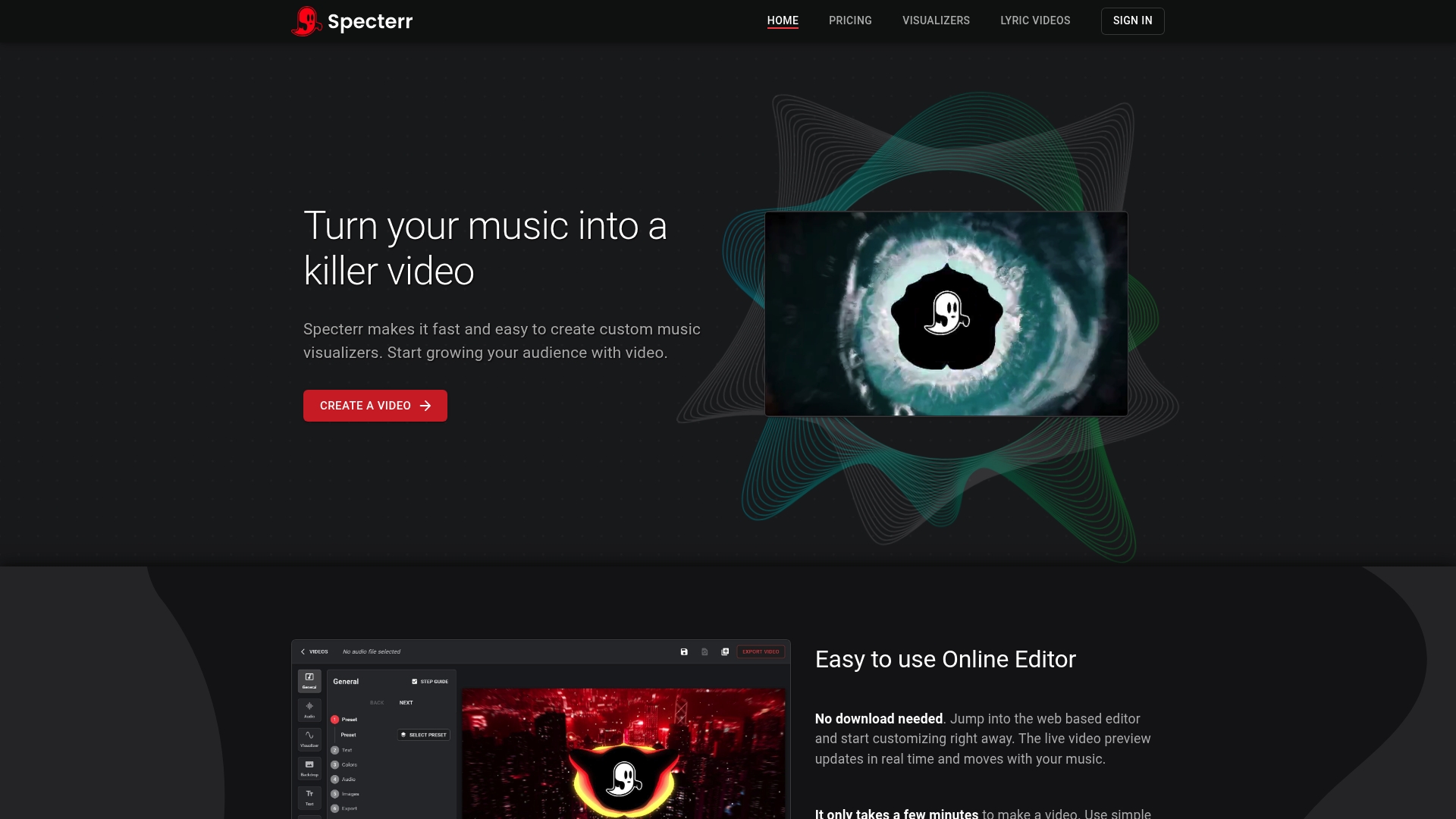
Specterr helps musicians create eye catching music visualisers and lyric videos fast without any software installs. The service pairs a web based editor with real time preview and fast cloud rendering so you can move from idea to upload in minutes. It suits independent artists who need polished video assets for YouTube and social media without learning complex editing tools. Overall, Specterr balances ease of use with features that scale into paid plans.
Core Features
Specterr centres on a web based editor that runs in your browser and shows a real time preview as you adjust visuals. It offers a library of music visualiser presets with customisable options, a lyric video maker for timed text, and fast cloud rendering that cuts export time. Paid plans include unlimited storage and high quality output up to 4K, plus tools to help promote videos on social platforms.
Pros
- No installation required: You can work directly in a browser which removes setup time and complexity for artists who want rapid results.
- Quick exports via cloud rendering: Fast rendering means you spend less time waiting and more time promoting new releases.
- Generous paid plan storage: Unlimited storage and downloads in paid plans make it practical to keep versions and repurpose content.
- Customisable visualisers and lyrics: Presets are flexible so you can match visuals to your song mood and artwork.
- High quality output: Support for up to 4K lets you deliver sharp assets for YouTube and bigger screens.
Cons
- Pricing might be a barrier for some users: The Pro and Unlimited tiers are billed annually which raises the up front cost for emerging artists on tight budgets.
- Free plan limitations: The free tier is restricted and shows a watermark which reduces usefulness for public releases.
- Advanced features behind paywall: Some of the more useful capabilities require paid plans which may frustrate creators who want powerful tools without subscription costs.
Who It’s For
Specterr fits independent musicians, DJs, small labels and content creators who need visually compelling videos without a steep learning curve. If you upload frequently to YouTube or make short clips for TikTok and want consistent visual branding, Specterr helps you produce assets quickly with minimal technical overhead.
Unique Value Proposition
Specterr combines speed and simplicity with features tailored to music creators. The combination of a real time preview editor, preset visualisers and rapid cloud rendering means you can iterate quickly and publish professional looking videos the same day you finalise a track. That immediacy is useful when timing a release or running short promotional campaigns.
Real World Use Case
An independent artist drops a single on Friday, generates a lyric video in Specterr that afternoon and renders a 4K visualiser overnight. The next morning the artist uploads to YouTube and schedules short clips for social channels to coincide with the release, increasing initial plays and engagement.
Pricing
Specterr offers a free plan, a Pro plan at $16.50 per month billed annually and an Unlimited plan at $49 per month billed annually. Free tier users can test core features before committing to a subscription.
Website: https://specterr.com
MusicVid
At a Glance
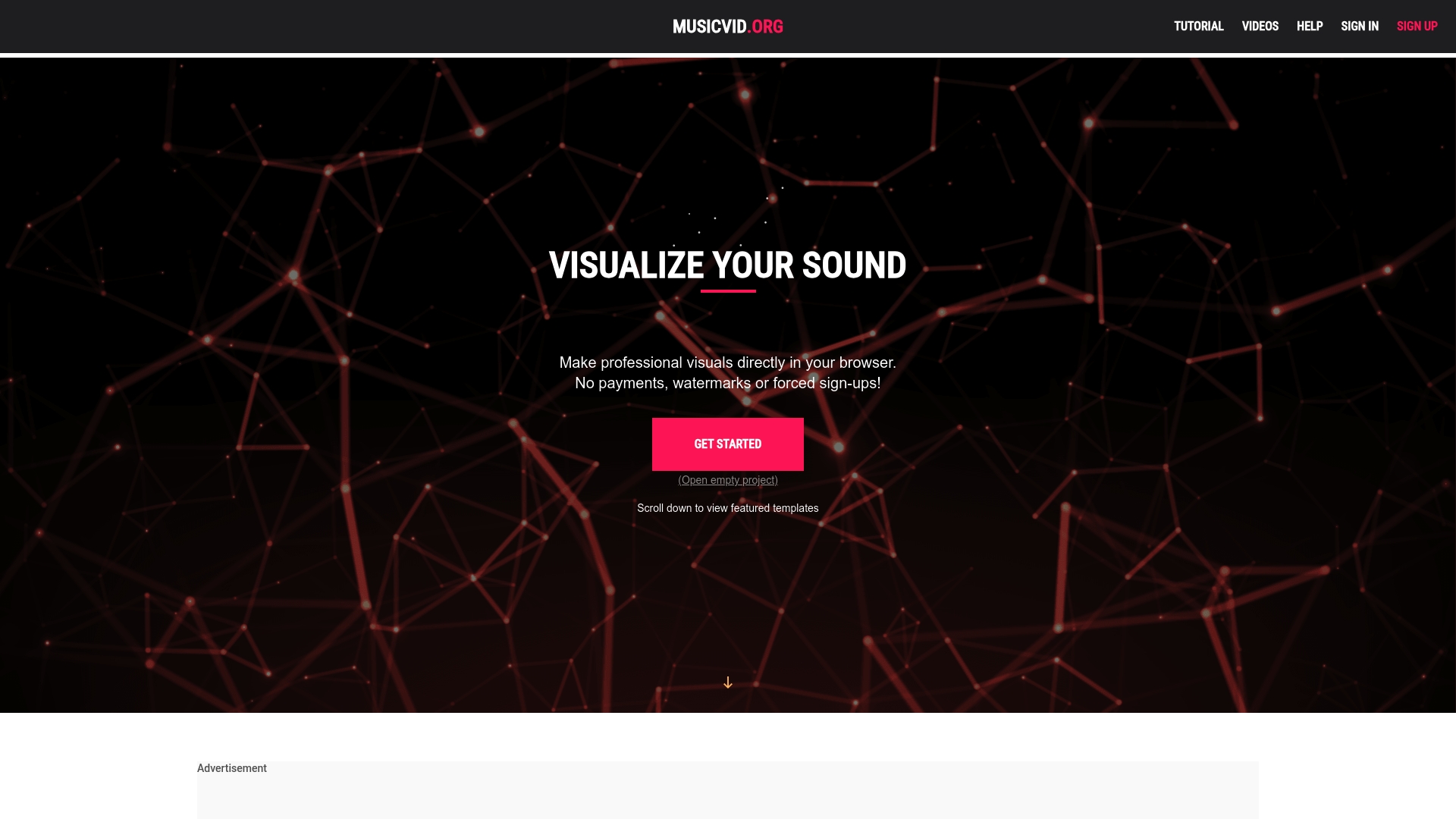
MusicVid is a browser-based visualiser tool that helps musicians turn audio into shareable videos without signing up or paying. The platform offers no watermarks and a straightforward three-step process so you can produce a visualiser in minutes. It will not replace a full video editor, but it removes most technical friction for emerging artists who need quick, polished visuals. If you want fast results with low overhead, MusicVid is hard to beat.
Core Features
MusicVid focuses on simplicity and accessibility. You select from a library of customisable templates, tweak basic settings such as colours and animation speed, then export the final video directly from your browser. The tool supports community interaction through Discord where users share templates and troubleshooting tips. The absence of required accounts and payments keeps the workflow uncluttered and immediate.
Pros
- Free to use with no watermarks. You get download ready files without logos blocking your artwork which saves time when uploading to YouTube or Social Media.
- User friendly interface suitable for beginners. The three step workflow reduces choices so you focus on the music and the visual rather than complex menus.
- A variety of customisable templates. Templates provide instant visual identity and can be tweaked to match a single or EP launch.
- Community support via Discord. The server is useful for sharing ideas, finding template recommendations and getting troubleshooting help quickly.
- No software installation required. Everything runs in the browser which is handy for laptops and studio machines with limited storage.
Cons
- Limited advanced editing features compared to professional software. MusicVid does not offer frame by frame edits or advanced compositing which producers will miss for intricate music videos.
- Dependent on internet connection for browser based use. Slow or unstable networks will affect export reliability and preview playback.
- Some templates require attribution. Certain designs ask for credit which can complicate branding when you need a fully independent release.
Who It’s For
MusicVid suits independent musicians, creators and educators who need quick visual content to promote tracks on YouTube and Social Media. It is especially useful for artists without access to a video editor or those who prefer to avoid learning complex timelines. If you want disposable but attractive visuals for singles, demos and promos, this is the right fit.
Unique Value Proposition
MusicVid removes barriers between a song and its visual presentation by combining immediacy with basic customisation. For artists focused on releasing music frequently, the platform makes producing consistent visual content trivial. The Discord community adds a human element that helps users iterate and discover fresh looks without lengthy experimentation.
Real World Use Case
A musician drops a single on a Friday. They open MusicVid, pick a template that matches the song mood, adjust colours to match the cover art and export a 1080p visualiser in under ten minutes. The musician uploads that file to YouTube and shares short clips to Social Media to drive listeners back to streaming platforms.
Pricing
MusicVid is free to use with no payment required.
Website: https://musicvid.org
SongRender
At a Glance
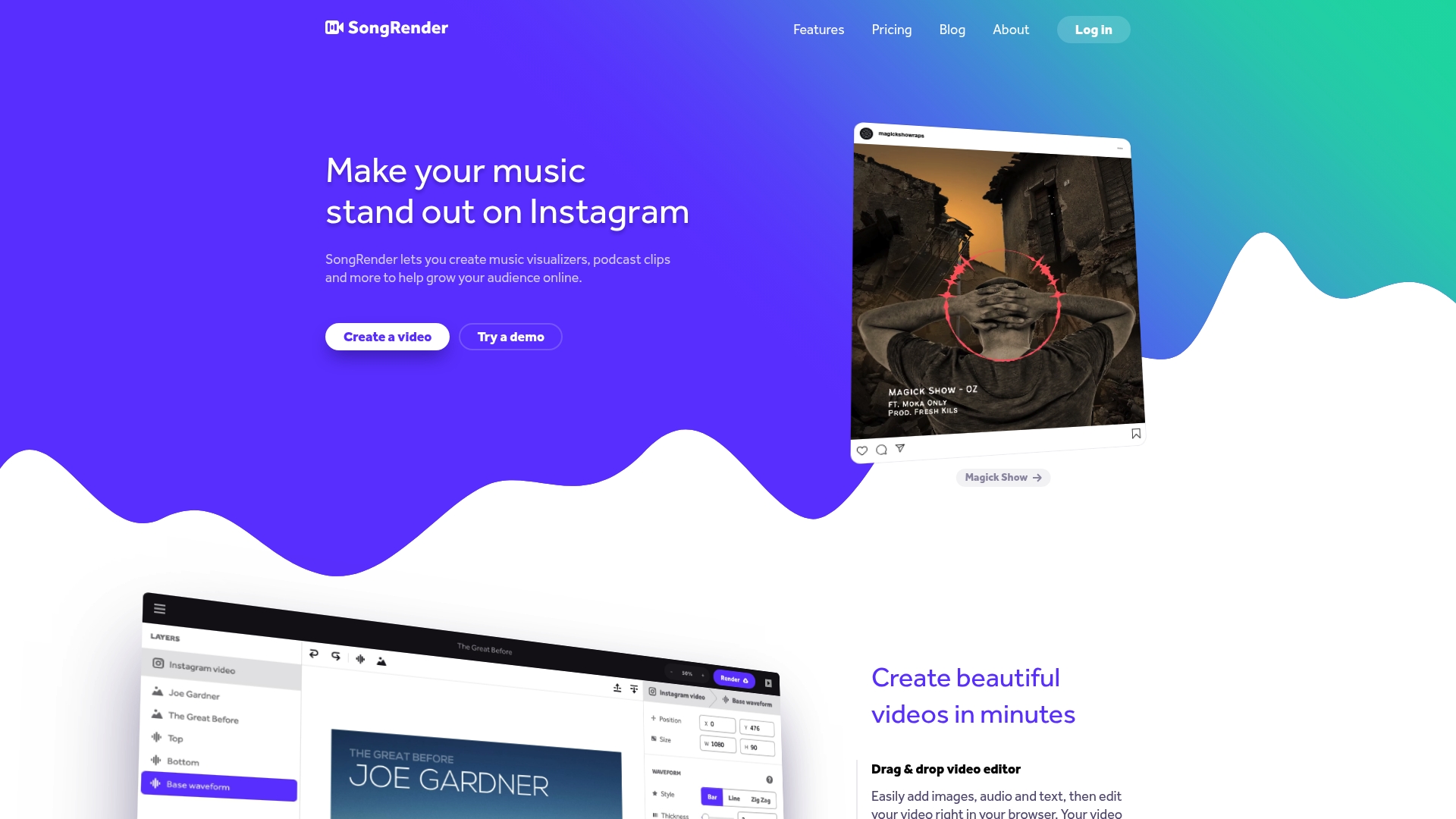
SongRender helps you produce quick, social media ready video content with minimal fuss. It focuses on music visualisers, podcast clips and short promotional videos so you can push music to YouTube, Instagram and other platforms without learning complex editing software. With over 50,000 videos created it is clearly popular with independent musicians and creators who need speed and polish. This is a practical choice when you want a straightforward tool to get a song online fast.
Core Features
SongRender centres on a drag & drop video editor that accepts images, audio and text for fast assembly. The platform offers customisable visualisers and progress bar animations alongside a range of graphics and fonts so your video looks unique. Exports support multiple formats and resolutions including full HD 1080p and presets for YouTube, Instagram, TikTok, Twitter, Facebook and LinkedIn so you do not have to reformat manually.
Pros
- User friendly editor makes it simple to assemble a music visualiser even if you have no editing experience.
- Wide customisation options let you tweak animations, graphics and fonts so your branding remains consistent.
- Social platform exports remove a lot of guesswork by providing formats optimised for each network in Full HD.
- Proven popularity with over 50,000 videos created demonstrates the tool works for many musicians and podcasters.
- Versatile output allows you to create both music visualisers and podcast clips from the same interface.
Cons
- Limited information on free features or trial options makes it hard to test the service before paying.
- Pricing details may feel restrictive for some users depending on how often they need videos.
- No detailed information on integrations with other tools or platforms reduces workflow flexibility for advanced users.
Who It’s For
SongRender suits independent musicians, podcasters and content creators who value speed and ease of use over deep editing control. If you want to convert a new release into a shareable visualiser in minutes and run targeted ad campaigns on YouTube, this tool fits that workflow. It is less suitable for producers who need frame by frame editing or extensive third party integrations.
Unique Value Proposition
SongRender’s main strength is getting a polished video out quickly with minimal technical overhead. The combination of a simple editor, social platform presets and a focus on music and podcast formats means you spend less time learning software and more time promoting your work. The service’s track record of tens of thousands of videos adds practical credibility.
Real World Use Case
A musician uploads a master track, drags the audio and cover art into the editor, selects a visualiser style and customises the font and colours to match an album campaign. They export a Full HD video preset for YouTube and shorter square and vertical versions for Instagram and TikTok. The result is a cohesive set of assets ready for organic posts and ads.
Pricing
Subscription based plans start from $5 for a single video. Monthly packages include EP at $15 per month and Album at $30 per month, with custom plans available for heavier use. Assess how many videos you require each month before selecting a plan.
Website: https://songrender.com
Banger.Show
At a Glance
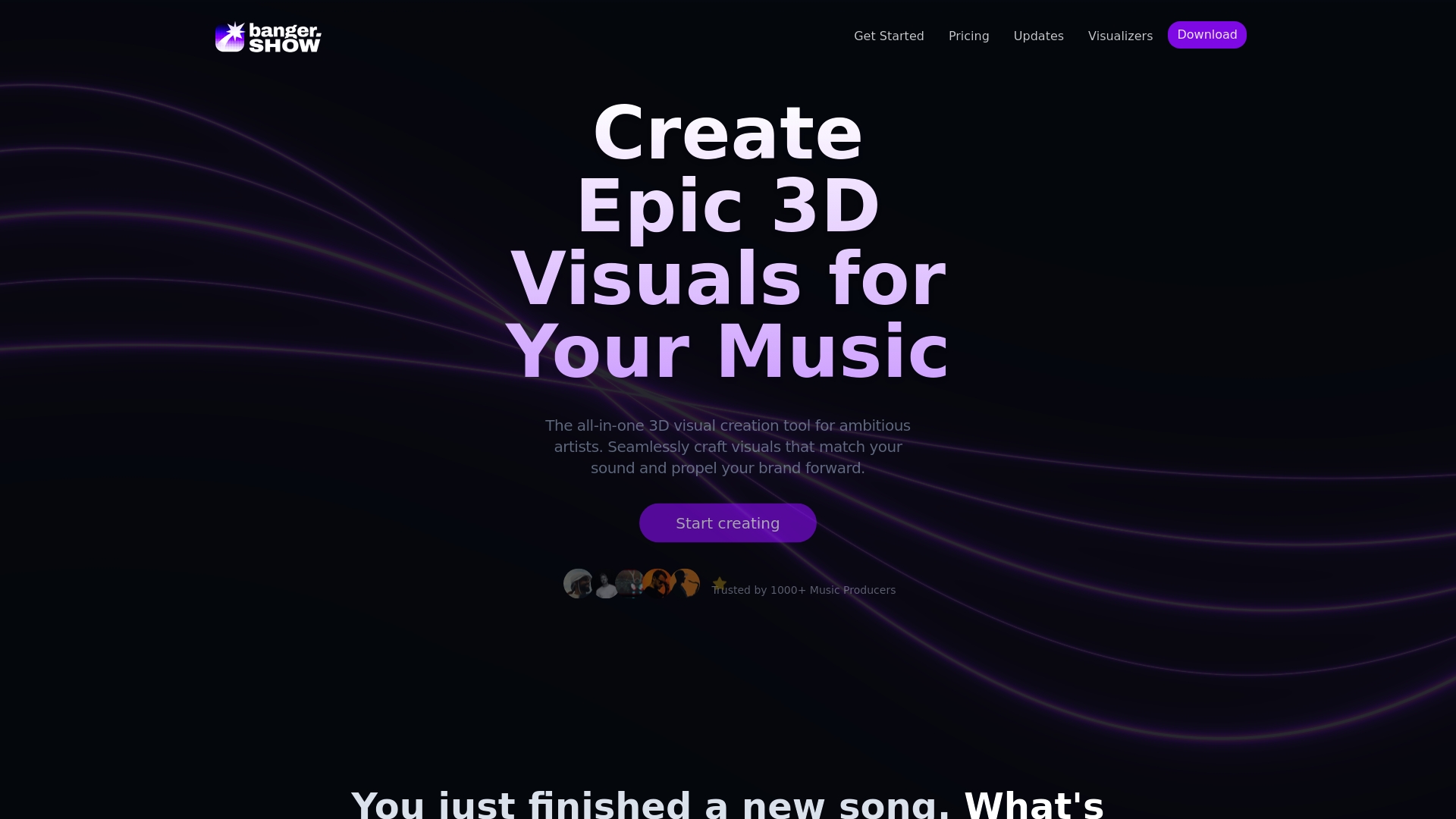
Banger.Show is an all in one 3D visual creation tool aimed at musicians who want striking visuals without a steep learning curve. It pairs 3D and video editing with music synced visualiser tools so you can craft release assets quickly. The interface leans intuitive and template led which helps you move from idea to finished video in minutes. Expect limitations on very long or ultra high resolution exports unless you subscribe.
Core Features
Banger.Show combines a suite of features designed for music related visuals. You can import and animate 3D models from your device or from Sketchfab and control camera movements with keyframes and a fly mode. The tool generates visuals synced to music such as waveforms and spectres and offers lighting, HDR environments and post processing effects like bloom and VHS filters. It also includes a library of customisable templates and options to share projects via a link for collaboration or showcase. Rendering works both in the cloud and locally which gives flexibility for quick previews or final exports.
Pros
- Intuitive interface tailored for music visuals makes the tool approachable for creators with little design experience.
- Wide range of templates and effects helps you produce polished videos fast without starting from scratch.
- Supports importing 3D models and combining 2D 3D content so you can mix assets for a distinctive look.
- Music synced visual effects for dynamic videos allow audio cues to drive animation for greater impact.
- Cloud and local rendering options let you test quickly and export final files using different workflows.
Cons
- Some features like long videos and high resolution exports are gated behind the Unlimited subscription which adds recurring cost.
- Free plan exports include a watermark which reduces usefulness for promotional uploads.
- Exports are limited to certain video lengths up to 60 minutes which may restrict extended visual projects.
Who It’s For
Banger.Show suits music producers artists and content creators who need professional looking visuals without hiring a designer. If you release tracks on YouTube or social media and want visualisers lyric films or short promotional videos that match your sound this tool fits well. It also works for visual artists who enjoy blending 3D models with audio reactive effects.
Unique Value Proposition
Banger.Show shines by bringing music visualiser capability and 3D editing into a single accessible app. That removes the need to patch together multiple tools and speeds up the process from concept to upload. For independent musicians seeking affordable production value it offers a clear path to visually consistent releases.
Real World Use Case
A producer drops a new single and uses Banger.Show to build a 60 second visualiser for YouTube and a vertical cut for social platforms. They import a 3D asset tweak lighting add post processing and sync key moments to the beat. The finished files are rendered locally for a quick turnaround and uploaded with consistent branding.
Pricing
There is a free plan with limited exports and features and a paid Unlimited plan at $15 per month which removes the watermark and unlocks full features.
Website: https://banger.show
Renderforest
At a Glance
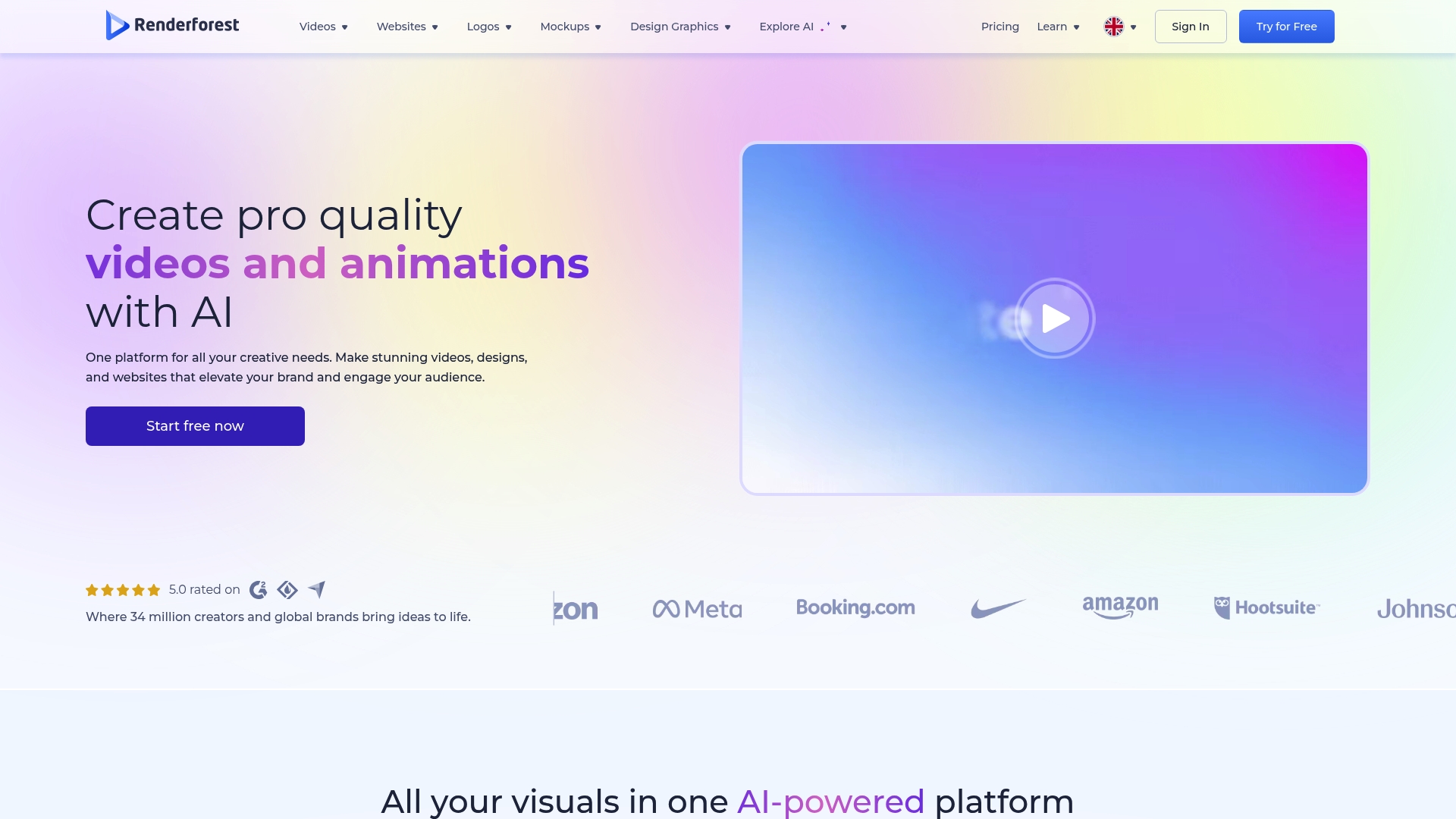
Renderforest offers an approachable, template driven workflow for musicians who need video content fast. It combines AI Video Generator tools with a broad asset catalogue so you can turn a song or lyric sheet into a shareable video in minutes. The interface is friendly for beginners while still offering useful options for more experienced creators. If you want rapid output for YouTube or social clips, this is a practical choice.
Core Features
Renderforest centres on a handful of practical features aimed at speed and simplicity. The platform includes an AI Video Generator for instant video creation from scripts or ideas and an AI Image Generator to produce visuals from text prompts. It also provides an Extensive library of customisable templates for videos, websites, logos and graphics plus Automated voice over and text to speech tools. Built in Stock footage and music reduce the need to source external assets. Try one template, swap clips, export, upload. Fast results.
Pros
-
User friendly interface: The layout and workflow are clear so you can assemble a video without prior editing experience.
-
Wide template and asset range: The large selection of templates and integrated stock elements helps you match visual style to your track quickly.
-
AI powered tools for speed: The AI Video Generator and image tools speed up ideation and let you experiment with multiple directions in short timeframes.
-
Affordable pricing tiers: The availability of a free tier and lower cost plans makes professional outputs accessible to emerging artists on tight budgets.
-
All in one platform: Because video, logo and website tools live in the same place, you can create a coordinated release kit without juggling several services.
Cons
-
Premium features behind paywall: Higher resolution exports and advanced features require paid plans which limits what free users can publish.
-
Template customisation limits: Some templates restrict advanced tweaks so you may find it hard to achieve very specific visual edits.
-
Variable AI output quality: The quality of AI generated images and videos can vary and will not always match a fully bespoke production.
Takeaway: great for quick, polished content but not a substitute for full scale custom production.
Who It’s For
Renderforest suits independent musicians and small teams who need attractive video and web assets without paying a studio or learning complex software. If you are releasing singles, creating lyric or promo videos and want to handle everything yourself, this platform cuts production friction. You get useful flexibility without a steep learning curve.
Unique Value Proposition
Renderforest bundles creative tools that otherwise require several subscriptions into one workspace. The blend of AI driven generation, template driven design and built in stock assets makes it possible to produce a cohesive release package from a single account. That clarity saves time when you are juggling music production and promotion.
Real World Use Case
A small business owner like a gigging musician uses Renderforest to create a 60 second promo video, design a simple one page website for a new EP and generate a logo for social profiles. They use the platform to publish to YouTube and share clips across socials within a few hours.
Pricing
Plans begin with a free tier and paid options range from $8 per month for Lite up to $89 per month for Business with varying features, storage and AI credits. Choose based on export quality needs and how many assets you plan to produce each month.
Website: https://renderforest.com
SYQEL
At a Glance
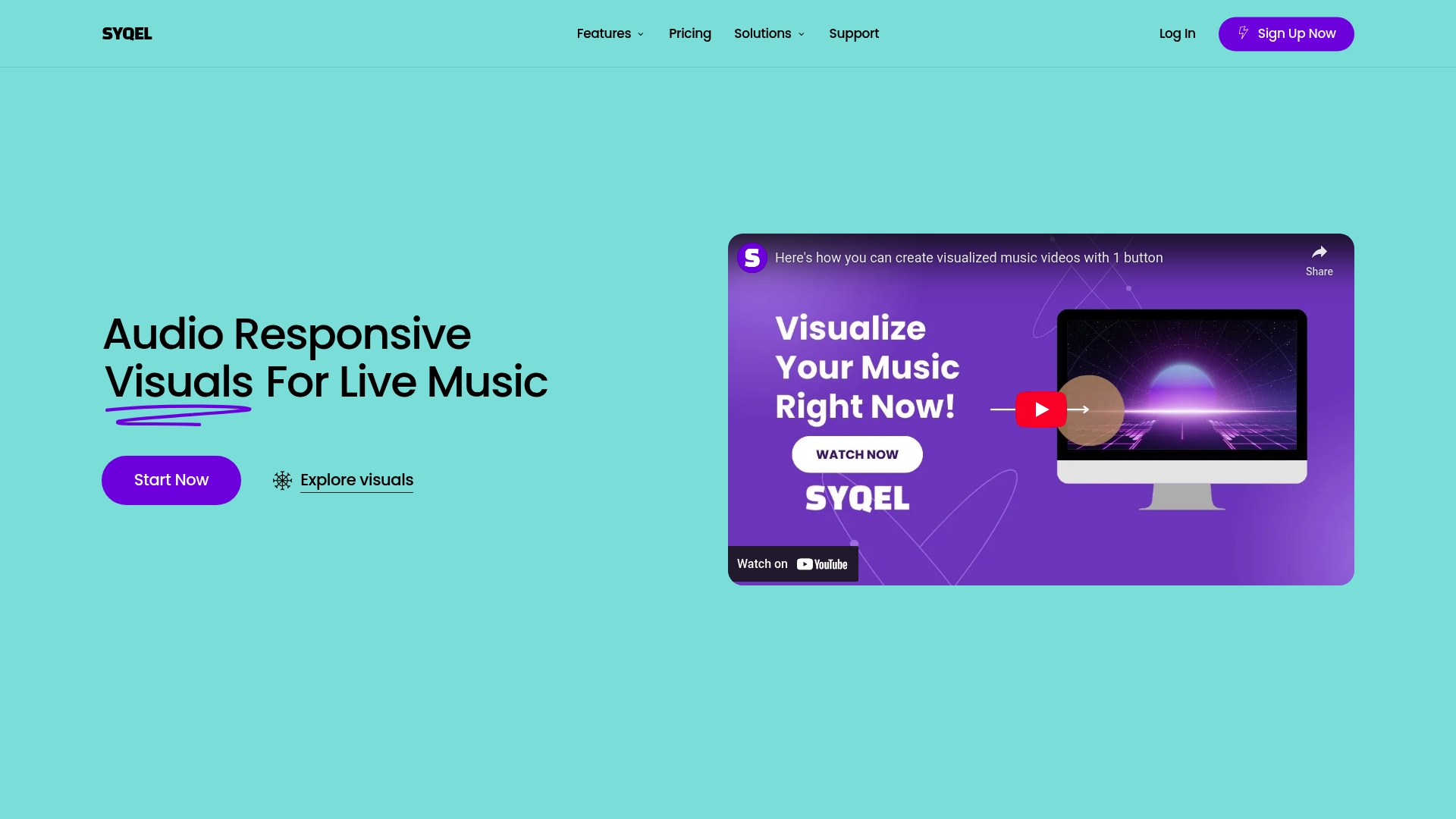
SYQEL specialises in audio-responsive visuals that let you turn music into striking onstage and streamed visuals with minimal fuss. The platform ships with a library of over 50,000 visuals, simple controls and features that work with common DJ and music production software. If you want fast visualisation for live sets or streams without steep technical setup, SYQEL gets you there. It is strongest when you need immediate visual impact rather than deep customisation.
Core Features
SYQEL centres on easy control and a large visual catalogue. Key elements include keyboard hotkeys, visual playlists, frequency reactiveness that syncs graphics to audio, and simple branding tools such as watermarks and marquees. The platform targets live DJs, VJs and streamers and offers compatibility with many DJ and production apps so you can route audio and trigger visuals from existing software. The service launched in 2020 and operates from Texas, USA.
Pros
- The platform offers a wide variety of over 50,000 visuals which gives DJs ample choice to match different genres and moods.
- The setup is easy and the interface is user friendly, so you can start visualising a set in minutes.
- SYQEL is compatible with numerous DJ and music production software which keeps your current workflow intact.
- Customisation options such as watermarks and marquees let you display branding or show track info during streams.
- Multiple pricing plans make it possible to choose a level that matches your needs from casual streaming to regular club shows.
Cons
- Pricing may be a barrier for some users who need advanced features and frequent access to the full visual library.
- Several features and visuals are watermarked in the lower tier or free plan which limits professional presentation without an upgrade.
- The platform documentation gives limited information about technical support response times which can be frustrating during live shows.
Who It’s For
SYQEL suits DJs, VJs, streamers, music producers and event organisers who want quick, attractive audio reactive visuals without hiring a designer. If you run live streams on Twitch or YouTube, perform club sets, or produce virtual concerts and need visuals that follow your music, SYQEL is a practical choice. You will value speed and simplicity over deep visual authoring.
Unique Value Proposition
SYQEL’s biggest advantage is its sheer volume of ready made visuals paired with simple controls that respond to audio in real time. The ability to build visual playlists and trigger scenes with keyboard hotkeys means you can focus on performance rather than technical setup. Branding tools such as watermarks and marquees are baked in so you can keep a consistent look across streams and events.
Real World Use Case
A DJ preparing a weekend stream uses SYQEL to create a five hour playlist of visuals matched to different sets. They trigger scene changes with keyboard shortcuts, use marquees to display the running track and apply a watermark for brand consistency. The result is an immersive stream that looks professional with minimal preparation.
Pricing
SYQEL offers a free tier with watermarked visuals and basic features. Paid plans start from $10 per month for the Lite plan and $25 per month for the Pro plan when billed annually. There is also a monthly billing option for higher tier plans up to $30 per month.
Website: https://syqel.com
VEED.IO
At a Glance
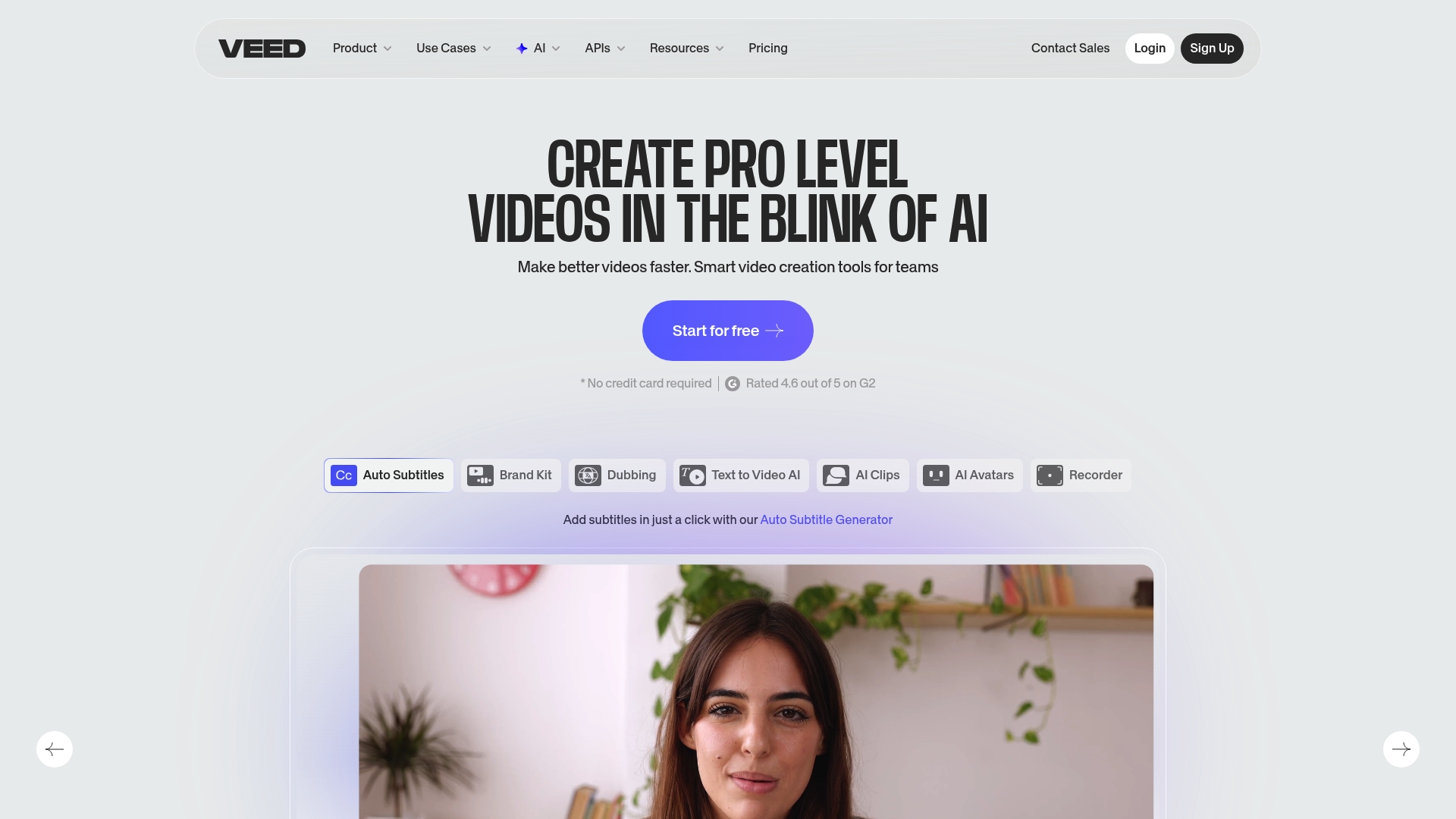
VEED.IO is a browser based video creation and editing platform that brings advanced tools into a single workspace. It combines create, edit, publish workflows with AI powered features so you can produce polished videos without installing software. The platform suits individuals and teams who need fast output and collaboration, while accepting that some advanced features sit behind paid tiers. If you want a one place solution for captions, recording, and simple effects, VEED.IO delivers.
Core Features
VEED.IO enables you to create, edit and publish videos in your browser and includes a wide set of AI powered capabilities. Key tools include AI tools for avatars and voice cloning, background removal, screen and webcam recording, and standard editing actions such as adding music, subtitles, text and cropping. The platform also offers auto subtitles with transcription and translation tools and basic AI video generation for quicker drafts.
Quick result.
Pros
- All in one platform for video creation, editing and publishing is available in the browser so you can work from any device without installing software.
- Rich AI powered tools streamline repetitive tasks such as subtitle generation and background removal to save you time in post production.
- Collaborative features support team workflows so multiple contributors can edit and review projects in one place.
- Extensive resources and tutorials help you learn features faster and integrate common workflows into your process.
- Accessible from any device which means you can record, edit and publish while on the move.
Cons
- Premium features are gated behind subscription plans which means free users will face limits on advanced tools and exports.
- The user interface contains many options which may feel overwhelming for new users and increase the learning curve for simple tasks.
- An active internet connection is required for functionality which can be a problem when working offline or on unstable networks.
Who It’s For
VEED.IO suits content creators, marketers, educators, internal corporate teams and small to medium sized businesses that need an approachable, web based video tool. If you are a musician looking to produce promotional clips, lyric videos, or simple long form uploads without learning complex desktop editors, this platform maps well to that need. You get quick captioning and basic voice or avatar options without hiring an editor.
Unique Value Proposition
VEED.IO stands out by combining browser native editing with a suite of AI powered helpers and team friendly collaboration. The lack of software installation removes a barrier for non technical users while the AI features speed up routine tasks. That mix makes it practical for rapid campaign work and iterative content tests.
Real World Use Case
A marketing team uses VEED.IO to quickly produce a campaign video with automated subtitles, background removal and voice over which is then shared directly online for social media advertising. The team trims time spent on captions and background fixes and publishes multiple variants for testing.
Pricing
Pricing details are available on their website and are generally structured in tiered plans with a free trial option. Expect basic free access and paid plans for unlocked premium features and higher export limits.
Website: https://veed.io
Music Video Creation Tools Comparison
This table provides a comprehensive comparison of multiple music video creation platforms, summarizing their key features, advantages, drawbacks, and pricing to help readers select the best option for their needs.
| Platform | Key Features | Pros | Cons | Pricing |
|---|---|---|---|---|
| Music Video Marketplace | Human-made videos tailored for YouTube, authentic filmmaking, smart song matching | Professional sets and editing, custom visuals matching your song’s mood and tempo, no AI involvement | Pricing undisclosed, require contacting for package details | Contact for pricing |
| Specterr | Web-based editor, lyric video creation, real-time preview, fast cloud rendering, 4K output support | User-friendly interface, fast export, customizable visualisers, unlimited storage with paid plans | Free plan limitations, advanced features locked behind paywall | Free plan, $16.50/month for Pro, $49/month Unlimited |
| MusicVid | Browser-based tool, customizable templates, Discord community support | Free with no watermarks, quick and simple process, community-driven template sharing | Limited features, dependent on internet connection, some templates require attribution | Free |
| SongRender | Drag-and-drop editor, customizable visualisers, optimized outputs for multiple platforms | User-friendly, social media focus formats, customizable animations and fonts, proven popularity | Lack of free trial or detailed free features, pricing can be restrictive for extensive usage | $5 per single video, $15/month for EP package, $30/month for Album package |
| Banger.Show | 3D model animation, music synced visual effects with templates, cloud and local rendering | Intuitive interface, audio-reactive effects, range of effects and templates, both cloud and local workflows for rendering | Exports limited in free plan, paid plans required for long or high-resolution videos | Free plan, $15/month Unlimited |
| Renderforest | AI-driven video creation, template library, automated voice-over, text-to-speech | All-in-one platform, AI-powered tools, beginner friendly, built-in stock footage and music | Premium features locked behind paywall, variable AI output quality | Free plan, paid plans $8-$89/month based on feature set |
| SYQEL | Real-time audio reactive visuals, responsive controls, branding options | Wide selection of visuals, live DJ and software integration, easy setup | Limited free-tier options, paid plans required to access full visuals library | Free tier, Lite plan $10/month, Pro plan $25/month |
| VEED.IO | Browser-based editor, AI-powered video tools, subtitle generation, background removal | Collaborative workspace, accessibility from any device, rich AI features | Premium features require paid plans, complex UI for beginners | Free tier, paid plans available |
Elevate Your Music Video Strategy with Authentic Visuals
Independent musicians often face the challenge of creating long form, engaging music videos that truly reflect their sound and capture audience attention on YouTube. The article highlights how quick visualisers and fast-edit tools like Specterr.com offer speedy solutions but can lack the emotional depth and authenticity that only human-crafted videos bring. If your goal is to boost watch time, enhance discovery, and run successful ad campaigns with visuals that resonate deeply, then relying solely on templated automation may hold you back.
Experience the difference of bespoke filmmaking designed specifically for music promotion with Music Video Marketplace. We enable musicians to create a 100% human-made long form video in minutes ready for upload and YouTube advertising. Our expert filmmakers match your track’s tempo, genre, and mood to authentic visuals that hold attention and elevate your brand.
Ready to leave generic promos behind and deliver cinematic quality videos that connect with your fans immediately?

Start crafting your unique music video today at Music Video Marketplace. See how our specialized approach outperforms quick visualisers from the article and transforms your YouTube presence. Explore more about how we help artists create meaningful videos fast at Music Video Marketplace.
Frequently Asked Questions
What are some alternatives to Specterr.com for creating music visualisations?
Several platforms offer music visualisation tools similar to Specterr.com. Consider exploring options that provide user-friendly interfaces and customisable templates to create engaging visual content quickly.
How can I choose the best platform for my music visualisation needs?
Evaluate platforms based on essential features such as ease of use, customisation options, and output quality. Make a checklist of your requirements, and test a few alternatives to see which one aligns most with your vision.
Are there any free alternatives to Specterr.com?
Yes, some platforms provide free plans with essential features for music visualisations. Explore these options to determine which free tools meet your immediate needs without the commitment of a paid subscription.
How do I create a music visualisation using these alternative tools?
To create a music visualisation, select your preferred platform, upload your audio file, and choose a template or visual style. Follow the platform’s on-screen instructions to make adjustments, and export your finished video within a few minutes.
Can I integrate these alternatives with social media for sharing my visuals?
Most visualisation platforms allow you to export videos in formats suitable for social media sharing. Look for platforms that offer direct upload or export options optimised for different networks to maximise your reach.
What should I consider when looking for features in music visualisation tools?
Focus on aspects such as template variety, customisation flexibility, rendering speeds, and video quality. Aim to choose a tool that facilitates fast production while maintaining high visual standards for your music.
Recommended
Read next
 Top 6 music video maker platforms 2026Discover the top music video maker platforms 2026. This guide compares 6 platforms to help you choose the best for your music video needs.
 Top 7 TunePocket.com Alternatives in 2026 for MusiciansDiscover 7 TunePocket.com alternatives for musicians. Compare features and find the best fit for your music needs in this comprehensive guide.
 Best UltraMixer alternatives for long-form music videos in 2026Discover the best ultramixer.com alternatives for long-form music videos in 2026. Streamline your production with tailored tools!
 How to Sell Music Video Templates in the UKLearn how to sell music video templates in the UK: what buyers want, where to sell, how to package and price them, and the copyright and VAT rules to check.
Turn the idea into a finished music video.
Drop your track into the Studio and build your visual in minutes.