
Music Video Production Workflow for YouTube Success
Follow this music video production workflow to efficiently create, edit, publish, and promote your long-form music video on YouTube for maximum impact.
Music Video Production Workflow for YouTube Success
Producing a music video that truly captures your song’s essence demands more than creativity alone. For independent creators aiming to stand out on YouTube, every step—from developing a bold concept to post-production editing—must work in harmony to create a memorable visual story. This practical guide empowers you to plan, edit, and promote your long-form video with professional polish, so your next release can captivate audiences worldwide.
Table of Contents
- Step 1: Plan Your Music Video Concept And Assets
- Step 2: Assemble Footage And Audio In Your Editor
- Step 3: Edit And Sync Visuals To Your Music Track
- Step 4: Export And Quality-Check Your Final Video
- Step 5: Upload To YouTube And Set Up Your Ad Campaign
Quick Summary
| Main Insight | Detailed Explanation |
|---|---|
| 1. Develop a Concept First | Understand the song’s emotional landscape and create a narrative that enhances its meaning through visuals. |
| 2. Organize Your Editing Process | Use professional editing software and maintain organization of media to streamline building your music video. |
| 3. Synchronize Audio and Visuals | Align visual elements closely with musical beats and transitions for a seamless viewing experience. |
| 4. Conduct Quality Checks | Thoroughly review your final video for visual consistency, audio clarity, and proper synchronization before distribution. |
| 5. Strategically Plan Your Marketing | Optimize YouTube metadata and set precise ad targeting to effectively reach your desired audience. |
Step 1: Plan your music video concept and assets
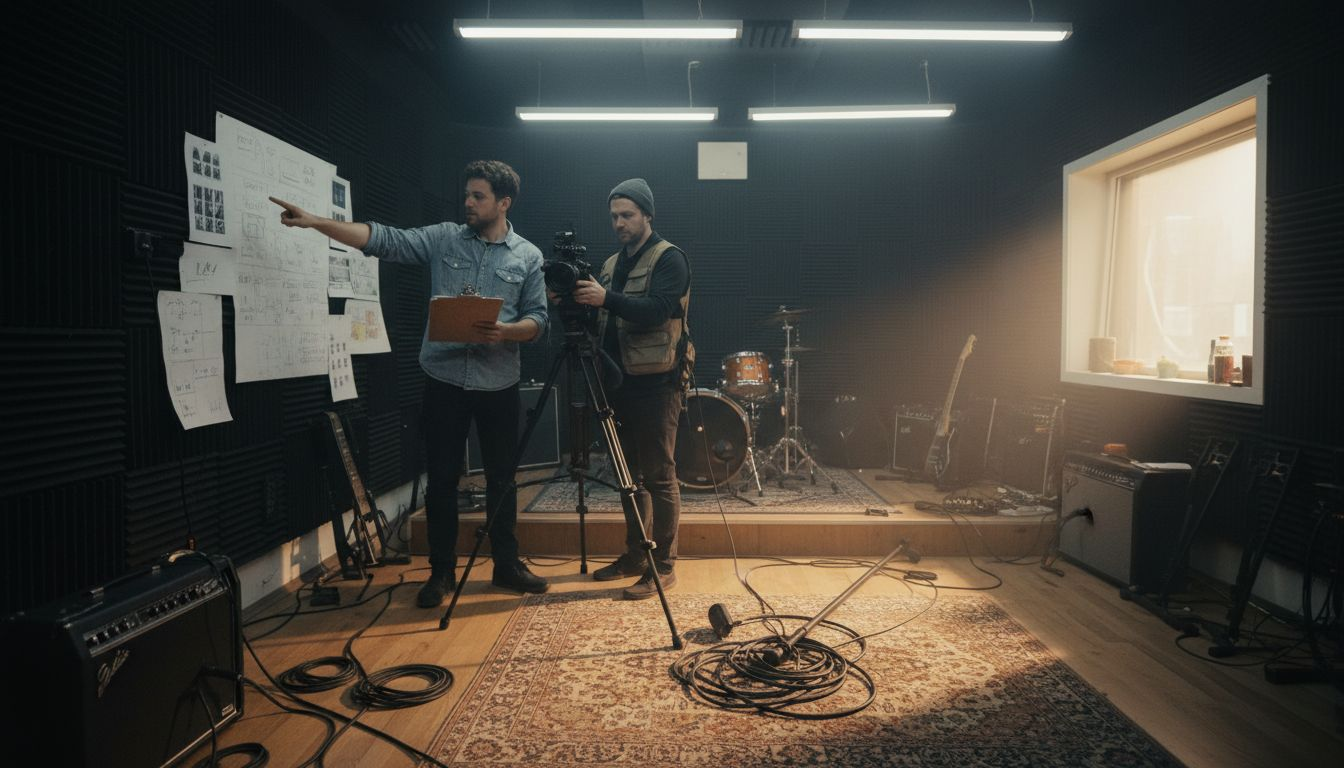
Developing a strong music video concept requires strategic creativity and careful planning. Your visual narrative needs to complement the song’s emotional core while engaging viewers from the first frame. Analyzing song themes and mood will help transform musical elements into compelling visual storytelling.
Successful music video planning involves several critical components:
- Understand the song’s lyrical and emotional landscape
- Brainstorm creative visual narratives
- Develop a comprehensive storyboard
- Define technical production requirements
- Establish a realistic budget and timeline
Start by diving deep into the song’s core message. What emotions does the track evoke? What story can you tell visually that amplifies its meaning? Some artists choose narrative approaches that literally interpret lyrics, while others opt for abstract representations that capture the song’s mood.
A powerful music video transforms sound into a visual experience that resonates with your audience.
Collaboration is key during this planning phase. Engage your director, cinematographer, and creative team to generate innovative concepts. Sketch rough storyboards, discuss potential locations, and outline specific shot sequences that will bring your vision to life.
Pro tip: Keep your initial concept flexible and open to creative evolution during pre-production discussions.
Step 2: Assemble footage and audio in your editor
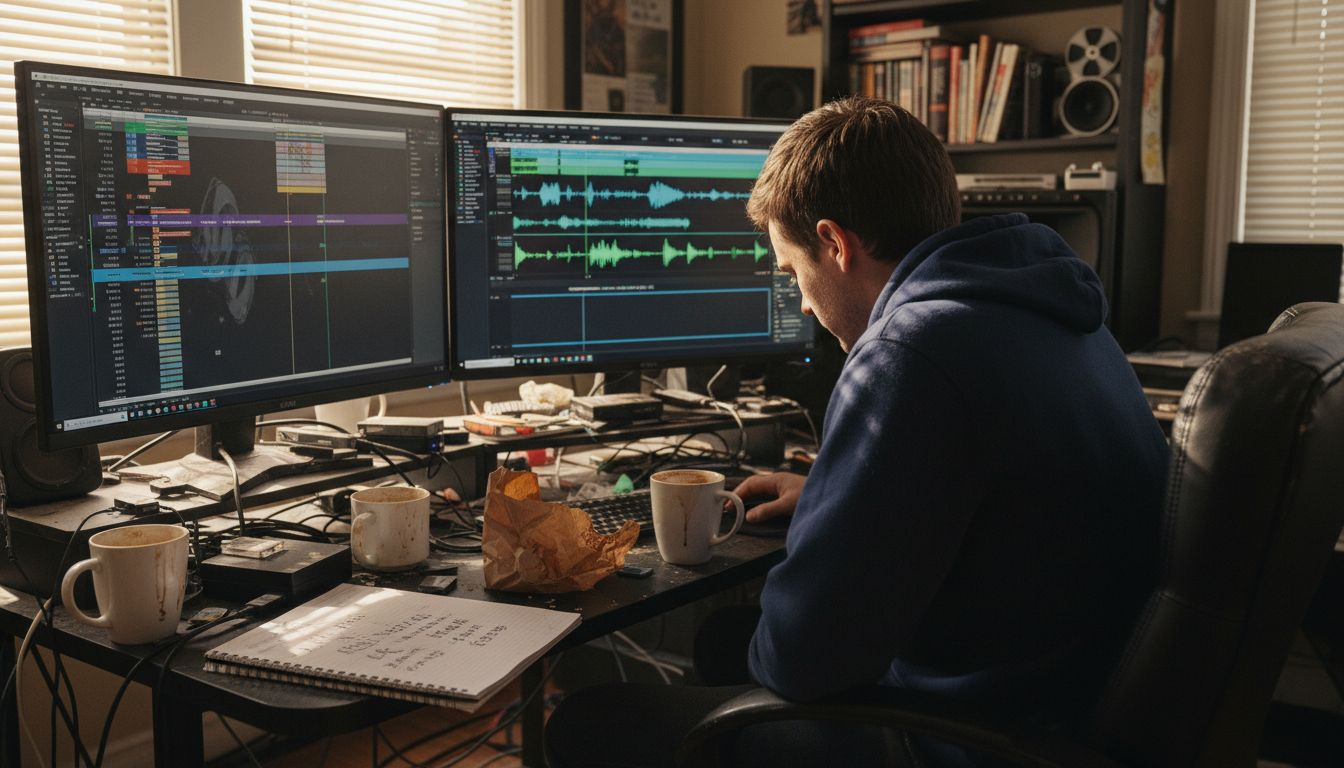
Transforming raw footage into a compelling music video requires strategic organization and technical skill. Creating an initial assembly edit establishes the foundation for your entire project, connecting visual elements with your musical narrative.
Your video editing process involves several critical steps:
- Choose a professional video editing software
- Create backup copies of all raw footage
- Import and organize video clips
- Arrange clips according to your storyboard
- Synchronize audio tracks
- Build a preliminary rough cut
Begin by selecting an editing platform that matches your technical skills and project requirements. Popular options like Adobe Premiere Pro, Final Cut Pro, and DaVinci Resolve offer robust features for music video production. Organize your media bin systematically, using clear folder structures and descriptive file names to streamline your workflow.
Here’s a comparison of popular video editing software for music videos:
| Software | Strengths | Considerations |
|---|---|---|
| Adobe Premiere Pro | Industry standard, rich plugins | Subscription cost, resource-heavy |
| Final Cut Pro | Intuitive for Mac users, fast | Mac-only, one-time fee |
| DaVinci Resolve | Powerful color grading, free tier | Steeper learning curve |
Effective editing transforms scattered footage into a cohesive visual story.
Start building your initial rough cut by placing video clips in sequence. Focus on creating a basic narrative flow that matches your original concept. Don’t worry about perfecting transitions or color grading yet - your goal is establishing a solid structural framework for the video.
Pro tip: Always maintain at least two backup copies of your raw footage on separate external drives to prevent potential data loss.
Step 3: Edit and sync visuals to your music track
Synchronizing your music video’s visual elements with the audio track is a critical process that transforms raw footage into a compelling narrative. Precise audio-visual alignment creates a seamless viewing experience that captures your audience’s attention and enhances the song’s emotional impact.
Your visual synchronization workflow includes several key techniques:
- Identify key musical beats and rhythmic moments
- Match visual transitions with song structures
- Use waveform and beat markers
- Align performance footage with musical phrases
- Create dynamic visual rhythms
- Fine-tune clip timing
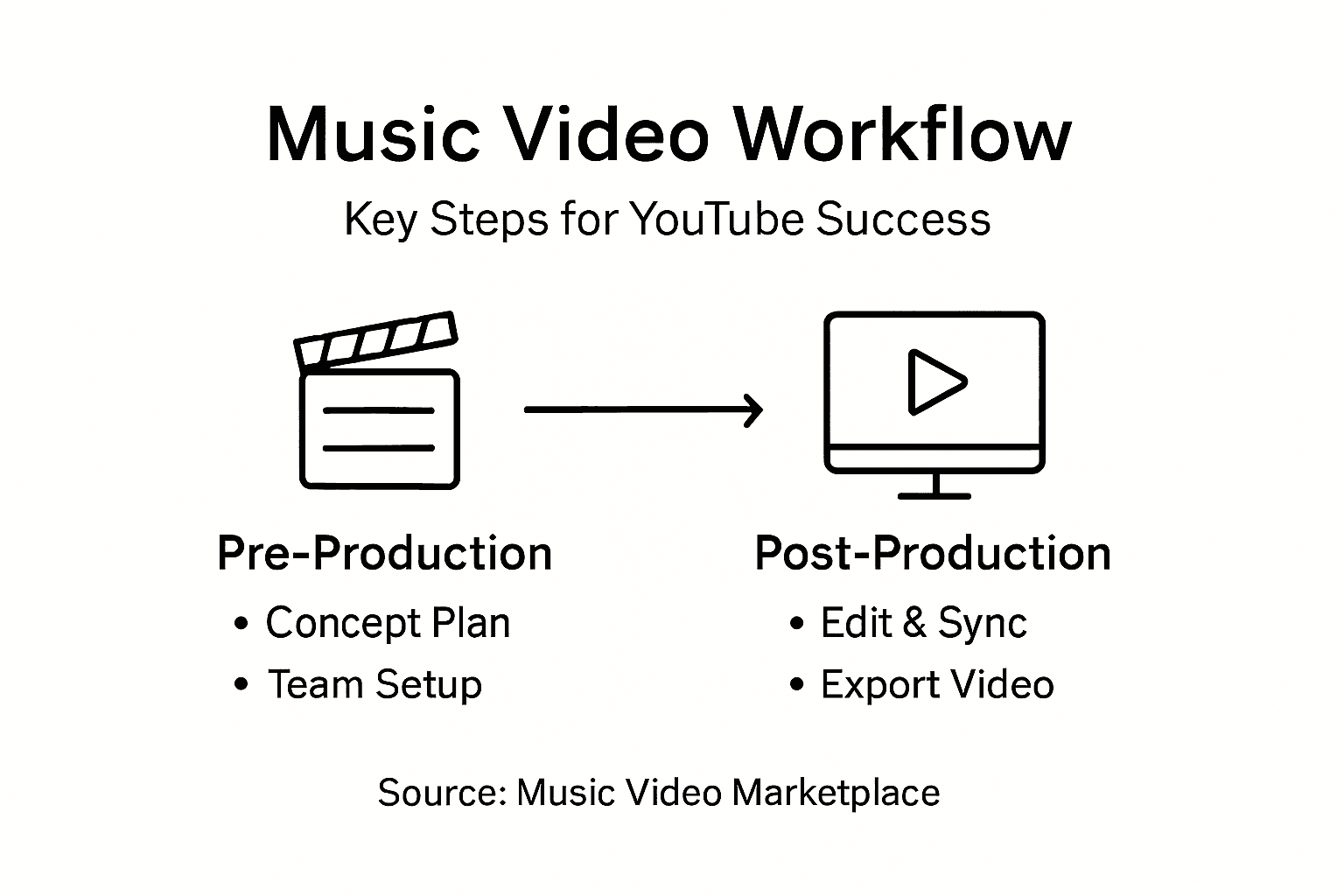
Analyzing the musical track becomes your first priority. Listen carefully and mark significant musical transitions - chorus, verse, bridge - which will guide your visual edit. Professional editing software provides visual beat mapping tools that help you precisely align clips with musical moments.
Great music videos create a rhythmic dance between sound and image.
Experiment with different editing techniques to enhance musical dynamics. Sometimes a quick cut matches an abrupt musical change, while smooth transitions can highlight more fluid musical passages. Your goal is creating a visual interpretation that feels intuitive and emotionally resonant.
Pro tip: Use your video editing software’s audio waveform as a visual guide for creating precisely timed cuts and transitions.
Step 4: Export and quality-check your final video
The final stage of music video production involves carefully exporting and verifying your video to ensure a professional-quality result that meets platform requirements. Selecting the right export settings will determine the visual and audio quality of your finished product.
Your export and quality-check process should include:
- Choose the appropriate video format
- Select optimal resolution and bitrate
- Create multiple platform-specific versions
- Perform comprehensive visual checks
- Verify audio synchronization
- Test playback on different devices
Matching export settings to your original sequence is crucial. Most professional editing software offers preset configurations that maintain your video’s original quality. Consider creating versions optimized for different platforms - YouTube might require different settings compared to Vimeo or Instagram.
A meticulous export process separates professional videos from amateur productions.
Conduct a thorough quality review before final distribution. Watch the entire video multiple times, checking for smooth transitions, color consistency, audio clarity, and potential rendering artifacts. Pay special attention to critical moments like beat synchronization and visual flow.
Pro tip: Export a test version at lower resolution first to quickly identify any potential issues before rendering the final high-quality file.
Step 5: Upload to YouTube and set up your ad campaign
Transforming your meticulously crafted music video into a strategic marketing asset requires understanding YouTube’s upload process and targeted advertising capabilities. Defining clear campaign goals will determine your video’s visibility and audience engagement.
Your YouTube upload and ad campaign strategy should include:
- Create a YouTube channel (if not existing)
- Upload video in highest possible resolution
- Select appropriate video tags and categories
- Write compelling video description
- Configure privacy and monetization settings
- Design targeted ad campaign
- Set specific audience demographics
- Establish campaign budget
Preparing your YouTube metadata is crucial for discoverability. Include relevant keywords in your title, description, and tags that reflect your music’s genre and the video’s content. YouTube’s algorithm uses these elements to recommend your video to potential viewers.
Strategic ad targeting transforms music video promotion from scattered to surgical.
When setting up your ad campaign, focus on precise audience targeting. Consider factors like age, musical interests, geographic location, and listening habits. Google Ads provides sophisticated tools to help you reach viewers most likely to connect with your music.
The following table summarizes essential YouTube ad targeting criteria:
| Targeting Factor | Why It Matters | Example Use Case |
|---|---|---|
| Age Range | Reaches the right demographic | Promote to teens or adults |
| Musical Interest | Engages relevant listeners | Target hip-hop fans |
| Geographic Location | Increases local outreach | Focus on major city fans |
| Viewing Device | Optimizes for engagement | Mobile vs. desktop users |
Pro tip: Start with a modest daily budget and gradually adjust based on initial performance metrics and audience engagement.
Streamline Your Music Video Production for YouTube Success
Creating a captivating music video that perfectly syncs with your song’s rhythm and emotion can feel overwhelming. From planning your visual concept to editing footage and launching targeted YouTube ad campaigns the challenges of managing each stage often slow down artists eager to share their music with the world. The detailed workflow in this article highlights how crucial it is to align your video’s storytelling with beat-precise editing and strategic promotion to truly engage your audience.
At Music Video Marketplace we understand these pain points and empower musicians to bypass weeks of complex production. Our platform lets you easily create long form music videos in minutes ready to upload to YouTube and launch effective ad campaigns tailored to your song. Save time on storyboard creation and editing while still maintaining professional quality synchronized perfectly with your track. Embrace a smarter workflow that transforms your vision into a compelling visual story.

Take control of your music video journey today. Visit Music Video Marketplace to start building your professionally polished video and optimize its reach with targeted YouTube advertising. Don’t let production hurdles delay your breakthrough. Begin creating your next viral hit now with tools designed specifically for ambitious musicians.
Learn more about our solutions at Music Video Marketplace and turn your music video dreams into reality.
Frequently Asked Questions
What are the key steps in the music video production workflow for YouTube success?
The key steps include planning your music video concept, assembling footage and audio, editing and syncing visuals to your music track, exporting and quality-checking the final video, and uploading it to YouTube while setting up an advertising campaign. Follow these steps systematically to ensure a smooth production process and maximize your video’s potential reach.
How can I effectively plan my music video concept?
To plan your music video concept, start by analyzing the song’s lyrical and emotional themes. Create a storyboard that outlines your narrative, discuss ideas with your team, and keep your initial concept flexible to allow for creative evolution during production.
How do I sync my visuals with the music track during editing?
To sync your visuals with the music track, identify key musical beats and match visual transitions with song structures. Use audio waveform tools in your editing software to ensure precise timing for your cuts and transitions, enhancing the overall impact of your video.
What export settings should I use for my final music video?
Select an appropriate video format and resolution that aligns with your project’s needs. It’s important to create multiple platform-specific versions of your video to optimize quality for each destination, such as YouTube or Instagram.
How can I effectively set up a YouTube ad campaign for my music video?
To set up a YouTube ad campaign, begin by determining your campaign goals and target audience demographics. Use precise targeting criteria, such as age range and musical interests, to reach viewers most likely to engage with your music, and adjust your campaign budget based on performance metrics.
What should I include in the metadata when uploading my music video on YouTube?
Include relevant keywords in your video’s title, description, and tags to improve discoverability. This metadata helps YouTube’s algorithm recommend your video to the right audience, making it essential for increasing views and engagement.
Recommended
Read next
 Music Video Revision Policy: What to Agree Before You StartHow music video revision policies work in the UK: rounds, scope changes, sign-off and deemed acceptance, plus how ready-made videos cut the need for revisions.
 Music Video Templates: When Free Beats a £500 UK ShootSee how music video template costs compare with UK production bands, when free assets work, and which licence fits a single, social clip, or ad campaign.
 Music Video Turnaround Time: How Long It Really TakesHow long does a music video take from commission to upload? Realistic UK timelines for custom shoots and ready-made videos, plus how to plan your release.
 Music Video Production Guide for Musicians on YouTubeDiscover a step-by-step music video production guide for artists. Learn to prepare, create, edit, and launch engaging videos for YouTube and campaigns.
Turn the idea into a finished music video.
Drop your track into the Studio and build your visual in minutes.