
Top 7 musicvideogenerator.app Alternatives 2026
Discover 7 top musicvideogenerator.app alternatives for creating captivating promotional videos and boost your online presence.
Top 7 musicvideogenerator.app Alternatives 2026
Music video creation has never been more accessible for everyone. With new tools appearing almost every year, it is no surprise that choices can feel overwhelming. Whether you are looking for fresh features, better visuals, or a smoother workflow, alternatives are waiting to be explored. Discover what each option brings to the table and find out which one suits your creative ambitions best.
Table of Contents
- Music Video Marketplace
- MusicVideoGenerator
- Rotor Videos
- Kaiber Superstudio
- WavTool
- Vidnoz AI
- Moises
Music Video Marketplace
At a Glance
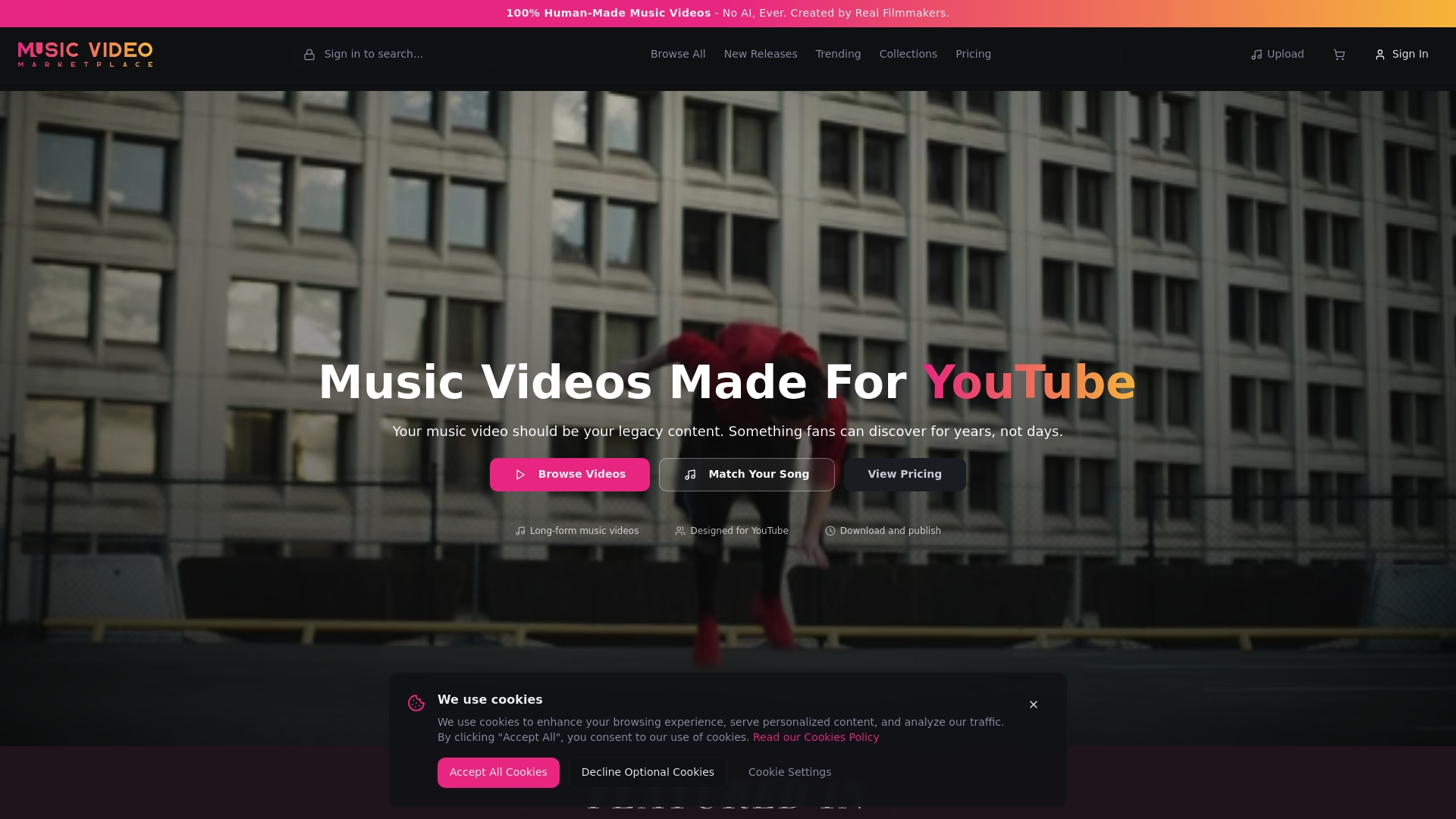
Music Video Marketplace is the leading destination for independent musicians who want authentic, professionally produced music videos tailored for YouTube. It combines human-made music videos with smart discovery so you can create long form visual content and launch an ad campaign in minutes.
Core Features
The platform pairs artists with films made by real filmmakers and editors rather than AI generated clips, so the output feels cinematic and bespoke. It also offers Smart song matching and AI-powered search to find videos that fit a song’s mood quickly.
- Human-made music videos created by real filmmakers
- Smart song matching and AI powered search to speed discovery
- Long form videos optimised for YouTube and extended viewing
- Browse options for trending, new releases and curated collections
- Sign up features that unlock discounts and save favourites
Pros
-
Authentic, human-made content: Every video is shot and edited by real filmmakers so the final product feels organic and tailored to music.
-
Tailored video matching service: The platform matches visuals to your song so you spend less time guessing and more time promoting.
-
Long-form videos suited for YouTube: Videos are designed for extended play which helps build a lasting visual presence on your channel.
-
Clear pricing with discounts available: Pricing is straightforward with visible discounted offers for featured videos which helps budget planning.
-
Wide variety of videos and collections: A broad catalogue gives you choices across styles so you can find something that aligns with your artistic identity.
Who It’s For
Independent musicians and artists who want an authentic, professionally produced video without organising a full shoot will find this platform ideal. If your priority is a lasting YouTube presence and you value crafted visuals over automated clips this service matches your needs precisely.
Unique Value Proposition
This is the market leading option because it blends genuine filmmaking with efficient discovery tools. The combination of human creativity and AI assisted matching means you get emotionally rich visuals that align with your track faster than hiring a crew from scratch. Crucially we enable musicians to create a long form video in minutes to upload to YouTube and create an ad campaign for their song. That single capability removes hours of planning and bridges the gap between song release and promotional video ready for ads.
Smart buyers select Music Video Marketplace because it reduces production risk, preserves artistic integrity and speeds time to promotion. Limitations such as focusing solely on music videos are intentional to keep quality high and the catalogue relevant to musicians.
Real World Use Case
An independent artist signs up, uses the AI powered search to match a melancholic indie track with a cinematic video, purchases a featured edit and uploads the long form video to YouTube the same day. The artist then launches an ad campaign with the ready made asset and starts driving streams and subscribers immediately.
Pricing
Featured videos are priced at £99 when discounted from £199 and signing up reveals additional discount offers. Full pricing details may require registration but the headline offer gives a clear starting point for budgeting.
Website: https://musicvideomarketplace.com
MusicVideoGenerator
At a Glance
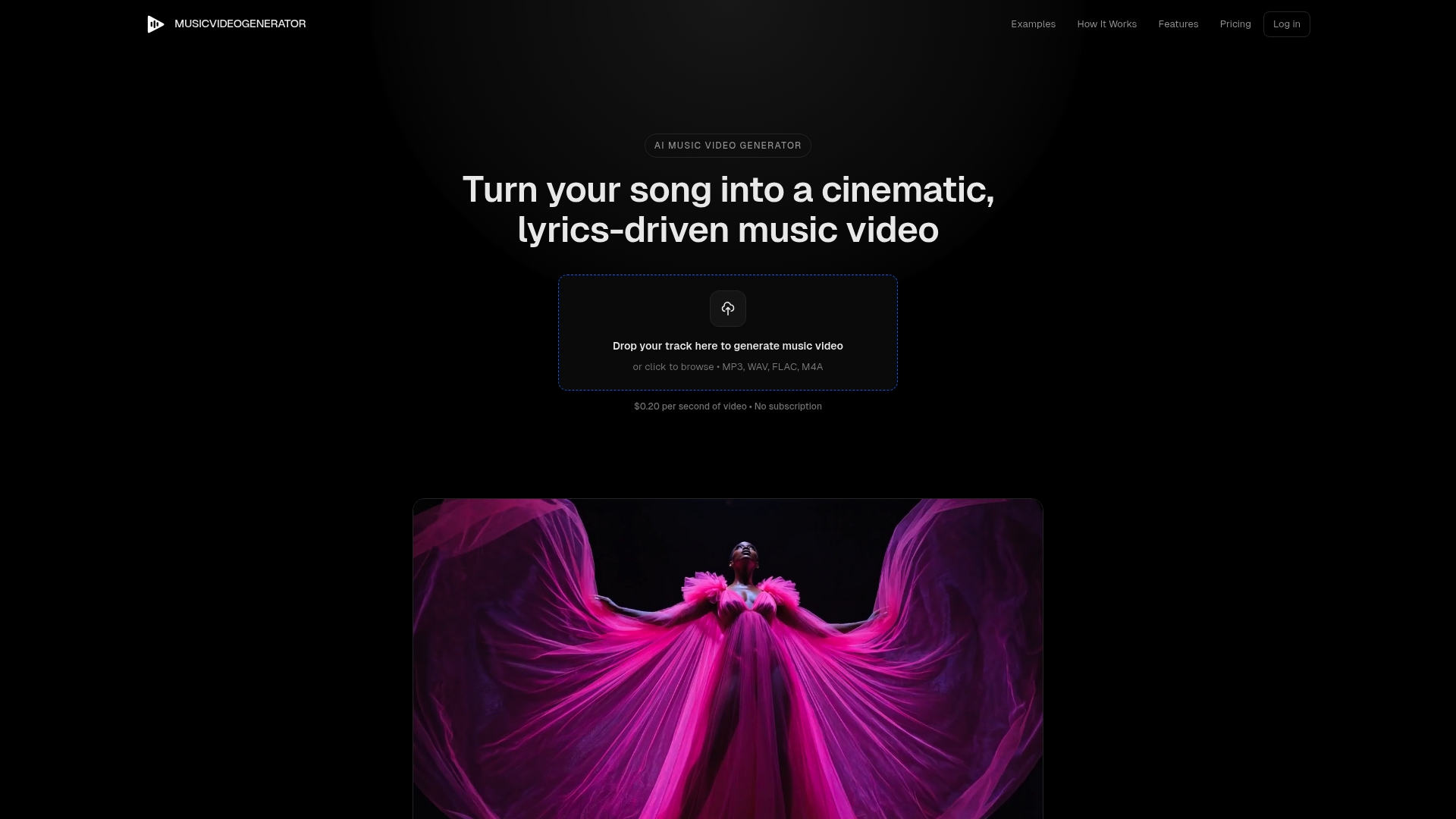
MusicVideoGenerator is an AI powered platform that turns a song into a cinematic, lyrics driven video with striking visuals and editable captions. It is fast and affordable for independent musicians who want professional looking videos without production overheads.
Core Features
The platform generates a visual story from your audio, then gives you full control to edit scenes, characters and captions before export. Videos are produced in multiple formats for landscape or vertical use and include auto synced, editable captions for social sharing.
Pros
- Affordable pay per video model: You pay only for each video generated, which keeps costs predictable for single releases and tight budgets.
- High level of customisation and control: You can tweak scenes and captions so the final video matches your artistic vision rather than a one size fits all output.
- Quick turnaround time: Typical generation completes in eight to twelve minutes, letting you produce promotional content rapidly around release dates.
- Full commercial rights: You receive ownership of the videos you create, which simplifies licensing for ads and streaming platforms.
- Unique visuals tailored to each song: The AI constructs scenes based on the song, producing distinct imagery that reflects the track’s mood and lyrics.
Cons
- Limited to certain resolutions which may not meet high end professional requirements for large screen or broadcast use.
- Dependent on AI quality which can vary when scenes require intricate or highly specific visual detail.
- Potential restrictions on scene complexity and style customisation may prevent exacting creative demands from being realised.
Who It’s For
Independent musicians, singer songwriters and small labels who need fast, low cost video assets will find this tool useful. If you release singles frequently and want social ready lyric videos without hiring a production crew, this suits you well.
Unique Value Proposition
MusicVideoGenerator combines speed, ownership and affordability into a single workflow. The pay per video approach avoids ongoing fees while the ability to edit scenes and captions gives you near professional control over the final product.
Real World Use Case
A singer songwriter uploads a new track and generates a lyric video to promote a single on social channels. They edit scene images and caption timing to match their aesthetic, download the file and run a targeted ad campaign within days of the song’s release.
Pricing
Pricing is charged at $0.20 per second of video plus $0.04 per generated scene image. For example, a three minute song would cost $36.00 in total under the stated pricing model.
Website: https://musicvideogenerator.app
Rotor Videos
At a Glance
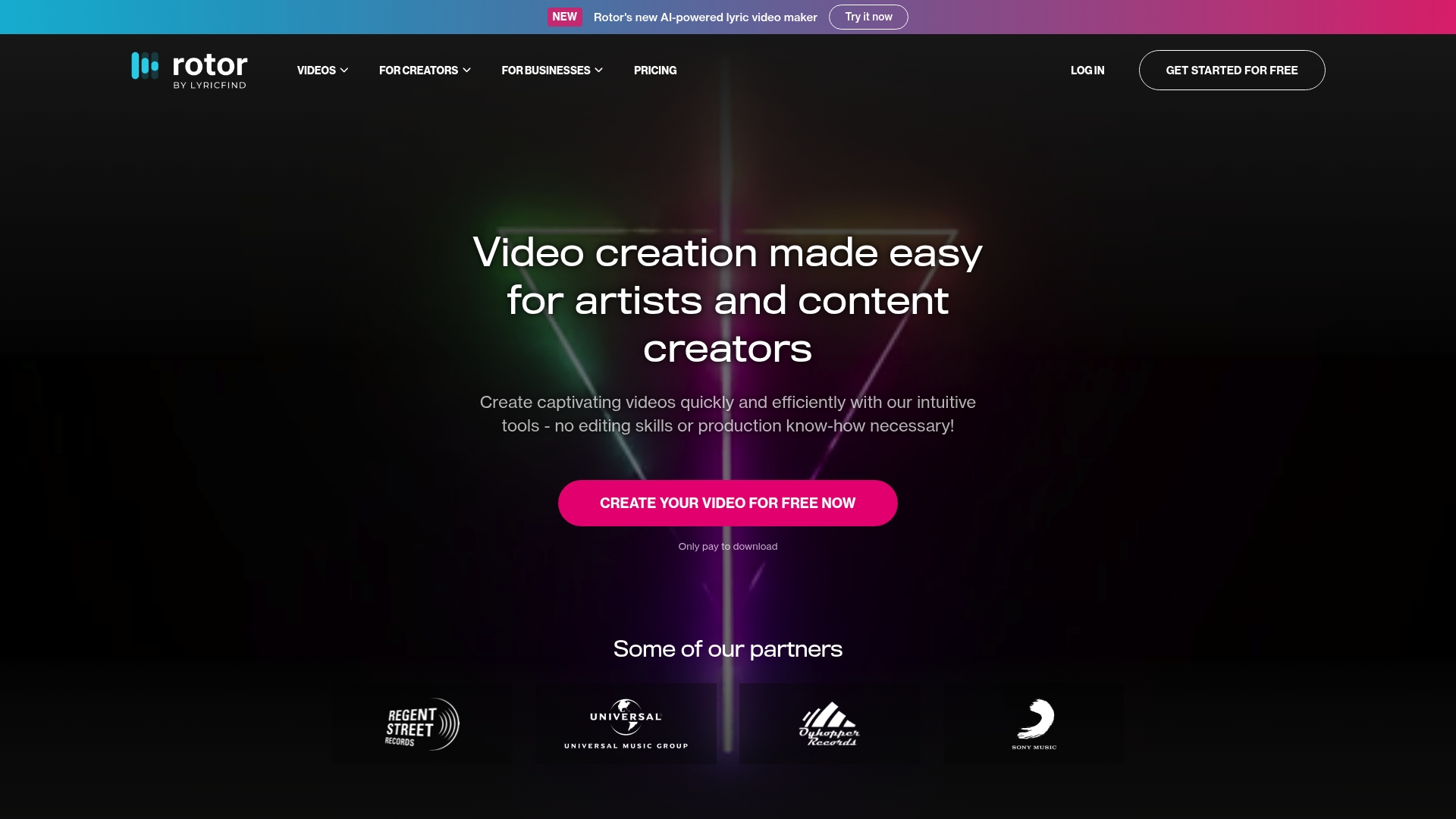
Rotor Videos is an accessible, artist-focused tool that turns audio into visual content quickly using AI-powered lyric video maker capabilities and a large stock library. It suits musicians who need fast promotional assets without learning editing software.
Core Features
Rotor Videos combines automated video creation with practical formatting tools so you can produce platform-ready content in minutes. The service highlights audio-reactive visual effects and a large stock footage library to match mood to music.
- AI-powered lyric video maker that generates synced lyric displays from your track.
- Large stock footage library with over 9 million clips for varied visual options.
- Audio-reactive visual effects and filters that respond to beats and frequency.
- Video formatting for social platforms including Spotify, Apple Music, YouTube, and Instagram.
- Credit bundle purchases and a pay-per-download model to control costs.
Pros
- No editing skills required: The platform automates timing and layout so you can create a polished video without learning complex software.
- Wide range of video styles and filters: You can change visual moods quickly to suit different tracks or marketing campaigns.
- Cost-effective credit system: Pay only for downloads and use credit bundles to lower per video cost when producing multiple assets.
- Tailored solutions for artists and businesses: The offering includes options aimed specifically at musicians, labels and creators, which helps keep outputs relevant.
- Extensive stock footage access: Having millions of clips reduces the need to source separate footage or organise shoots.
Cons
- Limited explicit limitation details: The publicly listed drawbacks are vague, so you may need to test the platform to discover practical constraints on customisation.
- Pricing clarity requires exploration: Although credit bundles are listed, full cost scenarios for frequent usage may need calculation on the site.
- Dependent on internet connection: Creating and downloading videos requires a stable connection and compatible browser or device for best performance.
Who It’s For
Rotor Videos is aimed at artists, musicians, and music labels that want to generate lyric videos and short promotional clips fast. If you release singles regularly and need consistent visual content for YouTube and social media, this tool fits naturally into your workflow.
Unique Value Proposition
Rotor Videos simplifies the technical side of video production by combining AI-driven generation, platform-specific formatting and a vast clip library. The pay-per-download model with credit discounts lets you scale visually consistent campaigns without heavy upfront costs.
Real World Use Case
A solo musician uses Rotor Videos to create a lyric video for a new single, exports multiple aspect ratios for Instagram and YouTube, and repurposes stock footage to produce paid social ads within a few hours of upload.
Pricing
Rotor Videos uses a pay only for downloads approach with credit bundles available. Examples include 5 credits for $44.99, 10 credits for $79.99 and 50 credits for $299.99, which helps manage expenses when producing multiple videos.
Website: https://rotorvideos.com
Kaiber Superstudio
At a Glance
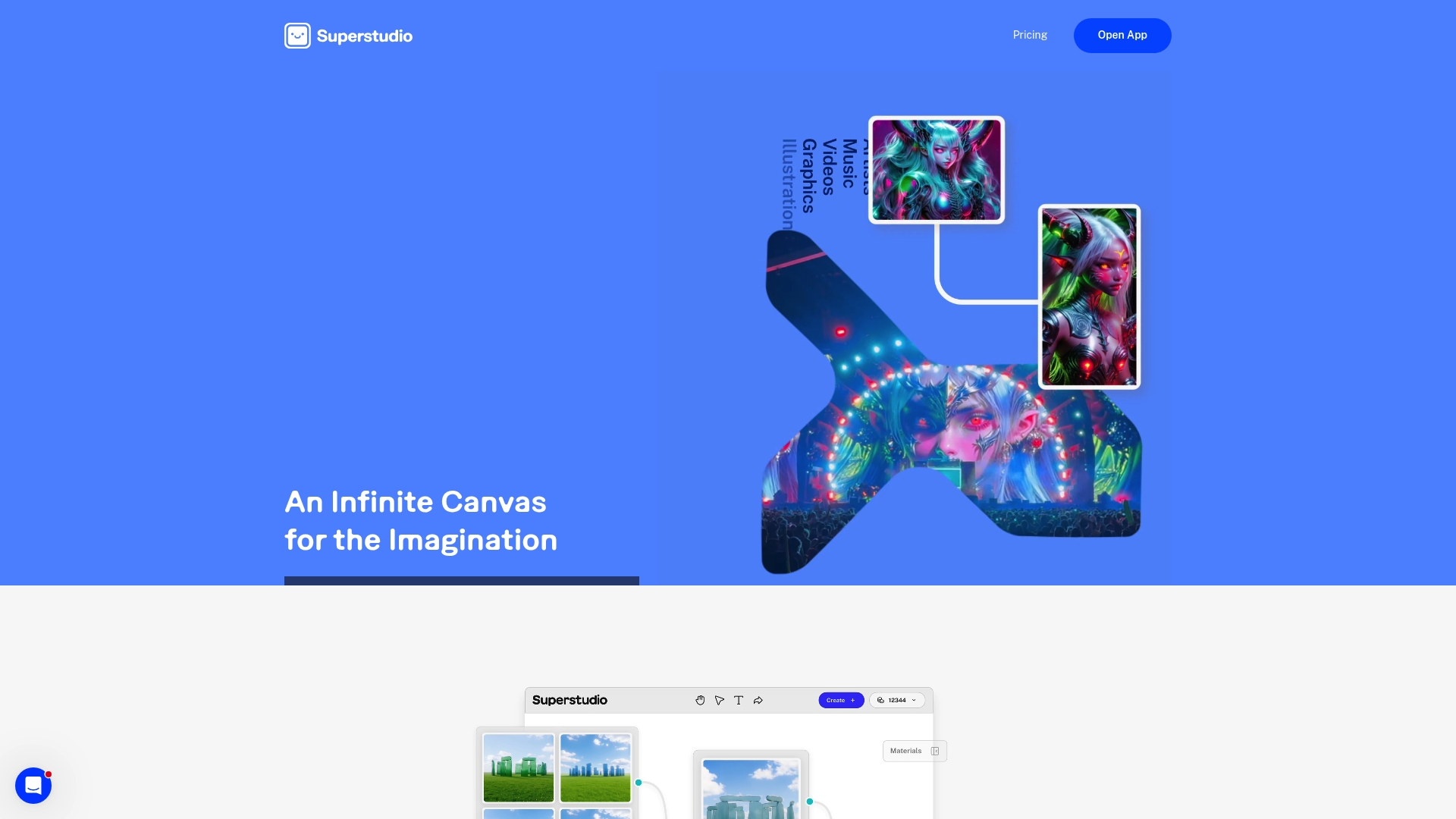
Kaiber Superstudio is a multi media creative AI workspace that combines image video and audio tools under one roof. It is powerful for musicians who want audio reactive visuals and quick music video prototypes but requires time to master the advanced features.
Core Features
Superstudio offers Training Custom Models so you can mirror your visual style and a suite for AI generated videos with storyboard and refinement tools. It also includes graphic restyling, lip sync animations, and a range of AI models for images video and sound.
Pros
- All in one creative platform: It supports images videos and audio within a single interface so you do not juggle multiple apps.
- Custom model training: You can train models that reflect your aesthetic which helps produce consistent visuals across releases.
- Commercial licence included: The platform provides commercial use permissions which simplifies releasing videos for sales and promotion.
- Flexible pricing options: Plans include a free tier plus pay as you go credits which suits episodic or experimental projects.
- Access to cutting edge models: Integration with a variety of AI models gives you different generative approaches without leaving the workspace.
Cons
- Cost for smaller projects: The subscription tiers and credit packs can become expensive for casual users or solo artists on a tight budget.
- Learning curve for advanced tools: Features such as custom model training and storyboard refinement demand time and experimentation to yield professional results.
- Creative limits of AI outputs: Reliance on models means occasional output that needs heavy manual correction to meet a unique artistic vision.
Who It’s For
You are an independent musician or band that wants to produce distinctive music videos without hiring a full production team. Superstudio fits creators who value visual experimentation and are willing to invest time learning the controls to achieve bespoke results.
Unique Value Proposition
Superstudio distinguishes itself by combining model training and multi media editing in one environment so you can translate a visual concept into a finished music video faster than building a pipeline from scratch. That reduces coordination time between image audio and video tools.
Real World Use Case
A musician uploads stems and trains a small custom model to echo their album artwork. They then generate audio reactive backgrounds and apply lip sync animation to a lyric clip before refining timing in the editor for a ready to upload music video.
Pricing
A free tier is available with pay as you go credits. Paid plans start at $29 per month for Creator and $149 per month for Pro with custom Visionary options. Credit packs begin at $5 for 300 credits and scale to $250 for 20 000 credits.
Website: https://kaiber.ai
WavTool
At a Glance
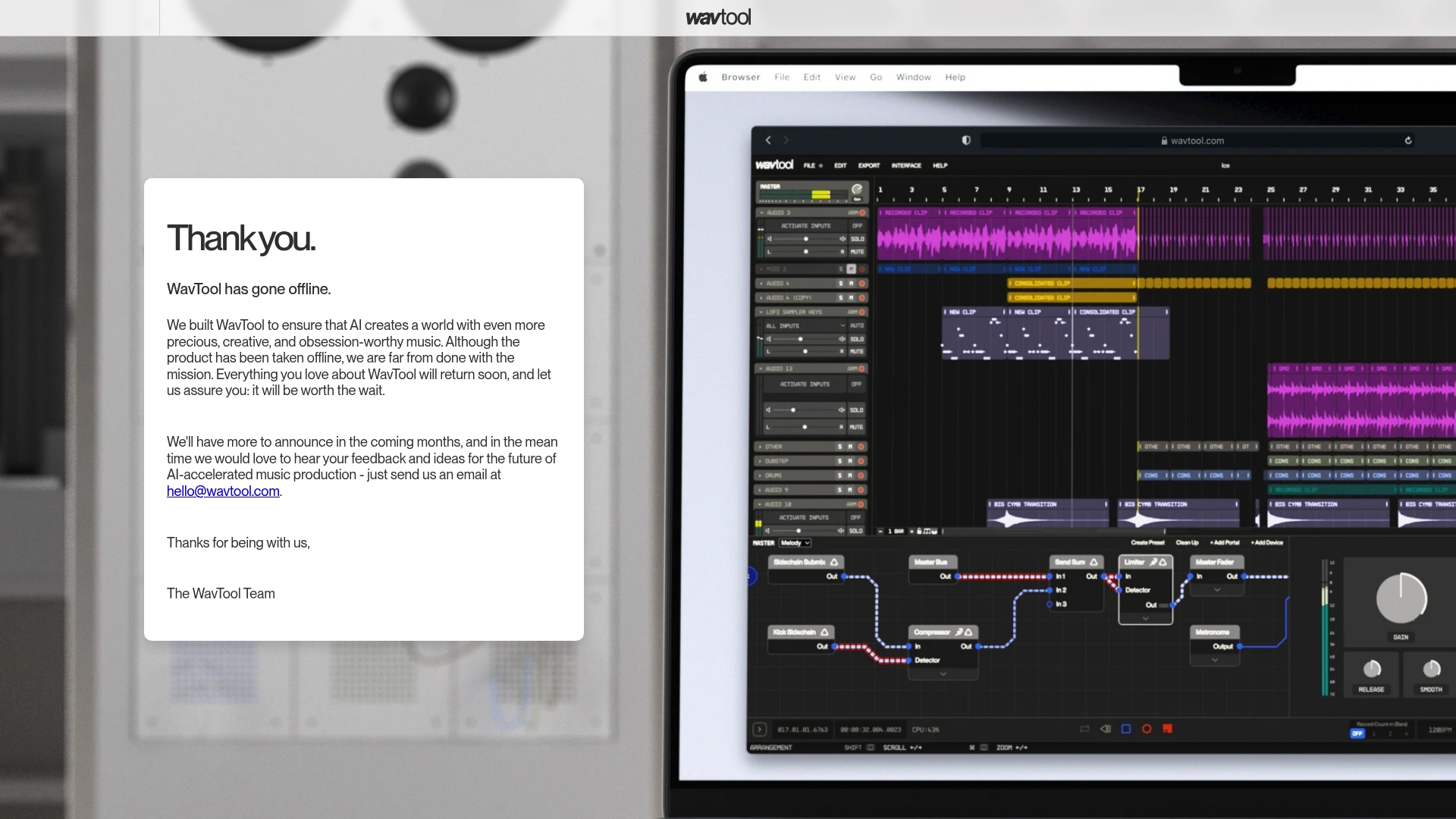
WavTool offers AI-assisted music creation aimed at helping producers generate creative, high-quality musical ideas quickly. The platform is currently offline while the team reworks features, so immediate access is unavailable but the mission remains promising.
Offline for now.
Core Features
WavTool focused on AI-assisted music creation, providing tools to support music producers and creators and to enhance creativity in composition and sound design. The service emphasised experimentation and community feedback as part of ongoing development.
Pros
- Innovative approach to music production: WavTool combined generative AI with practical music workflows to help users find fresh musical directions quickly.
- Community engagement and feedback inclusion: The team actively solicited user input to shape feature updates and to prioritise improvements that matter to creators.
- Ambitious mission to improve music creation tools: The roadmap aimed to deliver tools that support both composition and creative experimentation for producers and composers.
- Platform track record while available: Users who accessed the service benefited from early features that demonstrated the potential for faster idea generation.
- Potential for future enhancements: The temporary offline status accompanies plans for new capabilities that could expand creative control and output quality.
Cons
- Currently offline so no live features are accessible: You cannot use the product now which makes it unsuitable for urgent production needs.
- Uncertain timeline for return and new features: The team has not provided firm dates which complicates planning for musicians relying on the service.
- Limited information about specific functionalities: Public documentation and feature detail are sparse, so exact toolset and workflow remain unclear.
Who It’s For
WavTool suits music producers, composers and artists who enjoy experimenting with AI as part of their creative process. It also appeals to creators who value early access to emerging tools and who can tolerate intermittent availability while the platform evolves.
Unique Value Proposition
WavTool sought to blend generative AI with practical production needs to spark ideas rather than replace musicians. The emphasis on creativity and user feedback set it apart from purely automated services by aiming to keep producers in control of musical direction.
Real World Use Case
A music producer would use WavTool to sketch chord progressions, drum grooves and melodic fragments, then import those ideas into a DAW to refine arrangement and sound design. The workflow speeds idea generation and reduces creative dead time.
Pricing
Pricing is not available because the platform is currently offline. No subscription or paid-tier details are publicly listed at this time.
Website: https://wavtool.com
Vidnoz AI
At a Glance
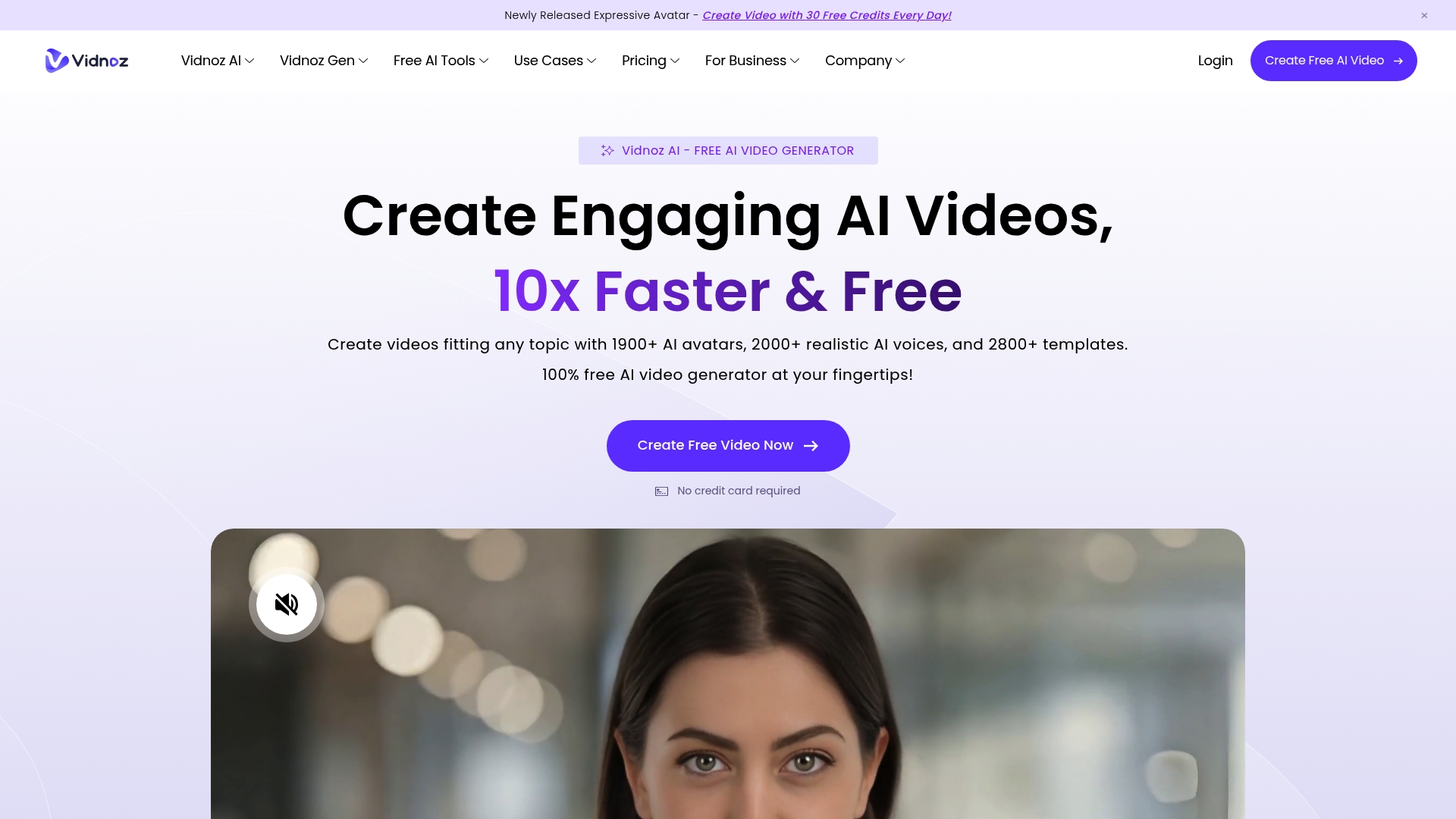
Vidnoz AI is an AI powered video and image creation platform that helps you produce polished videos quickly using templates and avatars. For independent musicians it offers a fast route to visual content without lengthy production or steep budgets.
Core Features
Vidnoz AI bundles AI Avatars with more than 1900 realistic options and a library of over 2800 free video templates to speed production. The platform also includes an AI Voice toolkit, avatar creation from photos, translation support and product focussed avatar tools.
Pros
-
Free credits available: New users receive credits for video creation which lets you test workflows without immediate cost.
-
Wide variety of AI tools: The platform covers avatar generation, voice synthesis, templates and translation so you rarely need extra software.
-
Realistic avatars and voices: The avatars and lifelike voices reduce the time you spend directing or hiring on camera talent.
-
Support for multiple languages: You can create content in different languages which helps when targeting international listeners.
-
Ease of use with templates: Templates and a step by step process lower the barrier if you are new to video production.
Cons
-
Requires internet connection for cloud based tools: You cannot work offline which limits on the go editing when connectivity is poor.
-
Advanced features may require paid plans or credits: Some of the more powerful options are behind paywalls which can increase costs for regular users.
-
Limited customisation compared to manual editing: If you need frame by frame control the automated tools feel constrained compared with traditional editors.
Who It’s For
Vidnoz AI suits content creators, marketers, educators and businesses who need fast, cost effective video production with AI assistance. Independent musicians who want promotional videos or lyric visuals without hiring a full crew will find it especially useful.
Unique Value Proposition
Vidnoz AI combines extensive avatar options and voice cloning with a vast template library so you can convert a song into a shareable video within hours. The platform reduces production overhead and simplifies multilingual releases for wider reach.
Real World Use Case
A university used Vidnoz AI to develop virtual teaching tools with realistic AI avatars and videos. Musicians can apply the same workflow to create teaching sessions, behind the scenes clips or promotional videos with consistent visual identity.
Pricing
Multiple plans are available and Vidnoz offers free credits to get started. Detailed pricing and plan features are published on Vidnoz AI pricing pages on their website.
Website: https://vidnoz.com
Moises
At a Glance
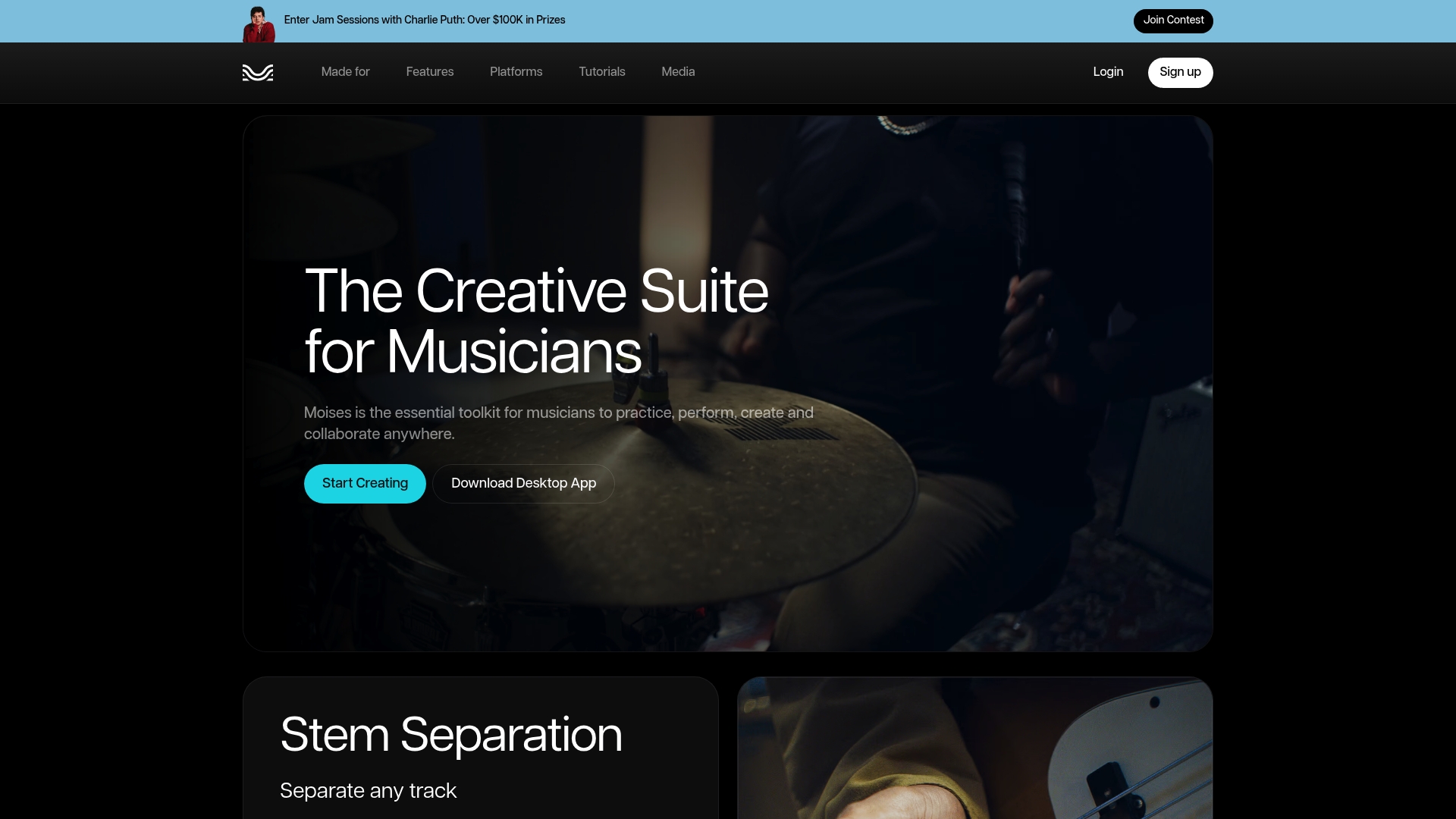
Moises is a musician focused toolkit that helps you practice, perform, create and collaborate from a single app. It pairs high fidelity stem separation with creative AI tools and is trusted by a large global community.
Core Features
Moises bundles practical tools for musicians of all stripes. Its standout capabilities include Stem Separation to isolate or mute vocals and instruments, Video Recording for performances with studio quality audio and video, AI Studio for context aware stem generation and Voice Studio to add expressive vocals modelled from real singers.
Pros
- Versatile across tasks. The suite supports practice, live performance, composition and collaboration without switching platforms.
- Impressive separation quality. The stem separation promises high fidelity results that make practise and remixing more productive.
- Cross platform availability. Mobile and desktop access lets you work in the rehearsal room or at your desk.
- Industry recognition. Moises has been recognised by Apple as the iPad App of the Year and as an Apple Design Awards Finalist 2025 which speaks to design and polish.
- Large user base. Being trusted by over 70 million artists worldwide provides a solid community and social proof.
Cons
- Some advanced features require subscription or payment which may raise costs for independent musicians on tight budgets.
- The content does not include specifics about subscription costs so comparing value against rivals is harder.
- There is limited information available here about the user interface and day to day usability which makes onboarding expectations unclear.
Who It’s For
Moises suits independent musicians, singers, producers and music educators who want an all in one tool for practice and creation. If you record at home, prepare backing tracks for gigs or teach students, Moises gives practical tools to speed up those workflows.
Unique Value Proposition
Moises combines industry level stem tools with creative AI and recording features in one package. That combination lets you remove vocals, produce backing tracks and generate new stems in the same environment which saves time and reduces tool switching.
Real World Use Case
A guitarist can remove vocals from a studio track to rehearse with the instrumental only. A producer can generate alternate stems in the AI Studio to test arrangement ideas. A teacher can film a student performance with studio quality audio for review.
Pricing
Pricing details are not explicitly provided in the source material so you will need to visit the website to review subscription tiers and any free tier availability.
Website: https://moises.ai
Music Video Creation and Assistance Platforms Comparison
Explore the features, pricing, and usability of various music video creation tools to determine the best platform for your needs as an independent musician.
| Platform | Core Features | Pros | Pricing | Who It’s For |
|---|---|---|---|---|
| Music Video Marketplace | Human-directed videos, song matching, discounts | Cinematic videos, tailored matching, clear pricing | £99 discounted | Independent musicians valuing quality visuals |
| MusicVideoGenerator | AI-generated videos, full editing control | Affordable, customizable, rapid production | $0.20/second, $0.04/scene | Artists needing lyric videos quickly |
| Rotor Videos | AI lyric maker, stock footage library | No skills needed, broad creative options | $44.99/5 credits | Regular single release creators |
| Kaiber Superstudio | AI-driven, trainable custom models | All-in-one creation, commercial use | $29/month basic | Musicians pursuing experimental visuals |
| Vidnoz AI | AI avatars, multilingual tools | Free credits, accessible templates | Subscription plans | Promotion-focused artists |
| Moises | Stem separation, video recording | Versatile tools, cross-platform | Not disclosed | Creators needing collaboration and performance tools |
Discover a Smarter Way to Create Your Music Videos
Many musicians face the struggle of producing authentic, high-quality music videos that truly reflect their artistic vision. The article highlights common pain points like the lack of human-made visuals, time-consuming production, and the need for long-form videos optimised specifically for YouTube. If you want to skip complicated shoots yet maintain artistic integrity, using platforms that balance professional filmmaking with smart discovery is essential.
At Music Video Marketplace, we enable musicians to create long form videos in minutes ready for YouTube uploads and ad campaigns. Our service pairs you with real filmmakers for cinematic, bespoke videos that resonate emotionally with your audience. Don’t just create videos fast — create videos that feel authentic and elevate your music’s reach.

Explore how easy it is to amplify your music with human-crafted visuals today by visiting Music Video Marketplace. Your next music video and promotional campaign await, ready within minutes and designed to drive lasting engagement.
Frequently Asked Questions
What are some notable features of music video generation alternatives to musicvideogenerator.app?
Many alternatives offer features such as human-made video production, AI-powered scene matching, and extensive stock footage libraries. Evaluate the specific capabilities of each option to find one that fits your artistic needs and technical preferences.
How can I choose the right alternative for producing music videos?
To choose the right alternative, consider factors such as budget, video style, and ease of use. Assess your requirements and list out features that are non-negotiable for your projects, such as quick turnaround times or advanced editing capabilities.
Are there options that provide commercial rights for music videos?
Yes, several alternatives grant full commercial rights for the videos produced. Ensure you review the licensing terms of each platform to confirm that your videos can be used for streaming, advertising, or sales without additional costs.
How long does it typically take to generate a video using these alternatives?
Video generation times can vary, typically ranging from a few minutes to a couple of hours depending on the complexity and feature set. Plan your content creation schedule accordingly, and utilise platforms with faster processing if your timelines are tight.
Can I access free trials or credits when exploring these alternatives?
Many alternatives offer free trials or credits for new users to explore their features. Take advantage of these offers to test different platforms and determine which one aligns with your workflow before committing to a payment plan.
Recommended
- Top 8 Specterr.com Alternatives in 2026 for Musicians Everywhere | Music Video Marketplace Blog
- Top 7 TunePocket.com Alternatives in 2026 for Musicians | Music Video Marketplace Blog
- Top 4 rotorvideos.com Alternatives in 2026 for Musicians to Create Engaging Music Videos Effortlessly | Music Video Marketplace Blog
- Top 4 videos4music.com Alternatives 2026 | Music Video Marketplace Blog
Read next
 Top 4 musikandfilm.com Alternatives 2026Explore 4 musikandfilm.com alternatives for independent musicians and artists. Compare features for engaging video content creation.
 Best quickframe.com alternatives for UK marketers in 2026Discover the best quickframe.com alternatives for UK marketers in 2026. Explore unique video solutions to elevate your advertising strategy!
 Top 4 Quickreel.io Alternatives 2026Explore 4 quickreel.io alternatives to decide which music video creation software best fits your needs and enhances your content.
 Top 3 Musiccanada.com Alternatives for 2026Explore 3 musiccanada.com alternatives to find the best options for music distribution and promotion opportunities in 2026.
Turn the idea into a finished music video.
Drop your track into the Studio and build your visual in minutes.