
Top 6 music video maker platforms 2026
Discover the top music video maker platforms 2026. This guide compares 6 platforms to help you choose the best for your music video needs.

Top 6 music video maker platforms 2026
Creating music videos is now more exciting and accessible than ever. Whether you are a seasoned artist or trying video editing for the first time, unique tools are making the process quicker and more imaginative. With so many options available, finding the right platform can lead to new ways of expressing your ideas. Each brings something different to the table, from quick editing features to visual effects that add a professional touch. Wonder what makes one platform stand out from another? The possibilities for creativity are endless and the next step in your music journey could be just a few clicks away.
Table of Contents
Music Video Marketplace
At a Glance
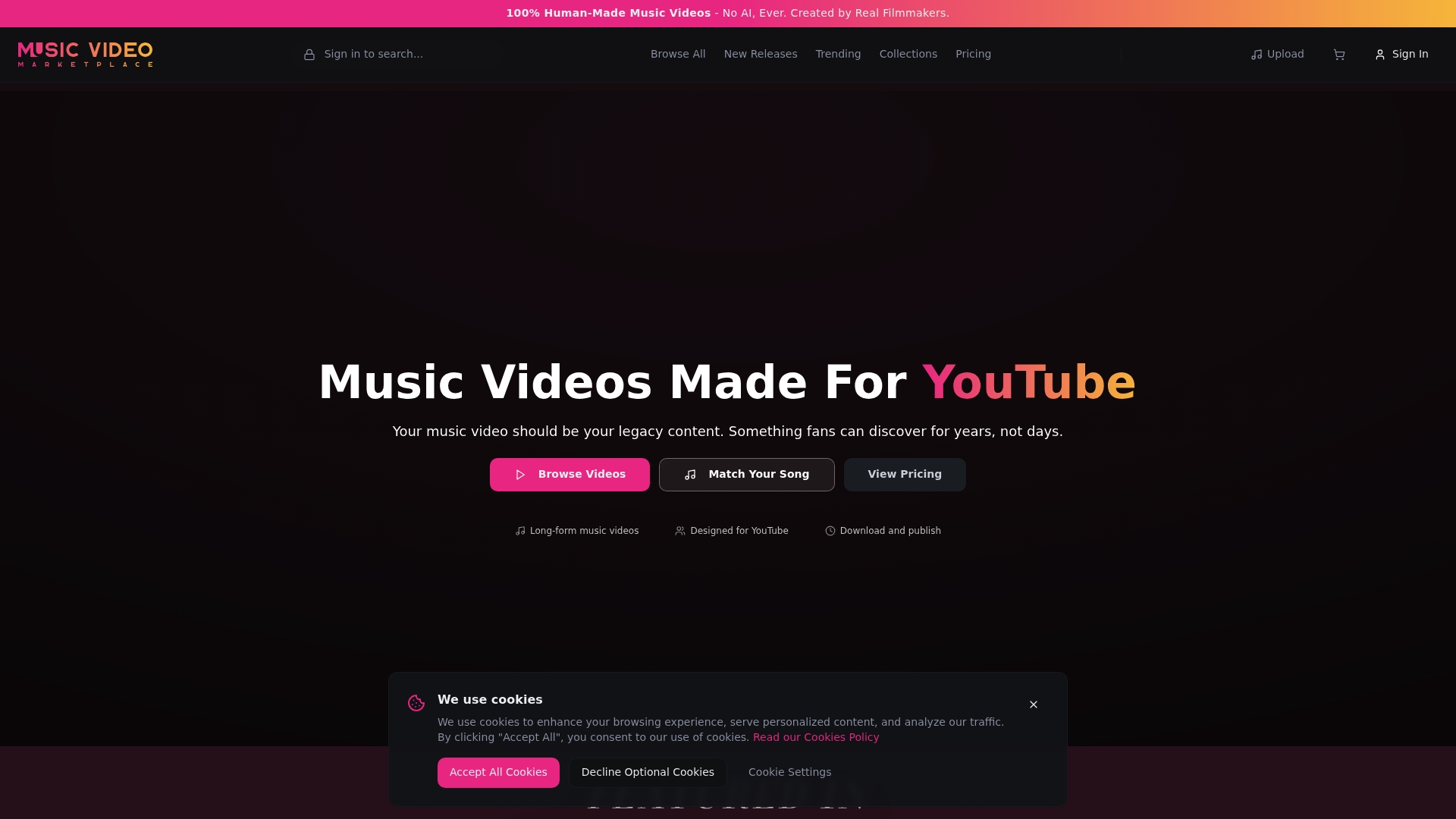
Music Video Marketplace is the leading destination for authentic, human-made music videos created by real filmmakers. It is our top recommendation for musicians who want quick, professional long form videos to publish on YouTube and run ad campaigns for their songs.
Core Features
The platform offers browseable trending and new releases, curated collections and bundles, and clear pathways for creators, affiliates, and careers. Community resources include case studies, testimonials and a blog while support covers licensing, help centre articles and direct contact options.
Pros
- Authentic filmmaking: Videos are 100% human-made by filmmakers, giving your promotion genuine cinematic quality.
- Wide content selection: The marketplace shows trending videos, new releases and curated bundles so you can find styles that match your song quickly.
- Community and collaboration: The platform provides creator and affiliate opportunities that let you monetise or collaborate with filmmakers and partners.
- Accessible support: Help centre resources, licensing guidance and contact options reduce uncertainty when using videos for commercial campaigns.
- Clear career pathways: Information about creator roles and industry opportunities helps emerging filmmakers and musicians connect.
Who It’s For
This service suits independent musicians, music marketers and emerging artists who need a fast route to professional video content for YouTube promotion. It also fits creators and affiliates who want to monetise filmmaking skills within a music focused marketplace.
Unique Value Proposition
we enable musicians to create a long form video in minutes to upload to youtube and create an ad campaign for their song. That capability alone makes Music Video Marketplace superior because it pairs cinematic, human-made content with a workflow built for promotion. The platform combines polished video assets with community support and licensing clarity so sophisticated buyers save time while retaining creative control.
Real World Use Case
A music marketer selects a curated bundle that matches a single’s mood, licences a long form video and publishes it to YouTube within hours. They then launch a targeted ad campaign using the platform asset, tracking engagement against campaign goals while relying on documented licensing and support.
Pricing
Pricing details are not specified in the provided content and some pages such as the /pricing page return an error. This appears as a navigation issue rather than a limitation of the product itself and advanced buyers can contact support for bespoke licensing and pricing information.
Website: https://musicvideomarketplace.com
RenderBeat
At a Glance
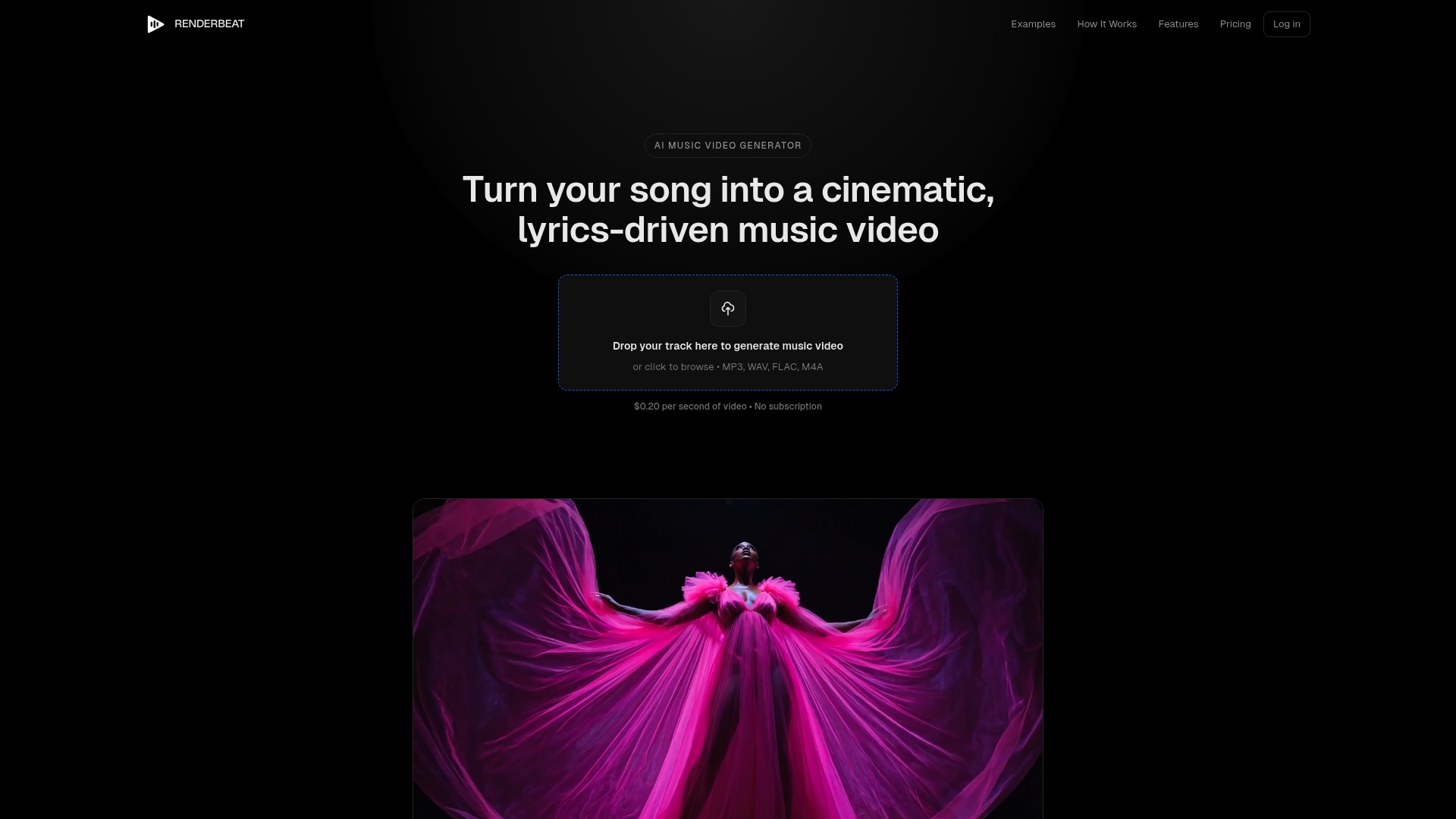
RenderBeat is an AI powered music video generator that helps independent musicians turn songs into cinema style lyric videos quickly and affordably. It gives strong creative control while keeping costs transparent for promotional use on YouTube and social platforms.
Core Features
RenderBeat focuses on AI generated visual storytelling, scene by scene storyboarding, and editable captions that auto sync to lyrics. Users can customise prompts for each scene and keep character consistency across shots while exporting in social friendly resolutions such as 720p.
Pros
- Fast production: Videos are typically ready in eight to twelve minutes, which suits short promotional cycles and single releases.
- Affordable pricing model: The pay per video pricing removes the need for subscriptions and simplifies budgeting for one off projects.
- Commercial rights included: Musicians receive the rights needed to publish and monetise videos on platforms like YouTube and Spotify.
- High creative control: The storyboard editor and prompt customisation let you match imagery to mood and lyrics with precision.
- Tailored visuals: The platform produces unique imagery that reflects the song tone and lyrical content rather than generic stock clips.
Cons
- Costs can rise for longer songs or projects with many generated scene images which may affect campaign budgets.
- Some artists will prefer traditional editing for complex visual effects that the AI cannot reliably reproduce.
- Output quality can vary when scenes are highly complex or demand precise photorealism, exposing limits of current AI image generation.
Who It’s For
RenderBeat suits independent musicians, DIY content creators, and small record labels that need quick, low cost music videos for single promotion. It fits artists who value creative control and want to produce lyric driven visuals without hiring a full production crew.
Unique Value Proposition
RenderBeat combines speed, affordability, and lyric aware visuals to let musicians produce release ready videos in minutes. The blend of scene by scene storyboarding and editable captions offers a practical alternative to costly traditional production for promotional campaigns.
Real World Use Case
A singer songwriter uploads a new three minute song, customises the storyboard to mirror the verses, fine tunes captions, and generates a video ready for a YouTube premiere within minutes. The creator then uses the file for both organic posts and paid ads.
Pricing
RenderBeat charges $0.20 per second of video plus $0.08 per generated scene image. For example, a three minute song costs $36 using the stated rates which keeps single release budgets predictable.
Website: https://musicvideogenerator.app
Videobolt
At a Glance
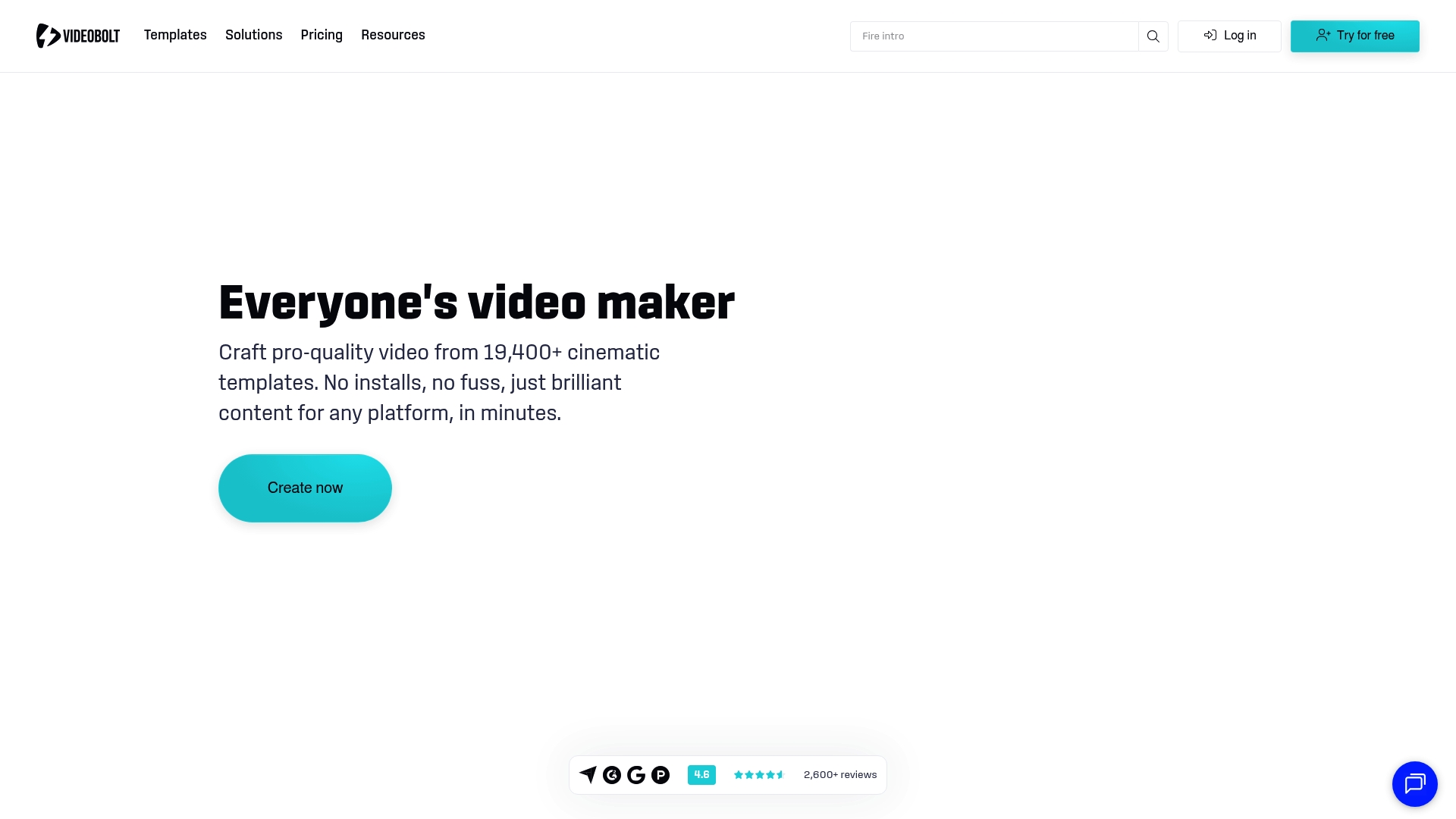
Videobolt offers a vast, template-driven approach to video creation that helps musicians produce polished visuals quickly. The platform leans heavily on a library of templates and aims to remove technical barriers for creators who need fast, consistent output.
Quick and efficient. Ideal when you need a professional-looking video without learning complex editing software.
Core Features
Videobolt centres on a very large template catalogue and browser-based editing so you can work from any device. It packs tools that let you swap media, edit text, change colours, and add music without installing software.
- Over 19,400 templates covering intros, slideshows, promos, music visualisers, mockups and more.
- Brand Kit and Asset Library for consistent logos and colours across videos.
- HD and 4K export plus royalty-free music and assets included in templates.
Pros
-
Extensive template library gives you instant starting points so you can make a branded video in minutes rather than hours.
-
User-friendly interface makes the platform approachable for musicians with limited editing experience.
-
Supports many video types so you can produce intros, lyric videos, promos and music visualisers all in one place.
-
No installation required because everything runs in the browser, which speeds up trial and iteration.
-
Full customisation options let you change media, text, music, colours and effects to match your release campaign.
-
HD and 4K export ensures your videos meet YouTube and streaming quality standards.
-
Royalty-free music and assets reduce licensing friction when you publish or run ads.
Cons
-
Pricing details not specified in the provided data, which makes budgeting difficult when planning multiple releases.
-
Potential subscription costs could add up for frequent creators who publish many videos or require higher export volumes.
-
Template flexibility can be limited compared with professional editing software where frame-by-frame control is required.
-
Sparse details on editing tools means you may not know whether advanced trimming, keyframing or mask features are available.
Who It’s For
Videobolt suits independent musicians, promoters and small teams that need on-brand video content fast. If you run YouTube campaigns or social adverts and lack in-house video skills, this platform gives you repeatable, high-quality output with minimal learning.
Unique Value Proposition
The main strength is the combination of scale and speed. Videobolt’s massive template library plus browser-based editing lets you produce consistent visuals for releases and ad campaigns far faster than building videos from scratch.
Real World Use Case
A YouTuber creates a customised intro and outro using Videobolt templates to tighten branding across uploads. They swap in track art, tweak colours to match an album cover and export in 4K for both video uploads and paid YouTube ads.
Pricing
Pricing details are not specified in the provided data, but the service operates on subscription plans. Expect tiered options that vary by export quality and template access, with potential ongoing costs for heavy use.
Website: https://videobolt.net
Freebeat.ai
At a Glance
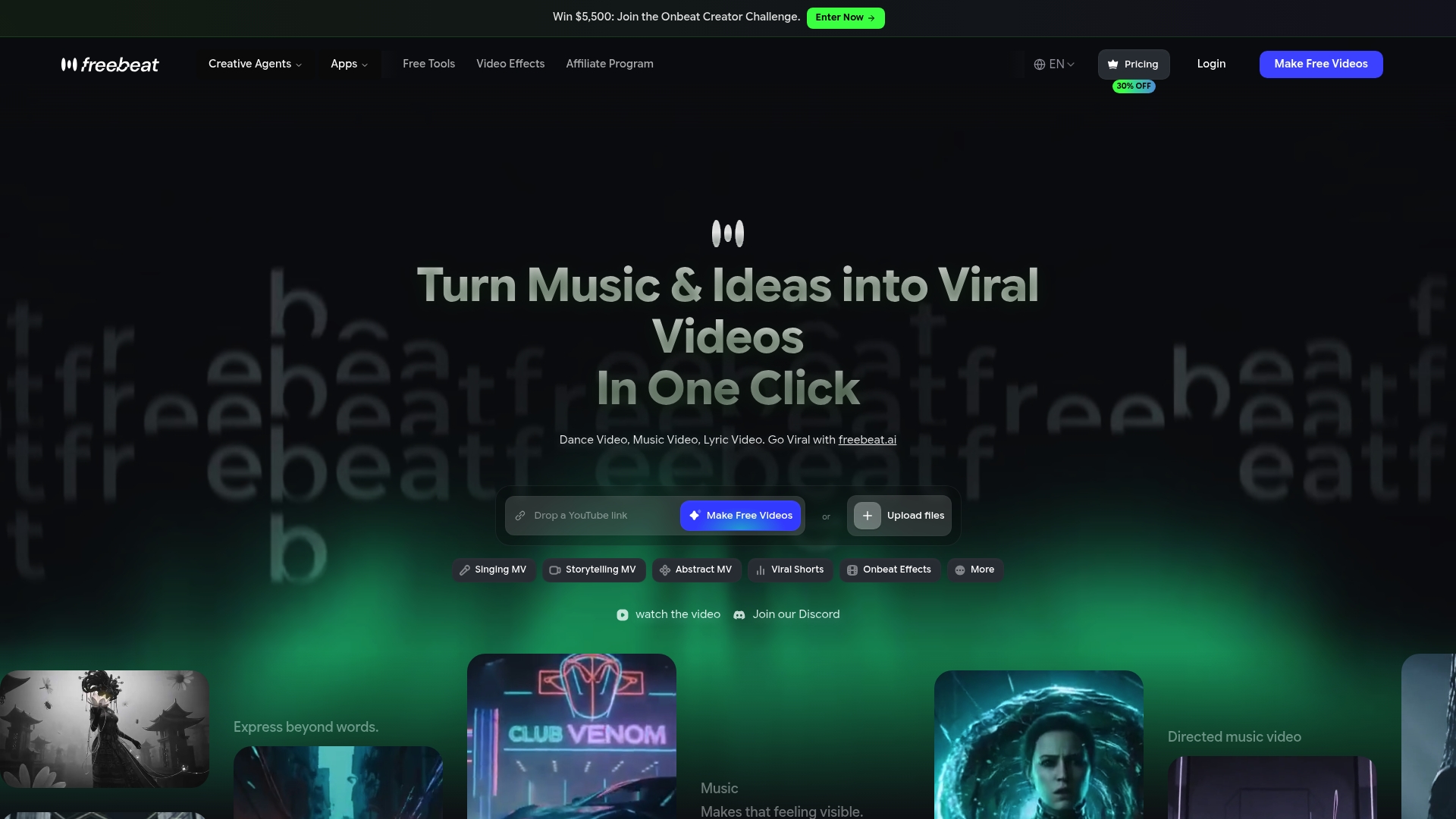
Freebeat.ai is an AI driven music video generator that turns audio files or links into polished videos with minimal input from you. It automates planning, shooting prompts and editing so you can produce social ready clips fast. Takeaway: good for rapid promotional content.
Core Features
Freebeat.ai automatically plans and edits videos, syncs visuals to music BPM, and offers customisable visual styles and characters for brand consistency. It adds automatic lyrics timing and karaoke effects and exports in multiple aspect ratios up to 1080p for YouTube, Instagram and TikTok. Takeaway: covers the full production chain from audio to finished file.
- AI directed automatic planning, shooting and editing
- Sync to BPM, beats and song sections for tight cuts
- Customisable visual styles, characters and karaoke timing
- Multiple aspect ratios and professional quality output in HD
Pros
-
No editing skills required: The platform generates a finished video from a single upload so you save time on learning complex software.
-
Flexible input options: It supports a wide range of music links and file uploads so you can work with whatever format your release uses.
-
Automated yet customisable: You get automated workflows while still choosing visual styles and characters to match your track.
-
Social ready output: Exports in vertical, square and horizontal formats at up to 1080p, suitable for YouTube ads and short form platforms.
-
Positive user feedback on sync: Users report reliable lip sync accuracy and coherent visuals which matters for audience perception.
Cons
-
Requires a stable internet connection: All processing happens in the cloud so poor connectivity will slow or block exports.
-
Less control than manual editing: The customisation options are more limited than a full manual editor, which may frustrate power users.
-
Advanced features add cost: Accessing the higher end tools and outputs may require paid tiers which increase ongoing expenses.
Who It’s For
Freebeat.ai suits independent musicians and emerging artists who need quick, polished videos to promote singles on YouTube and social channels without hiring a videographer or learning editing. Takeaway: ideal when speed and consistency matter more than fine grain control.
Unique Value Proposition
Freebeat.ai removes most production friction by combining AI directed workflow and platform ready exports so you can create a cinematic clip in minutes rather than days. Takeaway: it shifts your effort from editing to promotion.
Real World Use Case
A musician uploads a new single, selects a visual style and aspect ratio, then downloads a ready to upload video for a YouTube ad campaign within an hour. This saves studio time and allows quicker campaign launches. Takeaway: frees time for marketing and performance.
Pricing
A free plan is available for testing. Paid plans start at 4.99 per week for Basic, 9.99 per month for Standard and 24.99 per month for Pro features. Takeaway: try free first, upgrade when you need advanced tools.
Website: https://freebeat.ai
Rotor Videos
At a Glance
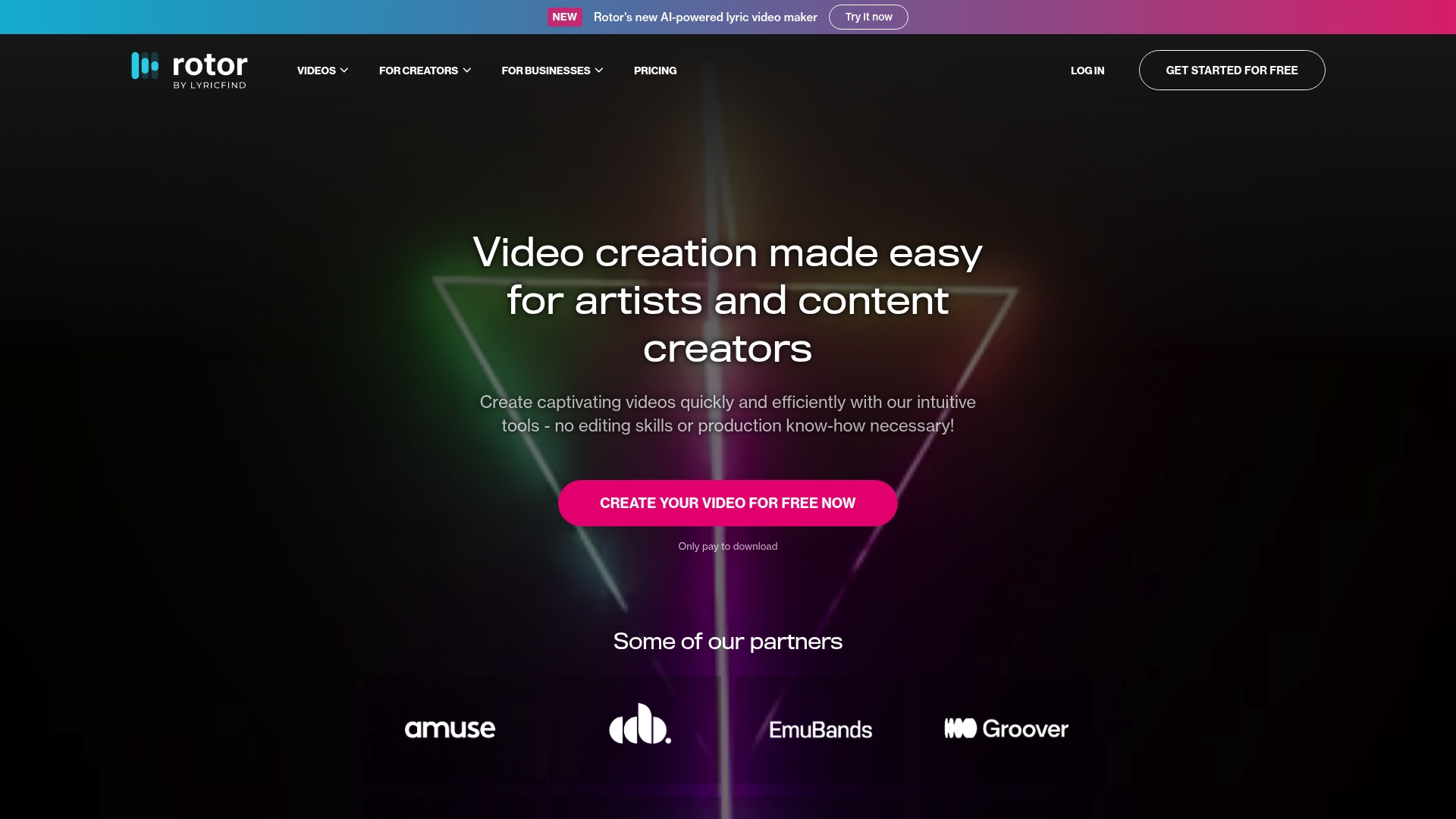
Rotor Videos delivers a fast, no‑fuss way for musicians to create visual content without editing skills. It is best for artists who need quick lyric videos and short promotional clips ready for YouTube, Spotify and social channels.
Core Features
Rotor Videos pairs an AI-powered lyric video maker with tools to produce music videos, album artwork videos and social clips. The platform includes an extensive stock library of over 9 million clips, more than 150 professional styles and filters, and preset cropping for platform-specific formats.
Pros
-
No editing skills required: The interface guides you from audio upload to finished video so you can produce content quickly without prior video experience.
-
Affordable pay per download model: You only buy credits when you need exports which keeps upfront costs low for independent musicians on tight budgets.
-
Huge stock footage and style variety: A library of over 9 million clips and 150 styles helps you match visuals to genre, tempo and mood without sourcing footage elsewhere.
-
Platform-ready outputs: Pre-set cropping and format options make it straightforward to create versions tailored for YouTube, Instagram, Spotify and Apple Music.
-
Fast generation process: Videos render quickly which lets you iterate on ideas and publish promotional material within hours rather than days.
Cons
-
Credit pricing can feel complex: The credit bundle system means the final cost depends on how many credits a project consumes which can confuse first time users.
-
Narrow focus on music formats: The service centres on lyric and music video styles so it is less suitable for creators seeking general purpose video production.
-
Limited clarity on bespoke options: There is little public information about custom or bespoke video services for artists who want fully tailored productions.
Who It’s For
Rotor Videos suits independent musicians, record labels and digital marketing teams who need quick, affordable visual content to support releases. If your priority is producing lyric videos and social clips with minimal production overhead this platform fits your workflow.
Unique Value Proposition
Rotor Videos offers a combination of speed, genre-aware templates and a large stock library that lets artists turn tracks into promotional videos in minutes. The pay per download approach keeps costs aligned with campaign needs so you pay for exports rather than a recurring subscription.
Real World Use Case
An independent musician uses Rotor Videos to create a lyric video and a set of 30 second Instagram clips for a new single. They export a YouTube version for long form promotion and shorter cuts for social ads, cutting weeks of production time and studio costs.
Pricing
Only pay to download videos using credits and credit bundles. Example pricing from the platform: 5 credits cost $44.99, 10 credits cost $79.99 and 50 credits cost $299.99, with discounts applied to larger bundles.
Website: https://rotorvideos.com
Mootion
At a Glance
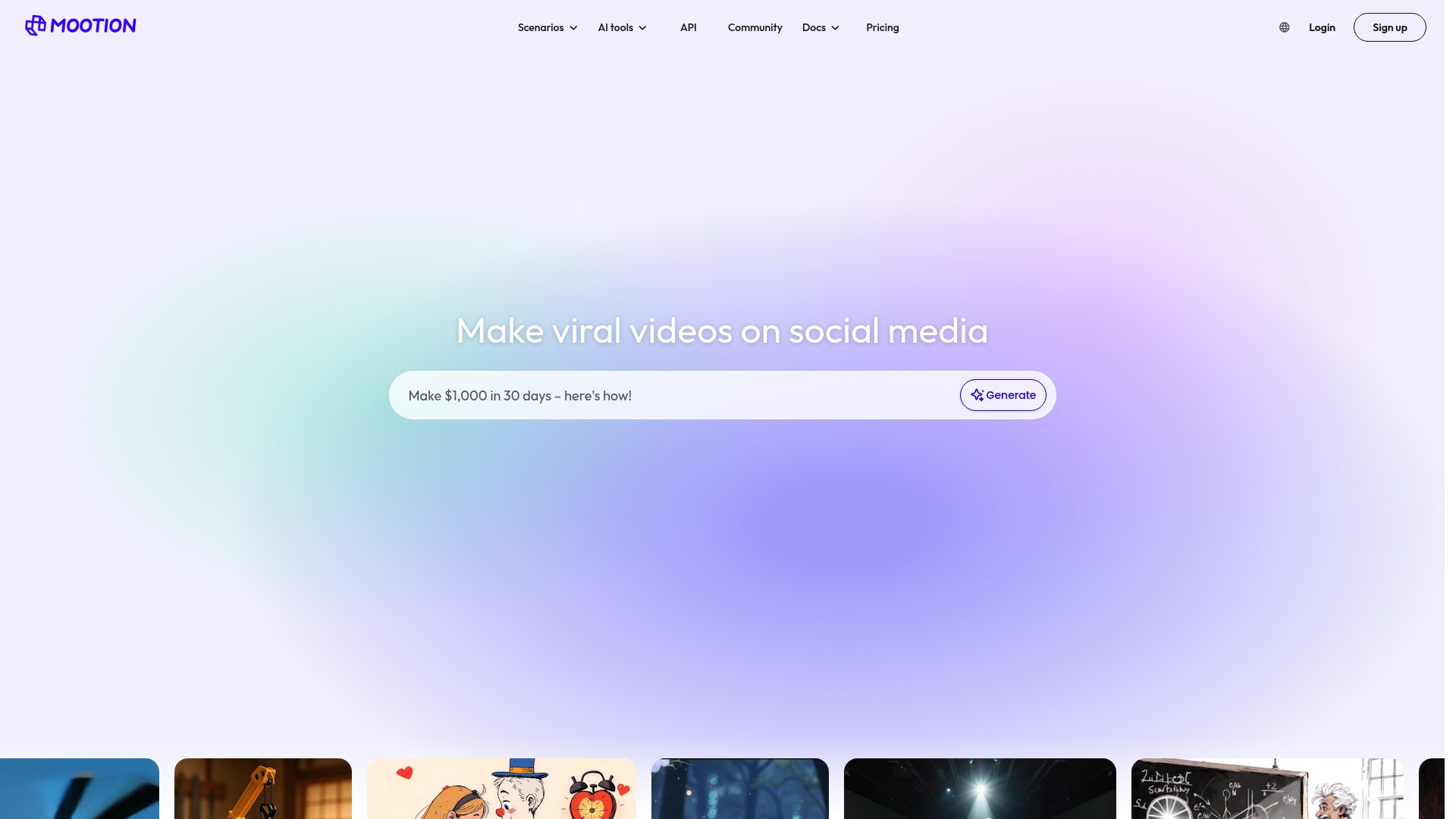
Mootion is an AI powered video creation platform that turns prompts and scripts into finished videos using templates and automated editing tools. It suits creators who need speed and multilingual support but requires a subscription for full capabilities.
Core Features
Mootion offers AI powered video creation from prompts and scripts, a broad library of templates for multiple use cases, and tools for performance in voice, music and effects to heighten emotional impact. It also includes background removal, image to video conversion and AI image editing.
Compatibility covers desktop, tablet and mobile so you can work across devices and export finished videos for various platforms. A storyboard workflow and template based processes aim to reduce production time for creators with limited editing experience.
Pros
-
User friendly interface: The layout and guided templates make it simple for beginners to assemble a video from a script without steep technical learning.
-
Multilingual support: The platform supports multiple languages which helps creators reach international audiences without manual translation work.
-
Comprehensive AI toolset: Mootion bundles idea to export features such as storyboard creation, AI editing and image to video conversion in one place.
-
Strong community and learning resources: A large user base and extensive tutorials shorten the learning curve and supply practical examples you can copy.
-
Flexible export options: Users can download and export videos for social posts, tutorials or marketing use which simplifies distribution.
Cons
-
Subscription required for full access: Mootion is a paid product so casual users may find recurring costs restrictive.
-
Pricing details are not listed in the summary: You must visit the website to view plans and compare costs which slows evaluation.
-
AI driven workflows reduce manual control: Dependence on AI may limit precise creative control for users who prefer hands on editing.
Who It’s For
Mootion is aimed at content creators, educators and marketers who need quick video output rather than deep frame by frame editing. Musicians and independent artists who want to produce promotional clips or narrative videos fast will find the template based approach useful.
Unique Value Proposition
Mootion combines end to end AI tools with ready made templates and device compatibility to let creators move from script to export rapidly. The focus on performance in voice and music helps craft emotionally resonant material without a full production crew.
Real World Use Case
A social media influencer uses Mootion to convert written scripts into polished videos that match their channel tone and upload schedule. The influencer increases viewer engagement by testing multiple templates and languages without hiring an editor.
Pricing
Mootion is a paid product offering multiple plans with differing feature sets. Specific plan names and prices are available on the pricing page on the website so check there to match features to your budget and production needs.
Website: https://mootion.com
Comprehensive Music Video Creation Tools Comparison
This table provides a clear comparison of popular tools specialized in music video creation, covering their features, pros, cons, and pricing for informed decision-making.
| Tool | Features | Pros | Cons | Pricing |
|---|---|---|---|---|
| Music Video Marketplace | Browseable trending and new releases, curated collections, community support | Authentic filmmaking quality, monetization and collaboration options | Pricing details unclear | Contact support for custom pricing details |
| RenderBeat | AI-generated visual storytelling, scene-by-scene storyboarding, editable captions | Fast production time, strong creative control, affordable pricing model | Higher costs for detailed projects | $0.20/sec video and $0.08/scene generated |
| Videobolt | Extensive template library, browser-based editing, HD to 4K exports | User-friendly, professional outputs, royalty-free assets | Template flexibility might be limited for intricate editing | Subscription plans; pricing details unavailable |
| Freebeat.ai | AI-driven video generation, BPM syncing, multiple aspect ratios | Automated production, flexible input options, social-ready output | Advanced features require higher-tier plans | Free plan, $4.99/week basic, $24.99/month pro |
| Rotor Videos | AI-powered lyric video maker, 9M+ stock clips, 150+ professional styles | No need for editing skills, affordable pay-per-download model | Credit pricing system could be confusing | $44.99 for 5 credits, $299.99 for 50 credits |
| Mootion | AI-powered video script creation, multilingual support, template-based video creation system | Easy to start, multilingual support, extensive tutorial resources | Requires subscription for full access | Paid plans available; visit website for details |
Create Stunning Music Videos Fast with Music Video Marketplace
The “Top 6 music video maker platforms 2026” article highlights the need for musicians to produce long form, professional videos quickly for YouTube promotion and ad campaigns. If you struggle with finding authentic cinematic content or navigating complex licensing while working under tight deadlines, Music Video Marketplace offers the perfect solution. Our platform enables you to create a fully human-made music video in minutes, pairing genuine filmmaking with a streamlined workflow designed specifically for music promotion.

Discover how you can save valuable time without sacrificing creative control by visiting Music Video Marketplace. Take action now to upload your song and launch your next YouTube campaign with a stunning video that truly represents your unique sound.
Frequently Asked Questions
What features should I look for in a music video maker platform?
When selecting a music video maker platform, prioritise features such as ease of use, template variety, customisation options, and export quality. Assess the specific types of videos you want to create and ensure the platform aligns with those needs.
How can I create a music video using these platforms quickly?
To create a music video quickly, choose a platform that offers AI-driven tools or extensive template libraries. For instance, select a pre-designed template, upload your media, and adjust the visuals and text as needed to complete your video in as little as a few minutes.
Are there any platforms that provide commercial rights for videos?
Yes, several music video maker platforms offer commercial rights, allowing you to publish and monetise your videos on various platforms. Before finalising your video, verify the specific rights included in the package to ensure you can use the content as intended.
What is the typical cost structure for using music video maker platforms?
Many music video maker platforms operate on a pay-per-download or subscription basis, with costs varying based on project length, features, and export quality. Review the pricing options available on each platform to determine the best fit for your budget and usage needs.
How can I ensure my videos are optimised for social media?
To optimise your videos for social media, select a platform that offers multiple aspect ratio options and pre-set formats for different channels. Focus on creating shorter clips, ideally under 60 seconds, to enhance engagement and cater to specific platform requirements.
Recommended
- Top 7 musicvideogenerator.app Alternatives 2026 | Music Video Marketplace Blog
- Top 4 rotorvideos.com Alternatives in 2026 for Musicians to Create Engaging Music Videos Effortlessly | Music Video Marketplace Blog
- 7 Essential Music Video Trends 2026 for Indie Artists | Music Video Marketplace Blog
- Top video marketing trends for musicians: 2026 strategies | Music Video Marketplace Blog
- Free Simple Photo Slideshow Reel Creator For Social Media - SvenStudios
Read next
 Top 7 TunePocket.com Alternatives in 2026 for MusiciansDiscover 7 TunePocket.com alternatives for musicians. Compare features and find the best fit for your music needs in this comprehensive guide.
 Best UltraMixer alternatives for long-form music videos in 2026Discover the best ultramixer.com alternatives for long-form music videos in 2026. Streamline your production with tailored tools!
 Top 4 videos4music.com Alternatives 2026Discover 4 effective videos4music.com alternatives for independent musicians. Compare features and find the best fit for your music videos.
 Top 8 Specterr.com Alternatives in 2026 for Musicians EverywhereDiscover 8 spectacular specterr.com alternatives to elevate your video content creation in 2026. Compare features and choose your ideal tool.
Turn the idea into a finished music video.
Drop your track into the Studio and build your visual in minutes.