
What is a DJ mix video? A complete beginner's guide
Discover what a DJ mix video is and how it combines audio with captivating visuals. Learn to create engaging content for online platforms!
What is a DJ mix video? A complete beginner’s guide
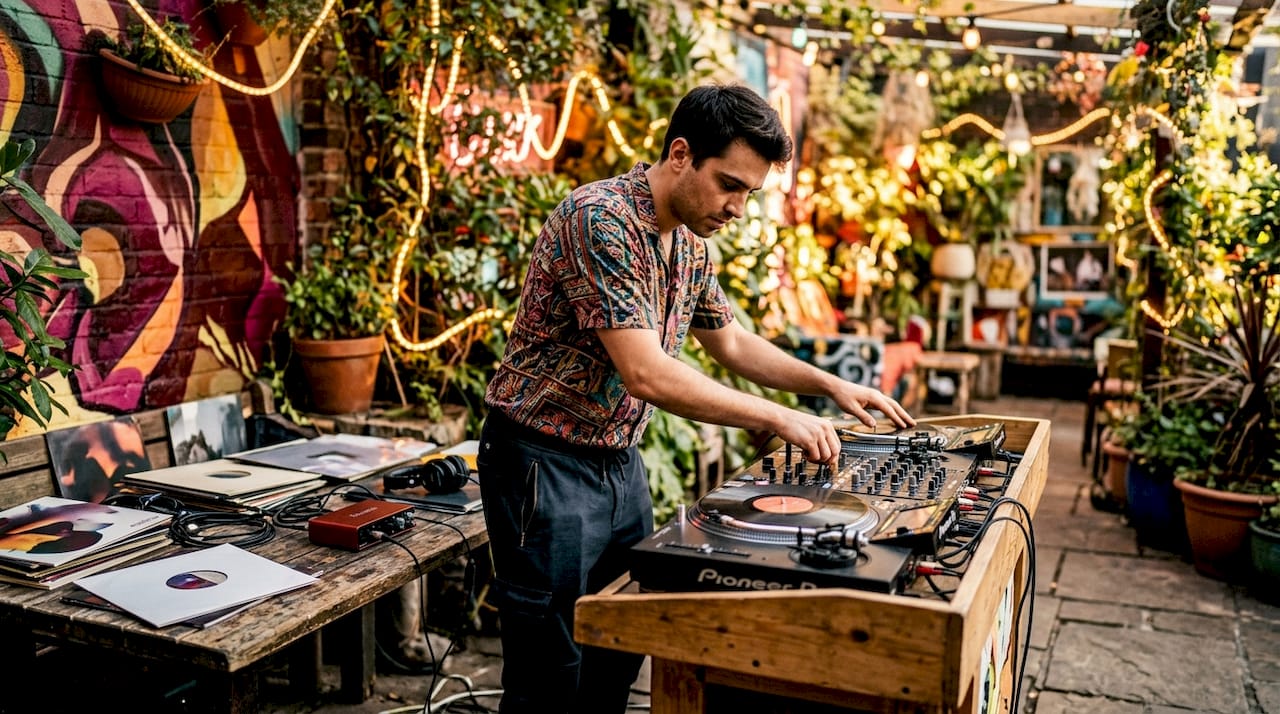
A DJ mix video is a pre-produced audiovisual recording that combines a continuous DJ set with synchronised visual elements into a single, finished video file. Unlike a live performance or a simple audio upload, it is a crafted media asset built for online platforms such as YouTube, Instagram, and Mixcloud. The visuals can range from multi-camera performance footage to audio-reactive animations and AI-generated effects, all timed to the music.
Key components you will typically find in a DJ mix video:
- A continuous, uninterrupted DJ set as the audio foundation
- Synchronised visuals: camera footage, animated visualisers, or AI-generated effects
- Branded overlays, text, and tracklist information
- A fixed, exported video file intended for online distribution rather than live interaction
This format is distinct from live video DJing, where a performer mixes audio and video streams in real time. A DJ mix video is finished before anyone watches it. That distinction shapes everything about how it is made, distributed, and used.
What is a DJ mix, and how does mixing actually work?
A DJ mix is a continuous recording of multiple tracks blended together so that one song flows into the next without silence or jarring cuts. The goal is a single, uninterrupted listening experience that feels like one extended piece of music rather than a playlist.
The core techniques that make this work:
- Beatmatching: aligning the tempo of two tracks so their rhythms stay in time during a transition
- Harmonic mixing: selecting tracks whose musical keys are compatible, avoiding clashing notes when songs overlap
- EQ adjustments: cutting bass frequencies on the incoming track while the outgoing track fades, preventing a muddy low-end build-up
- Mixer effects: reverb, echo, and filters applied at transition points to smooth or dramatise the changeover
- Layering: briefly running two tracks simultaneously to create texture before one takes over completely
Track selection and sequencing are as important as any technical skill. A well-structured mix builds energy deliberately, moves through peaks and valleys, and keeps the listener engaged from start to finish. The audio craft is the foundation on which everything else in a DJ mix video sits.
How does a DJ mix video differ from live video DJing?
Live video DJing, often called VDJ or VJing, is a performance practice where a DJ or visual artist mixes audio and video streams simultaneously in real time, typically at clubs or festivals. The visuals respond to the music on the fly, controlled through dedicated hardware and software during the event itself.
A DJ mix video works completely differently:
- Pre-rendered and fixed: the video is fully assembled and exported before distribution; nothing changes after export
- Non-destructive editing: because it is built offline, a creator can layer visuals, adjust timing, and refine transitions in ways that are impossible to perform live
- No real-time interactivity: the audience watches a finished product, not a live performance responding to the room
- Production workflow: creation happens in a video editor or dedicated software, not on DJ decks in front of a crowd
VDJ is performance-oriented. A DJ mix video is a media asset. The practical difference is that pre-rendered mixes allow for precise timing control, complex layering, and visual refinement that live mixing simply cannot match. For DJs building a presence online, that control is exactly what makes the format so useful.
How do you create a DJ mix video?
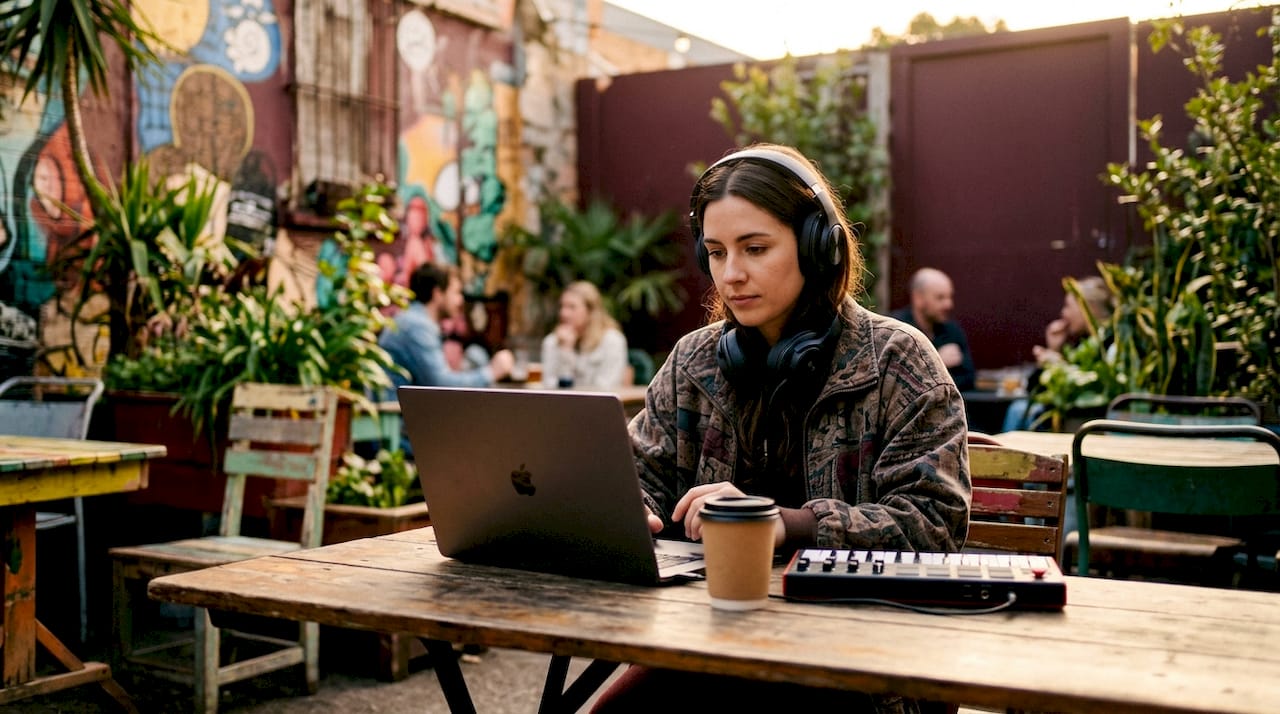
There are two main production workflows, and most DJs end up combining elements of both.
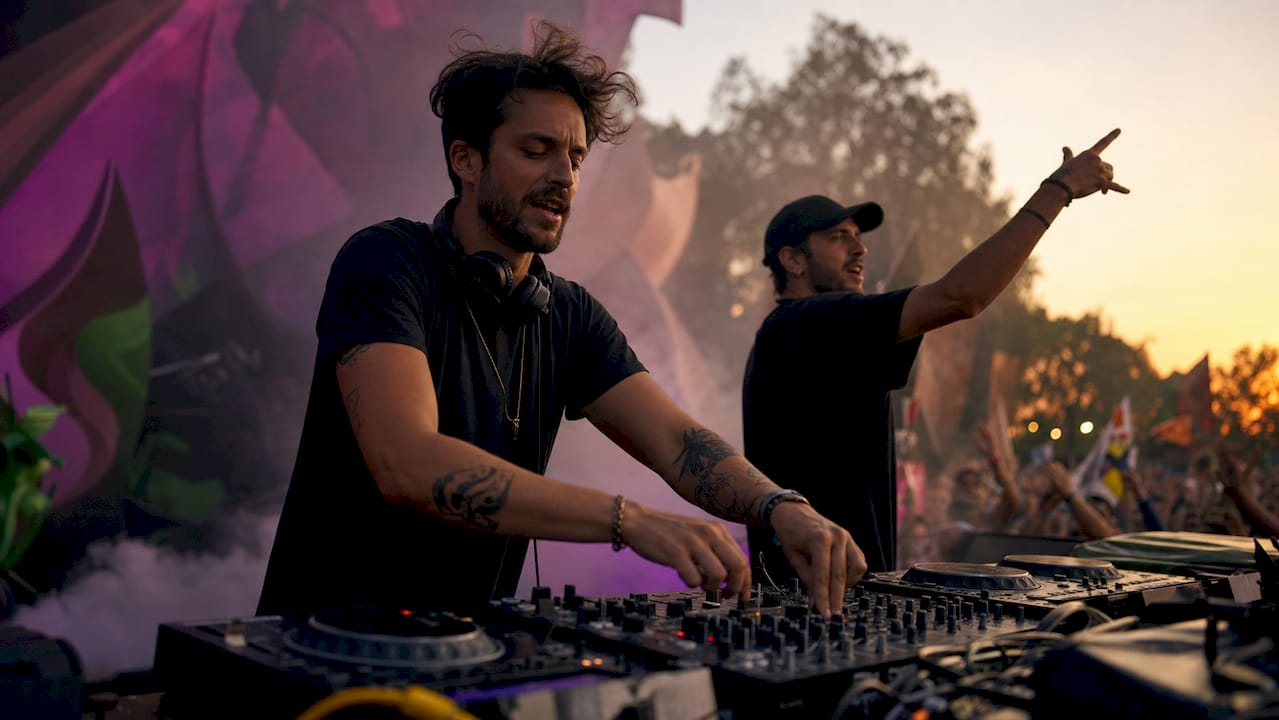
Workflow 1: Live performance capture Record your set with one or more cameras, export the master audio from your DJ software, then edit the footage in post-production. Multi-angle filming adds visual interest, and cutting between angles at drop points or transitions keeps the video dynamic.
Workflow 2: Studio-based digital production Build the mix entirely in software, then add visuals using beat-sync tools, AI-generated effects, or animated visualisers. Tools like DJ.Studio offer integrated visual generation alongside the mix timeline. DaVinci Resolve is widely used for the editing stage, particularly when working with multi-camera footage.
The most common tools in a DJ mix video workflow:
- DJ software with video export: for building and exporting the audio timeline
- DaVinci Resolve: for multi-camera editing, colour grading, and audio-video alignment
- AI visual generators: for creating audio-reactive animations without filming anything
- Screen recording tools: for capturing software interfaces as part of the visual layer
Pro Tip: Always use the master audio file exported directly from your DJ software as the foundation track in your video editor. Camera-recorded audio introduces phase issues and quality loss. Sync all video angles and visual overlays to the master file, not to each other, and you will avoid the drift that makes amateur mix videos look unfinished.
Accessible, integrated software has lowered the barrier considerably. A bedroom DJ with a decent camera and DaVinci Resolve can produce something that looks genuinely professional, provided the audio-video sync is tight. That sync is the single most common failure point in first attempts.
For a practical overview of DJ video production tools available in 2026, Musicvideomarketplace has a dedicated breakdown worth reading before you commit to a software stack.
Where do DJs publish mix videos, and why does it matter?
Distribution is where a DJ mix video earns its keep. The format exists primarily to reach audiences online, and the platform you choose shapes how you structure the video itself.
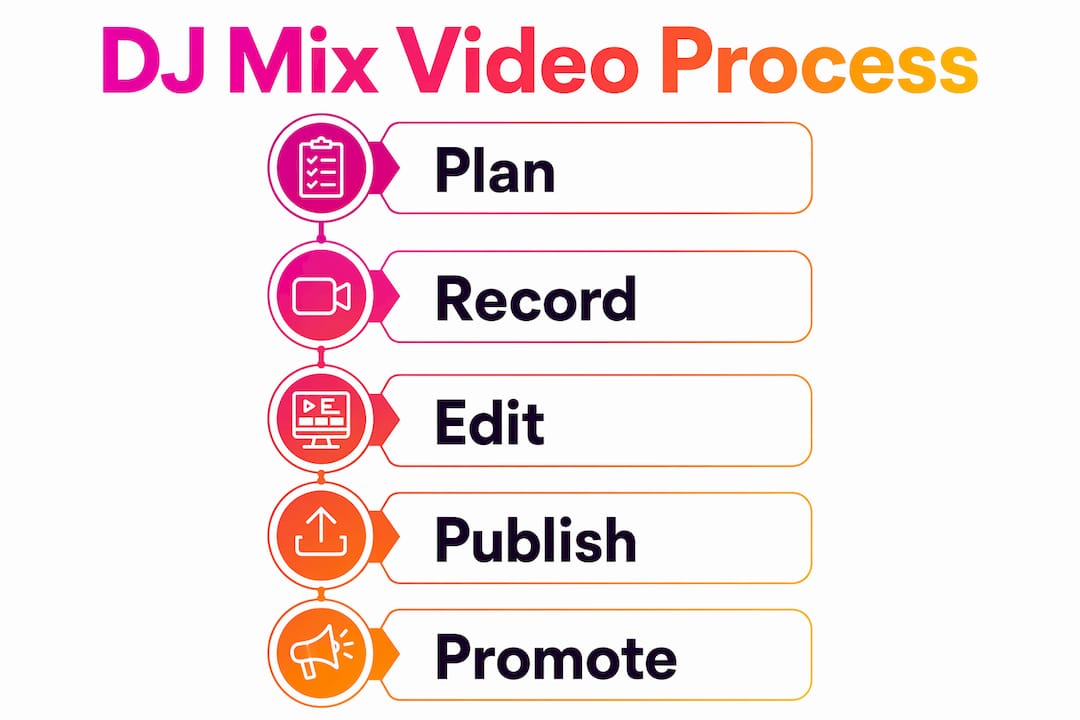
YouTube is the dominant platform for long-form DJ mix videos. Its automatic chaptering feature activates when you paste a timestamped tracklist into the video description, creating clickable chapters that let viewers jump to specific tracks. That alone improves navigation and keeps people watching longer. YouTube also indexes video descriptions for search, so a well-written description with artist names and track titles helps new listeners find your content.
Instagram and TikTok suit short-form clips: a two-minute highlight from a longer mix, a transition showcase, or a behind-the-scenes filming moment. These clips drive traffic back to the full video on YouTube.
Mixcloud is worth knowing about specifically because it operates under a collective licence for DJ mixes, which reduces the copyright friction that affects other platforms. More on that in the next section.
Common formats DJs use across these platforms:
- Full-length mix videos (60–120 minutes) on YouTube with chaptered tracklists
- Promotional reels (60–90 seconds) cut from the full mix for Instagram
- Short transition clips for TikTok to demonstrate technical skill
- Branded still-image uploads with audio on Mixcloud
Audio-reactive visuals and clear track chapters turn a mix into something closer to an immersive show rather than a static upload. For DJs serious about video promotion, the visual layer is what separates a forgettable upload from one that gets shared. Understanding why YouTube matters for long-term career growth is worth the time before you publish your first mix.
What are the basic legal considerations for UK DJs?
Copyright applies to every track in your mix, and publishing a DJ mix video online does not sidestep that. In the UK, using copyrighted music in a recorded mix requires appropriate licensing. The two main rights involved are the composition (owned by the songwriter or publisher) and the sound recording (owned by the record label or artist).
Key points every UK DJ should understand:
- YouTube Content ID: the platform’s automated system identifies copyrighted audio and may mute your video, block it in certain territories, or place adverts on it with revenue going to the rights holder rather than you
- Mixcloud’s collective licence: Mixcloud holds licences with collection societies that cover DJ mixes, making it a lower-risk option for audio uploads, though this does not extend to video content
- Promos and white labels: some labels provide promotional copies specifically cleared for DJ use, but this rarely extends to public video distribution
- Crediting artists and labels: proper credits in your video description do not substitute for a licence, but they demonstrate good faith and are standard professional practice
- Commercial use: if your mix video is monetised or used to promote paid events, the licensing obligations are stricter than for non-commercial personal uploads
The safest route for UK DJs distributing mix videos publicly is to check whether the labels whose music you are using have opted into YouTube’s Content ID licensing system, which allows monetised use rather than blocking. For mixes featuring independent or unsigned artists, direct permission is often easier to obtain than most DJs assume. Legal compliance protects your channel from takedowns and builds the kind of professional reputation that labels and promoters notice.
Key takeaways
A DJ mix video is a finished audiovisual asset built from a continuous DJ set and synchronised visuals, designed for online distribution rather than live performance.
| Point | Details |
|---|---|
| Core definition | A DJ mix video combines a continuous DJ set with synchronised visuals into a single exported video file. |
| Mix vs. VDJ | Pre-rendered DJ mix videos are fixed media assets; live video DJing (VDJ) is a real-time performance practice. |
| Production workflow | Use the master audio export as your timeline foundation in DaVinci Resolve to avoid sync and phase issues. |
| Distribution | YouTube’s automatic chaptering via timestamped tracklists improves navigation and viewer retention. |
| Legal compliance | UK copyright applies to every track; YouTube Content ID and platform licensing terms vary and must be checked before publishing. |
Ready to create your own DJ mix video?
Musicvideomarketplace lets you turn a DJ set into a long-form video in minutes, ready to upload to YouTube and run as an ad campaign for your music. No complex editing timeline, no hours spent in DaVinci Resolve learning colour grading from scratch.

Browse professional DJ mix videos on Musicvideomarketplace for inspiration, or explore curated DJ video assets ready to use for your next promotional push. If you want to understand how DJ promo videos drive bookings, that guide is a good place to start before you hit publish.
Music video content that engages audiences does not happen by accident. The DJs getting booked and building fanbases in 2026 are the ones treating their mix videos as proper media assets, not afterthoughts.
Recommended
- Master DJ video marketing to grow your fanbase in 2026 | Music Video Marketplace Blog
- Why use long form video for DJs: 2026 guide | Music Video Marketplace Blog
- Create DJ promo videos that drive engagement and bookings | Music Video Marketplace Blog
- Rôle de la vidéo dans le mix DJ en 2026 | Music Video Marketplace Blog
Read next
 What is long form video? A creator's guideDiscover what is long form video and how it can elevate your content strategy. Learn to engage audiences deeply and effectively!
 What is a visualiser video? Essential guide for musicians 2026Discover how visualiser videos work, their advantages over traditional music videos, and practical steps to create engaging visuals that amplify your music's reach in 2026.
 Best YouTube export settings for creators and editorsMaster YouTube export settings for the best video quality. Use MP4 with H.264 and AAC for stunning uploads that stand out.
 7 Essential Types of Music Video Formats for MusiciansDiscover 7 types of music video formats to boost your YouTube presence and ad campaigns. Learn practical strategies tailored for independent musicians.
Turn the idea into a finished music video.
Drop your track into the Studio and build your visual in minutes.