
 Try the Workspace
Instream Ad Length: How Long YouTube Ads Can Be
How long can an instream ad be? Skippable, non-skippable and bumper lengths explained, plus how to pick the right length for a song promotion.

Instream Ad Length: How Long YouTube Ads Can Be
The right instream ad length depends on the format. Bumper ads run up to 6 seconds. Non-skippable ads are short, typically around 15 to 30 seconds depending on placement. Skippable ads can run far longer, with the viewer able to skip after 5 seconds. For a musician promoting a song, that last point matters most: you can run a long video as an ad, but only the opening seconds are guaranteed to be seen.
This guide covers each format, the numbers you can plan around, and how to choose a length when the thing you are advertising is a song.
MusicvideomarketplaceTurn Your Song Into a Video AdCreate a long-form video in minutes, then upload it to YouTube and create an ad campaign for your song.Visit MusicvideomarketplaceTL;DR
- Bumper ads: up to 6 seconds, non-skippable, built for reach and recall.
- Non-skippable in-stream: short by design; connected-TV placements are documented at 30 seconds, and around 15 to 20 seconds is the usual rule of thumb elsewhere.
- Skippable in-stream: the viewer sees 5 seconds, then chooses. Long ads are allowed, and a view is counted at 30 seconds or the full ad if shorter.
- For music: put the hook, the artist name and the visual identity in the first 5 seconds, then let the rest of the video reward the viewers who stay.
Table of Contents
- What counts as an instream ad
- Skippable in-stream ads: length and the 5-second rule
- Non-skippable in-stream ads: short and fixed
- Bumper ads: six seconds
- Instream ad length at a glance
- Choosing a length when you are promoting a song
- Common mistakes with ad length
- Perspective: why the video matters more than the length
- From long-form video to ad campaign
- Ready-to-edit videos for your next campaign
- FAQ
- Sources
What counts as an instream ad
An instream ad plays inside someone else’s video: before it (pre-roll), during it (mid-roll) or after it (post-roll). On YouTube this is the format most people mean by “an ad before my video”. It is different from in-feed ads, which appear as a thumbnail in search or beside a video and only play when someone clicks.
There are three instream types to understand, because each has its own length logic:
- Skippable in-stream ads.
- Non-skippable in-stream ads.
- Bumper ads.
The same word, “instream”, also appears on other platforms, and the limits there are different. Facebook’s in-stream placements, for example, are documented separately by Meta, so do not apply YouTube numbers to them. This article is about YouTube, where most music promotion happens.
Skippable in-stream ads: length and the 5-second rule
Skippable ads are the most flexible format. The rule that shapes everything is the skip button. Google’s documentation for Authorized Buyers states that a skippable in-stream ad must be displayed for at least 5 seconds before it can be skipped. Google’s own skippable in-stream creative guide describes it the same way: viewers see the first 5 seconds, then choose whether to continue.
On maximum length, BBC Studios Advertising’s format guide lists skippable ads of up to six minutes, with the “Skip Ad” button appearing after 5 seconds. Always check YouTube’s current help pages before you upload, because limits can change and can differ by placement.
What counts as a view
The same Google guide explains that a completed view is 30 seconds of watching, or the full duration if the ad is shorter than 30 seconds. This is why many advertisers land on ads of roughly 30 seconds or a little more: the viewer who reaches that point has chosen to stay.
For a musician, this has a practical meaning. A 3-minute official video can be set up as a skippable ad. Nobody is forced to watch three minutes, but everyone who wants to can, and you are not charged the way a forced-view format would charge you.
How viewers actually behave
When Research Live reported on a multi-country YouTube trial, it noted that 52% of UK participants skipped, and UK skippers waited an average of 2.4 seconds after the skip button appeared. That is a 2018 finding, so treat it as a pointer rather than a benchmark. The direction is clear, though: a large share of the audience decides almost at once.
The lesson is not that long ads fail. It is that the first 5 to 8 seconds do the sorting. Viewers who stay past that point have told you they are interested.

Non-skippable in-stream ads: short and fixed
Non-skippable ads must be watched before the chosen video plays. Because the viewer has no choice, the length is kept tight.

The figures depend on the placement. BBC Studios Advertising says that on connected-TV inventory a non-skippable ad can be 30 seconds and serves only on videos at least 8 minutes long, while its general specification allows up to 31 seconds. Other format summaries commonly give 15 seconds, or 20 seconds in some regions, as the standard limit. The sensible approach is to design a 15-second cut as your baseline and check whether a longer cut is offered for your campaign type.
Two things follow for artists:
- A full song will not fit. A non-skippable ad is a teaser. Choose the strongest chorus or the most striking visual moment.
- Relevance matters more. Because the audience cannot skip, a poorly targeted non-skippable ad is a more irritating experience than a skippable one. Target people who already listen to similar music.
Bumper ads: six seconds
Bumpers are the shortest format. Google describes them as non-skippable ads lasting between 5 and 6 seconds that play before, during or after another video. They are bought on impressions rather than views, and they work best for reach and recall rather than for telling a story.
For a music release, a bumper does one job well: planting the artist name and one hook. It works as a reminder alongside a longer skippable ad, for example for people who have already seen the longer video once.
Instream ad length at a glance
| Format | Typical length | Skippable? | Best use for a song |
|---|---|---|---|
| Bumper | Up to 6 seconds | No | Name and hook recall |
| Non-skippable in-stream | Around 15 to 20 seconds, up to 30 seconds on some connected-TV placements | No | A tight teaser to a defined audience |
| Skippable in-stream | Short to several minutes, skip after 5 seconds | Yes | Full or long-form video, story, conversions |
These figures are a planning guide. Google can change specifications and they can vary by campaign objective, device and placement, so confirm the current numbers in Google Ads before you finalise a creative.
Choosing a length when you are promoting a song
Most advice on instream ad length is written for brands selling products. A song is different: the product is the content. The ad and the thing being advertised can be the same video. Here is a way to decide.
Start with the goal
- Be heard by as many new people as possible: use bumpers and short non-skippable cuts, with one hook each.
- Get people to watch the full video and subscribe: use a long skippable ad, so interested viewers can stay for the whole thing.
- Drive streams on a platform: use a 15 to 30 second cut with a clear call to action, then a longer video for retargeting people who watched.
Design the first 5 seconds on purpose
Given the 5-second rule and the quick skipping seen in the UK trial, treat the opening as its own piece of creative:
- Show the artist, or the most striking image, immediately. Do not open on a black screen or a slow fade.
- Put the hook or the most recognisable sound in the first few seconds, not after a long intro.
- Show the artist name and song title on screen early enough that a viewer who skips still remembers it.
- Make the first shot match the genre. A viewer should be able to tell what kind of music this is without sound, because many people watch with the volume low or off.
Then reward the people who stay
Google’s guide frames the skippable format as a place for creative experimentation and longer storytelling, since viewers who continue past 30 seconds can engage with a more detailed narrative. In music terms, that means the second half of your ad should not simply repeat the opening. Let the visual story develop, bring in the second chorus, give the viewer a reason to stay to the end.
Plan a set of cuts, not one
A practical release plan uses several versions from the same footage:
| Cut | Length | Purpose |
|---|---|---|
| Bumper | 6 seconds | Awareness and recall |
| Short teaser | 15 seconds | Non-skippable reach |
| Hook cut | 30 seconds | Skippable view campaign |
| Full video | Full song | Skippable ad for engaged audiences and your channel |
If you already have a long-form video, cutting these versions is quick work. The difficult part is usually having a video worth cutting from.
Common mistakes with ad length
- Trimming the song to fit a format. For a skippable ad you rarely need to. Run the full video and let viewers choose.
- Saving the best moment for the end. Many viewers will not reach it. Move the strongest moment forward.
- Using the same cut everywhere. A 6-second bumper and a 3-minute video do different jobs. Treat them as separate creatives.
- Forgetting the sound-off viewer. Captions, the artist name and a clear visual identity help people who skip quickly.
- Ignoring placement. Mobile, desktop and connected TV can have different limits, as the BBC Studios specifications above show. Check before you buy.
Perspective: why the video matters more than the length
We see the same pattern whenever an artist plans an ad campaign: the length debate comes first, and the quality of the video comes second. It should be the other way round.
A skippable ad gives you the chance to run a full-length video. That only helps if the video earns the viewer’s attention in the first 5 seconds and keeps it afterwards. Generic stock footage and automated visuals look like every other ad in the break, and viewers skip them.
Every video in our catalogue is originally produced by professional filmmakers specifically for music. We do not use AI-generated visuals or generic stock footage. Our aim is that artists can customise a ready-made, full-length video with their own audio and branding, and get it on YouTube without arranging a custom shoot.
Because the video already exists in long form, it is easy to cut the 6-second, 15-second and 30-second versions that the different instream formats need. One piece of footage, several ads.
Music
From long-form video to ad campaign
Here is a simple workflow for a release:
- Get a full-length video. You need a video that holds attention for the whole song.
- Upload it to YouTube as the public (or unlisted) video the ad will point to.
- Cut your short versions: 6, 15 and 30 seconds, each with the artist name visible early.
- Set up the campaign in Google Ads, choosing the format that matches your goal. Start with skippable ads if you are unsure, since they give the most flexibility on length.
- Review the results after a week or two. Look at how many viewers pass the 5-second and 30-second marks, then adjust the opening.
If you want a closer look at how releases can be grown on YouTube, our guide on instant music videos and fast growth covers the production side.
Ready-to-edit videos for your next campaign
If you need a long-form video for an ad but do not have time for a shoot, you can browse human-made, ready-to-edit music videos on our licensing page, upload your audio and branding, export a YouTube-ready file and generate short clips for your cuts. Membership is £19.99 per month, and extra videos are £9.99 per month per video, as set out on our pricing page.
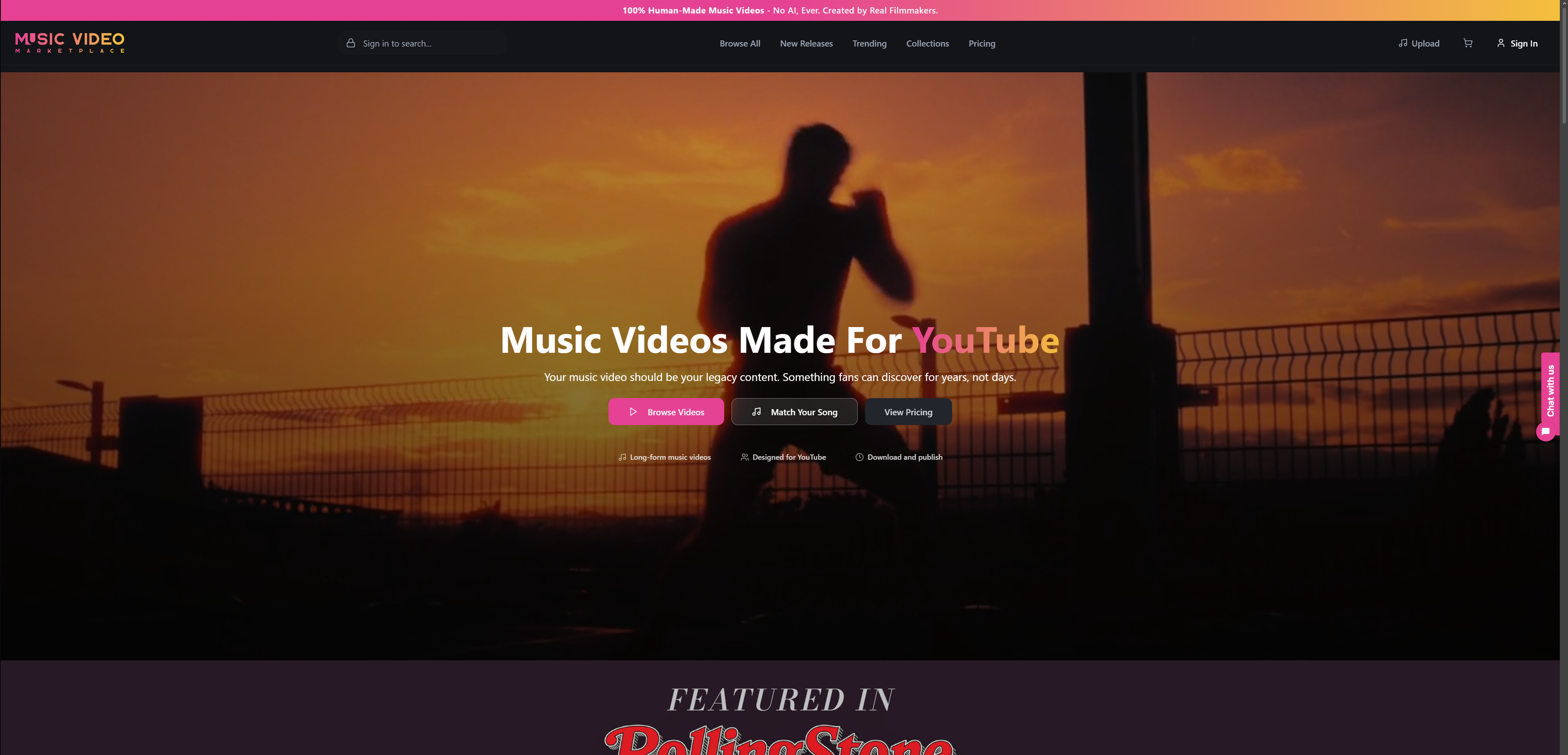
You can also look at individual videos such as Ballerina or Brothers in Arms to see the style before you decide.
FAQ
How long can a YouTube instream ad be?
It depends on the format. Bumpers are up to 6 seconds, non-skippable ads are short (documented at up to 30 or 31 seconds on some connected-TV placements), and skippable ads can run much longer, with listings of up to six minutes. Check Google Ads for the current limits on your campaign type.
When can viewers skip an instream ad?
On a skippable in-stream ad, viewers see at least 5 seconds and can then skip. Google counts a completed view at 30 seconds, or the full length if the ad is shorter than 30 seconds.
Can I use my full music video as an ad?
Yes, as a skippable in-stream ad. Viewers who like the opening can keep watching, and those who do not can skip. Make sure the first 5 seconds show the artist, the hook and a clear sense of the genre.
What is the best length for a song promotion ad?
There is no single best length, so use a set. A 6-second bumper builds recall, a 15-second cut gives a non-skippable teaser, and a 30-second or full-length skippable ad lets interested viewers stay. Compare results and keep the versions that hold viewers past the 5-second mark.
Sources
- Skippable In-Stream Video Ads, Google Authorized Buyers
- Create with Google: Skippable in-stream
- YouTube Skippable ad format, BBC Studios Advertising
- YouTube Living Room CTV ad format, BBC Studios Advertising
- Skippable ads viewed more favourably, Research Live
- YouTube ad formats overview
- Bumper ads: the 6-second playbook
Read next
 Music Ad Budget: How to Plan Your Release Spend in the UKPlan a music ad budget for your next release: what to include, what £250, £1,000 and £5,000 can achieve, platform costs and when to scale.
 Music ad campaign strategies for independent artistsLearn how independent musicians can use targeted ad campaigns on YouTube and beyond to grow their audience, boost streams, and build sustainable momentum.
 Music ad campaigns: expert strategies for real resultsLearn how independent musicians can plan, launch, and optimise YouTube music ad campaigns with real benchmarks, targeting strategies, and creative frameworks.
 How to launch music ads on YouTube: A step-by-step guideLearn how to launch music ads on YouTube with our step-by-step guide. Reach targeted listeners, optimize your budget, and grow your audience effectively!
Turn the idea into a finished music video.
Drop your track into the Workspace and build your visual in minutes.