
Album Sampler Video: How to Make One That Gets Streams
What an album sampler video is, how to structure and time it, how to plan teasers around release day, and how to build one fast from professional footage.

Album Sampler Video: How to Make One That Gets Streams
An album sampler video is one continuous piece of video that gives viewers a taste of every track on a record, usually a short excerpt of each song cut together over strong visuals. It works best when the footage looks like a real release, not a slideshow of artwork, and when you can produce it in days, not weeks. That is the reason we built our catalogue around professionally filmed, ready-to-edit music videos: you upload your audio and branding, and the visual side is already done.
This guide is for artists, labels, managers, DJs, producers and distributors. It covers what a sampler is, how to build one track by track, how long to make it, how to slot it into a release plan, and the rights you need to check before it goes live.
MusicvideomarketplaceCreate a YouTube-Ready Album SamplerMusicvideomarketplace helps musicians create long-form videos in minutes for YouTube and build ad campaigns for their songs.VisitTL;DR
- An album sampler video presents a short excerpt of every track in one continuous video, so it shows the whole record, where a trailer usually spotlights one or two songs.
- Keep excerpts short, keep the track order deliberate, and put the track list and streaming links where viewers can act on them.
- Run it as part of a pre-release, release-day and post-release plan, not as a one-off upload.
- Check rights for every element: recordings, compositions, footage, artwork and anyone who appears on screen.
- Our ready-made, human-filmed music videos let you build a YouTube-ready sampler and short social clips without a shoot.
Table of Contents
- What an album sampler video actually is
- Why a sampler earns its place in a release plan
- How to build an album sampler video, step by step
- How long should an album sampler be?
- Planning the sampler around release day
- Rights to check before you publish
- Building the sampler with Music Video Marketplace
- Our view on album samplers
- FAQ
- Sources
What an album sampler video actually is
People use “sampler”, “preview”, “teaser” and “trailer” loosely, so it helps to separate them.
Album sampler video. A single video with a clip of each song, edited into one flow. The aim is to show the shape of the whole album: its mood, its pacing, its track order. Viewers get a feel for the record as a package without hearing any one song in full.
Album trailer. Closer to a film trailer. NPR’s The Record described trailers as typically one or two minutes long and impressionistic, built from snippets of one or two songs set to imagery. Pitchfork’s Amy Phillips told the programme that a good one gives a tantalising taste that gets people excited.
Teaser. Shorter again, often a few seconds to half a minute. A teaser announces that something is coming. It might be a lyric line, a release date or a glimpse of the music video.
Full music video. One song, shown in full, with its own concept and story.
Album stream. The complete record playing in order, often over static artwork.
The sampler sits between the trailer and the stream. It is more complete than a teaser and far shorter than a stream, which is why it suits listeners who want to decide whether a record is for them before they commit forty minutes.
The same logic applies to an EP or a run of singles. If you have several tracks coming out together, a sampler is the quickest way to introduce them as one body of work.
Why a sampler earns its place in a release plan
Nobody needs a sampler to release music. Phillips said as much to NPR: plenty of albums do fine without a trailer, but she called the format a harmless and potentially fun way to promote a record. For an independent artist or a small label, the useful question is what the sampler does that a single does not.
Three things:
- It shows range. A lead single represents one song. A sampler lets a listener who liked the single hear the rest of the album’s character.
- It gives you one asset to point everything at. Pre-save links, press emails, playlist pitches and social posts can all carry the same video.
- It feeds your short-form content. One well-built sampler yields many clips: a hook from track one, a moment from track five, a closing line from the last song.
For managers and labels handling several artists, that third point matters most. A repeatable format, with the same structure and the same branding applied to different records, is far easier to run than a bespoke edit for every release.
How to build an album sampler video, step by step
1. Decide the job of the video
Pick one outcome: pre-saves, first-week streams, or press interest. The outcome decides your call to action. A pre-release sampler points to a pre-save link. A release-week sampler points to the streaming service where most of your listeners are.
2. Choose your excerpts
Take a short section from every track. As a working rule we suggest roughly 15 to 30 seconds each, enough to establish a song’s identity without giving it away. Choose the hook or the most distinctive moment, not simply the opening bars. Intros are often the weakest part of a song to sample.
Where it goes wrong: cutting every excerpt from the chorus. The video then sounds repetitive, and the dynamics of the album disappear. Mix it up. Take a verse from one song, a drop from another, a vocal moment from a third.
3. Set the track order
You have two honest options. Follow the album’s running order, which gives a true picture of the record. Or reorder for pacing, opening with your strongest moment and closing on a cliffhanger. Either way, choose deliberately. A sampler that jumps between tempos without a plan feels like a skipping CD.
Use clean cross-fades or tight cuts on the beat so excerpts flow into each other. Hard audio edits mid-phrase are the most common giveaway of an amateur sampler.
4. Match visuals to the music
This is the step that costs most time and money. A sampler of 12 tracks needs visuals that hold attention for several minutes. Static artwork with a waveform can work for a stream, but for a promotional video it rarely holds viewers.
You have a few routes: a bespoke shoot, cutting from existing music videos, stock footage, or ready-made footage made for music. Stock footage tends to look generic and is shared with everyone else who uses it; our comparison of stock footage and custom video explains the trade-off. Every video in our catalogue is produced by professional filmmakers specifically for music, never with AI or generic stock footage, and you customise it with your own audio and branding.

If you want to settle the look before you edit, a music video moodboard is a quick way to agree colours, locations and tone with your artist or team. For ideas on concepts that fit a particular song, see our music video concept ideas.
5. Add the track list and credits
Show each track title as its excerpt plays, and put the full track list in the description. On YouTube, add timestamps in the description so viewers can jump to the song they like. Record where each excerpt begins as you edit, so you are not hunting for them afterwards.
If the thumbnail will carry the album artwork, test a few versions. Our guide to music video thumbnail testing covers how.
6. Add the action
End with a clear next step: the pre-save link, the streaming link, a date. Put the link in the first line of the description and in a pinned comment as well, because most viewers will not expand the description.
7. Export for each platform
Export a widescreen version for YouTube. Then cut vertical clips for short-form platforms. This is where a tool that produces both formats saves hours: with our platform you can export YouTube-ready videos and generate short social clips from the same project.
How long should an album sampler be?
There is no official length. The maths is simple: tracks multiplied by excerpt length. Ten tracks at 20 seconds each is just over three minutes. Twelve tracks at 30 seconds is six minutes, which is long for a cold audience.
Our guidance:
- Full sampler on YouTube: two to four minutes works for most records. If you have many tracks, shorten each excerpt instead of letting the video run long.
- Short-form versions: keep these brief, and mind the platform rules. YouTube’s help page on Shorts monetisation policies says Shorts over one minute that contain claimed content are blocked and not eligible for monetisation, so a sampler cut for Shorts needs checking against that policy first.
- Teasers: a handful of seconds is enough to show a release date or a hook.
A sampler is a promise. If it is longer than the viewer expected, they leave before the call to action.
Planning the sampler around release day
A single upload on release day wastes most of what the sampler can do. YouTube’s official release strategy guidance divides a campaign into pre-release weeks, where the aim is to build anticipation and encourage fan content, and release day and week. It recommends a Premiere for the official music video, with a trailer on the watch page, and it describes a Preview: a snippet of the song delivered to the Shorts audio library ahead of release, set up through your label or distributor, so fans can start making content early.
Here is how that maps to an album or EP.
Pre-release. Publish short clips and teasers first. Hook-only loops, lyric reveals and behind-the-scenes moments give fans something to react to. Then release the full sampler as the centrepiece, with your pre-save link in the description.

Release day. Premiere the lead video and make the sampler easy to find from your channel. Reply to comments in the first hours, since early engagement is something YouTube’s guidance explicitly encourages through live chat.
Post-release. Keep the sampler live. It remains the quickest way to introduce a new listener to the whole record. Follow with performance clips or behind-the-scenes material, and cut new short clips from the tracks that are performing best.
One caution: do not flood your audience. Spread the teaser clips across the lead-up rather than posting them all at once, and leave a gap between them.
Single release video plan
For a single, the same shape applies at a smaller scale: a teaser a week or two before, a Premiere on release day, a short clip in the days after. If the single is the first from a forthcoming album, finish the campaign by hinting at the next track. That turns each single into promotion for the album sampler that follows.
Album teaser ideas from an existing music video
If you already have a music video, you do not need new footage for every teaser. Some formats that work:
- A few seconds of the video’s most striking shot with the release date over it.
- A silent clip of the artist mouthing a lyric line, with the text on screen.
- An instrumental section over atmospheric visuals, to introduce the sound before the vocal.
- A two-phase approach: early teasers that are abstract or offbeat to build curiosity, then closer to release, teasers using the actual video to build familiarity.
- A vertical cut of the chorus for short-form platforms.
If you do not have a video yet, our catalogue gives you footage to customise, so teasers and the sampler can share a visual identity from day one. Our Spotify Canvas and lyric video guide covers another short visual format worth adding to the plan.
Rights to check before you publish
Even when you own your music, a sampler combines several elements, and each needs clearing. In the UK, a commercial recording involves two copyrights: the song (composition) and the sound recording. If you released the album yourself and wrote everything, you may already hold both. If a label, publisher or co-writer holds any share, you need their agreement before using the recordings in promotion.
The UK Copyright Service’s fact sheet on obtaining permission advises that a request should identify the work and the exact extract, with start and end points, say how it will be used and reproduced, and give the estimated sales and timeframe. That is a useful template for any clearance you send, such as a guest feature or a sampled element inside a track.
Its video copyright fact sheet adds two points that matter for samplers: people who appear in a video should sign release forms consenting to the use of their image before publication, and other people’s artwork, video clips, music or sound effects must not be used without permission or an explicit licence.
A short checklist for every sampler:
- Recordings: do you control every master you excerpt?
- Compositions: are all writers and publishers content for promotional use?
- Artwork: is the cover or any photography licensed for video?
- Footage: do you hold a licence for every clip you use?
- People: do you have releases from anyone who appears on screen?
For the footage, the licence terms for our videos are on our licensing page. Keep your written clearances together with the project files. Rights questions on your own recordings, such as splits or publishing, should go to your label, publisher or a music lawyer.
Building the sampler with Music Video Marketplace
The slowest part of a sampler is the visuals. We built our marketplace so musicians, labels, managers, DJs, producers and distributors can browse human-made, ready-to-edit, full-length music videos, customise them with their own audio and branding, and export a YouTube-ready video in minutes. You can also generate short social clips from the same video and launch an ad campaign for your song.
Membership is £19.99 per month, and recurring extra videos are £9.99 per month per video. Full details are on our pricing page, and you can browse the catalogue from our homepage.
For a label with several artists, a single membership and a consistent look across releases makes the sampler a routine job, not a production.
Our view on album samplers
We think the album sampler is the most underused format in independent music. Most artists put all their effort into one lead single and then drop the rest of the record with nothing to show for it.
A sampler fixes that, but only if it looks like it belongs to a real release. Viewers decide in seconds whether something is worth their time, and generic visuals tell them it is not. That is why every video in our catalogue is originally produced by professional filmmakers specifically for music, never created with AI or generic stock footage.
The second thing we care about is speed. A release window does not wait for a shoot. Our catalogue focuses on customisation and fast release without requiring a custom shoot, so you can put your own audio and branding on a finished video, export it for YouTube, and cut short clips for social the same day.
Build the sampler once, use it for the pre-save push, the release week, and every playlist pitch after that.
Music
FAQ
What is an album preview video?
It is the same idea as a sampler: a short video giving listeners a taste of the whole album before they stream it. Some artists use it for a single highlight track, but the usual format uses an excerpt from each song.
Can I make an album teaser from a music video I already have?
Yes. Cut the strongest few seconds of the video, add the release date as text, and export vertical and widescreen versions. Use different moments of the video across several teasers so they do not look identical. Make sure you hold the rights to every clip and recording you use.
How many seconds of each song should I use?
A sensible range is 15 to 30 seconds per track, adjusted so the total stays within two to four minutes. Shorter excerpts suit albums with many tracks. Pick distinctive moments rather than always taking the chorus.
When should I publish the sampler?
Publish it in the weeks before release, after your first teasers and alongside your pre-save link. YouTube’s release guidance treats the pre-release weeks as the time to build anticipation, then moves to a Premiere and engagement on release day. Keep the sampler live afterwards as an introduction to the record.
Sources
- A Rational Conversation: Album Trailers, Really? (NPR, The Record)
- YouTube Shorts monetisation policies (YouTube Help)
- Release Strategy on YouTube (YouTube Help)
- P-13: Obtaining permission to use copyright material (The UK Copyright Service)
- P29: Video copyright (The UK Copyright Service)
Recommended
Read next
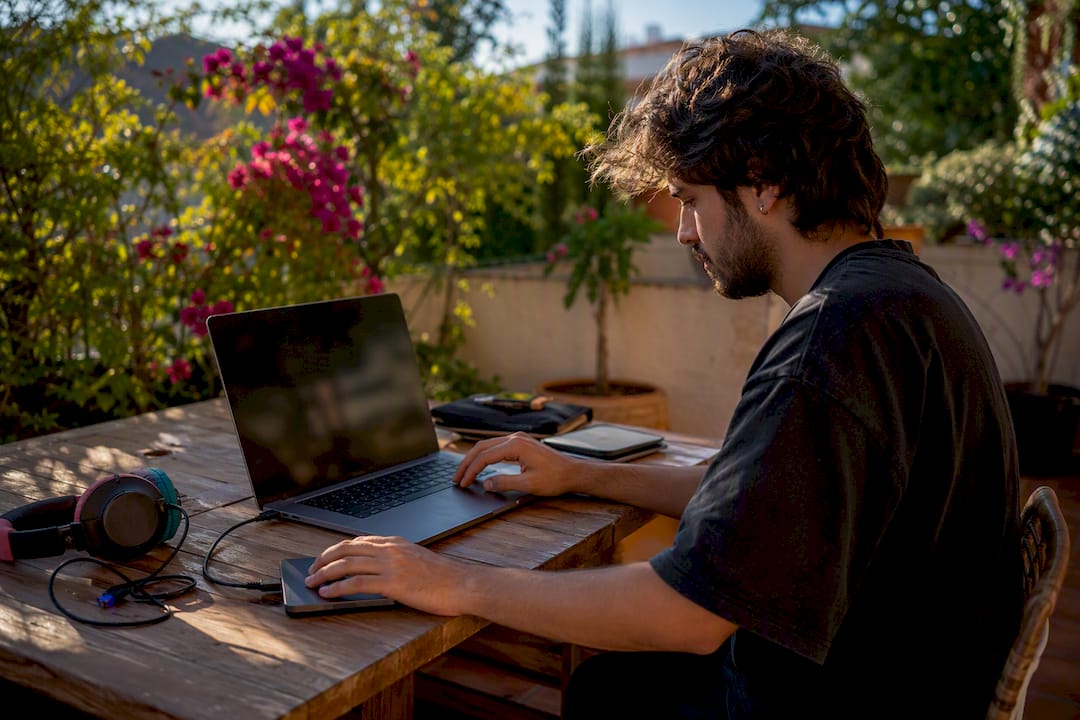 Apple Music motion artwork: get YouTube-ready video fastUnlock the power of Apple Music motion artwork to create stunning YouTube videos and ads quickly. Get ready-made packages for fast, professional results.
 Audio Reactive Visuals: A Musician's Guide to Visuals That Move With Your TrackHow audio reactive visuals work, how to match them to drum and bass, EDM, lofi and ambient tracks, and how to get a YouTube-ready video released fast.
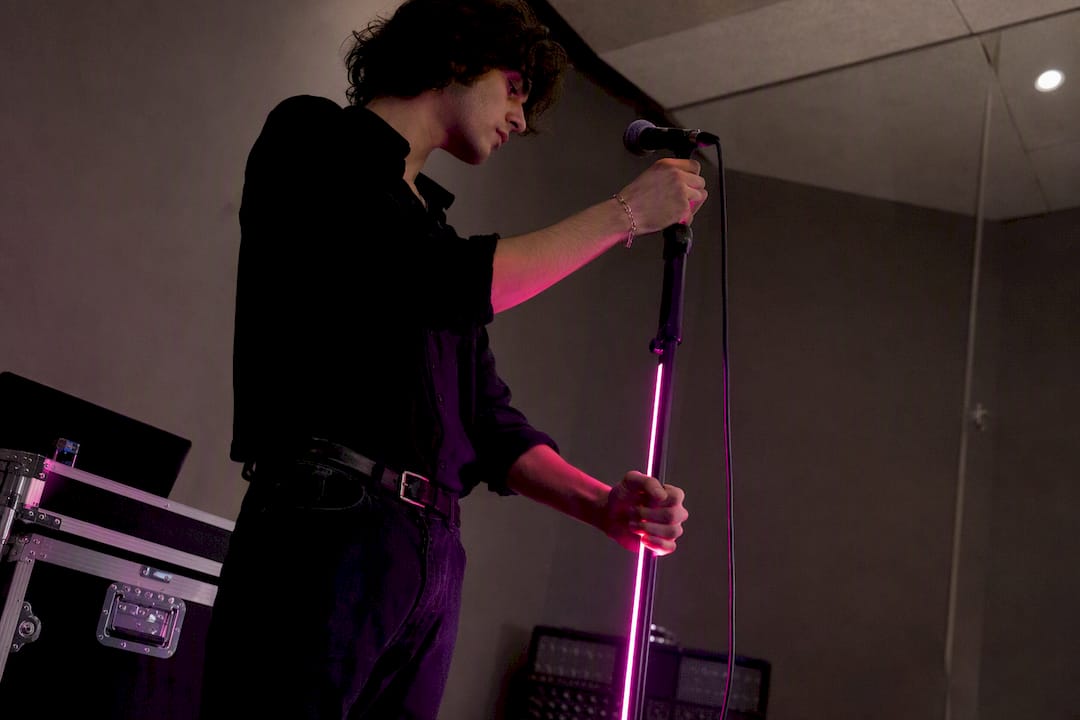 Use one brand colour as a video accent, not a washElevate your videos by using brand colors effectively. Learn how to create eye-catching visuals that enhance viewer engagement and drive action.
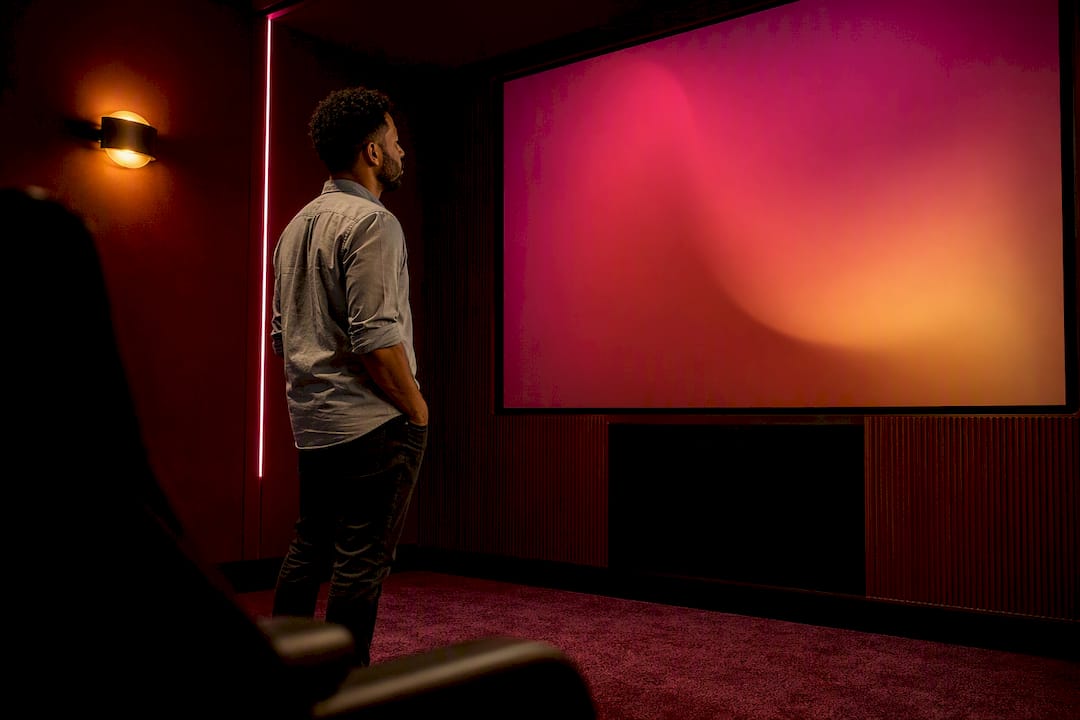 Get Your Song Into Upload Ready Video in Days for Music ProfessionalsRelease-ready workflow for music professionals: license a full length, ad ready video, drop in your master, and export platform specific short clips in days.
Turn the idea into a finished music video.
Drop your track into the Studio and build your visual in minutes.