
How to add visual effects to song videos
Discover how to add visual effects to song videos using industry-standard tools. Enhance viewer engagement and elevate your music visuals.
How to add visual effects to song videos
TL;DR:
- Adding visual effects to song videos involves syncing motion graphics and color grading to match the music’s rhythm and emotional peaks. Proper software, lighting, and editing discipline are essential, while AI tools should supplement creative decisions rather than replace them. Rhythm-focused editing and restraint in effects produce more engaging and professional music videos.
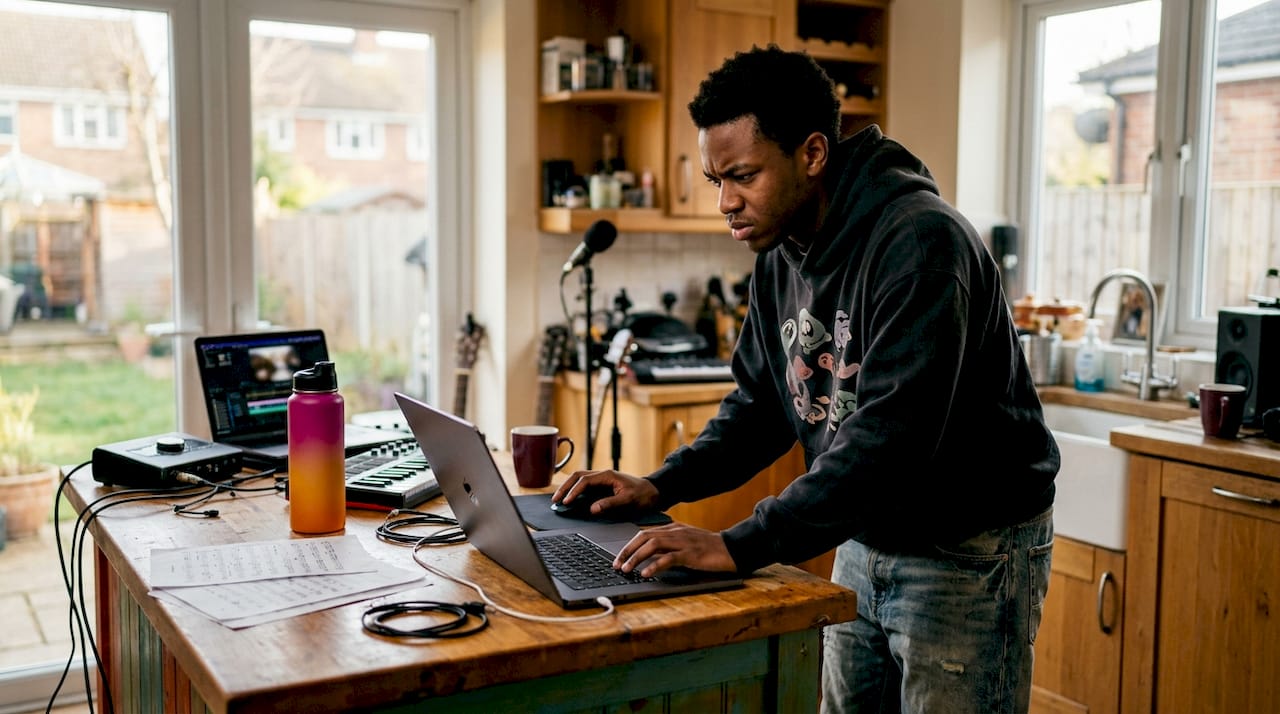
Adding visual effects to song videos is the process of integrating motion graphics, colour grading, and rhythm-synced edits that elevate viewer engagement and complement the music’s emotional tone. The technique sits at the intersection of sound and image: every cut, flash, and colour shift should serve the song, not the editor’s ego. Industry-standard tools like DaVinci Resolve and CapCut provide effects libraries and beat-synced editing features that make this process accessible to creators at every level. Whether you are producing your first song video or refining a professional workflow, understanding the core principles separates forgettable clips from videos that hold attention.
How to add visual effects to song videos: tools you need first
The right software defines what effects are possible. DaVinci Resolve, CapCut, and Adobe Premiere Pro each offer distinct strengths for music video production. DaVinci Resolve leads on colour grading and node-based compositing. CapCut excels at quick, mobile-friendly edits with pre-built motion effects. Premiere Pro sits in the middle, offering a broad effects library alongside tight integration with After Effects for motion graphics.
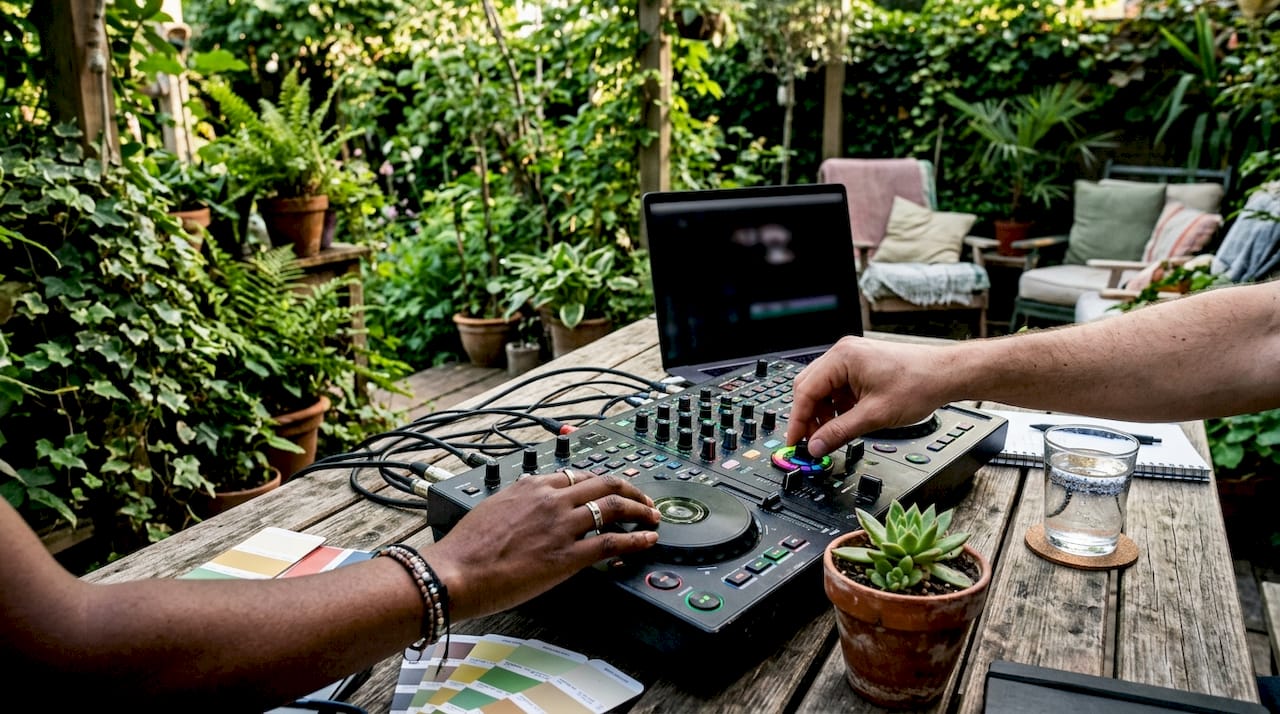
Beyond software, your footage quality sets a ceiling on what effects can achieve. Lighting quality outweighs camera type; a well-lit scene shot on a mid-range camera will integrate effects far more convincingly than poorly lit footage from an expensive one. Shooting multiple angles also gives you more usable material, which expands your editing options considerably.
AI-assisted tools are now part of the standard workflow for many creators. Platforms that offer automated background replacement, style transfer, or AI-generated overlays can save hours on repetitive tasks. They work best as supplements to traditional editing rather than replacements for it.
| Feature category | Entry-level apps | Professional platforms |
|---|---|---|
| Effects library | Pre-built templates | Custom compositing |
| Beat synchronisation | Auto-detect | Manual + auto markers |
| Colour grading | Basic LUTs | Full node-based grading |
| AI enhancements | Background removal | Style transfer, motion tracking |
| Export options | Standard HD | Multi-format, HDR |
Pro Tip: Before opening any editing software, write a one-sentence concept for your video. A clear concept stops you from adding effects for their own sake and keeps every decision tied to the song’s mood.
How do you synchronise visual effects with the music’s rhythm?
Beat synchronisation is the single most important technical skill in music video editing. Cutting to the beat, using audio waveform transients as guides, is the foundation of rhythm-aligned editing. When your cuts land on the kick drum or snare, the video feels physically connected to the music. When they do not, even expensive effects feel random.
The practical approach uses these core techniques:
- Place beat markers first. Import your audio track and mark every major transient before you touch the footage.
- Double cut density in choruses. More cuts per bar match the higher energy of a chorus and create a natural sense of build.
- Use speed ramps on musical highlights. A slow-motion moment that snaps back to normal speed on a beat drop is one of the most effective tools in music video editing.
- Match zoom direction to melodic movement. A rising melody pairs naturally with a slow push-in; a drop pairs with a pull-back or whip pan.
- Pace wide shots to low-energy sections. Verses and bridges benefit from longer, slower shots that give the viewer room to absorb the lyric or atmosphere.
“Visual effects in music videos are most effective when they complement the natural rhythm and emotional peaks of the song. Effects are punctuation, not decoration. Use them to mark moments, not to fill space.”
Pro Tip: Export a rough cut with no effects at all and watch it back with the audio. If the edit already feels rhythmically satisfying, your effects will land. If it feels disjointed, no amount of visual polish will fix it.
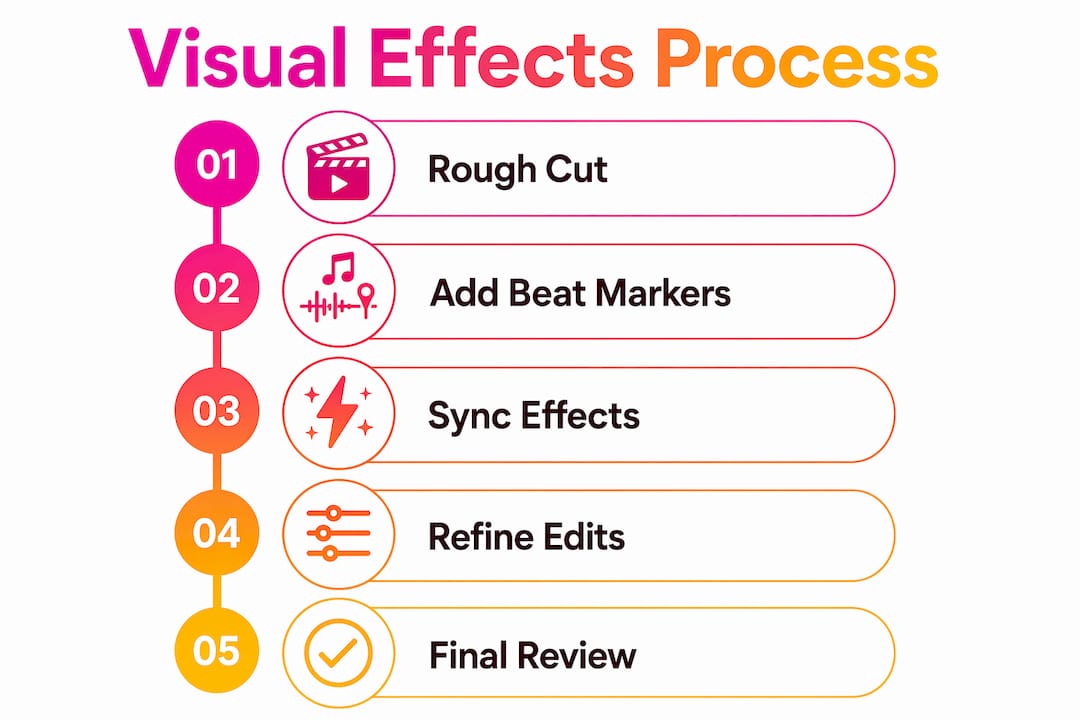
Step-by-step process for adding effects to your song video
A clear workflow prevents the most common mistake in music video editing: adding effects before the structure is solid. Follow this sequence and you will avoid rebuilding your edit from scratch.
- Import and organise your footage. Create bins by shot type (close-up, wide, performance, cutaway). Label everything before you begin.
- Place your audio track and set markers. Use your editing software’s beat detection or mark transients manually. Automated beat-detection tools deliver around 90% accuracy; plan to adjust the remaining 10% by hand for creative precision.
- Build a rough cut to the markers. Assemble your best shots against the beat markers without any effects. This is your structural foundation.
- Apply colour grading. Colour grading transforms raw footage and is the fastest way to create mood consistency. Start with contrast and temperature before touching saturation. A warm grade suits acoustic or emotional tracks; a cold, desaturated grade suits electronic or aggressive music.
- Add motion effects and transitions. Speed ramps, zooms, and whip pans go in at this stage. Time each one to a specific beat marker, not to a general section.
- Layer overlays and graphics. Lens flares, light leaks, grain, and text overlays sit on top of your graded footage. Keep them subtle unless the song’s genre demands otherwise.
- Review the full edit with audio. Watch it three times: once for rhythm, once for colour, once for story. Fix issues in that order.
- Export for your target platform. YouTube requires H.264 or H.265 at a minimum of 1080p. Vertical formats for short-form platforms need a 9:16 aspect ratio at the same resolution.
| Stage | Key action | Common error |
|---|---|---|
| Rough cut | Edit to beat markers | Skipping markers and cutting by feel |
| Colour grade | Set contrast before saturation | Over-saturating without fixing contrast first |
| Motion effects | Time to specific beats | Placing effects at section starts, not beat hits |
| Overlays | Use sparingly | Stacking too many layers, reducing clarity |
| Export | Match platform specs | Exporting at wrong aspect ratio |
Pro Tip: Use text-based editing alongside transcripts to speed up selecting performance moments in long footage sessions. Text-based editing workflows cut selection time significantly when you have hours of raw material.
What common mistakes should you avoid when adding visual effects?
The most damaging mistake in music video editing is overusing effects. Overusing speed ramps, zooms, or flashes dilutes their impact and trains the viewer to ignore them. An effect that appears every three seconds stops being an effect and becomes wallpaper.
Watch for these specific pitfalls:
- Ignoring the music’s natural rhythm. Cuts and effects placed without reference to the audio waveform create a disjointed edit that feels amateurish regardless of production value.
- Sacrificing concept for complexity. A simple, clear concept drives better outcomes than a high-budget, unfocused shoot. If you cannot describe your video in one sentence, the viewer cannot follow it either.
- Poor lighting before the edit. Consistent lighting is foundational to clean effect integration. Colour grading and overlays cannot fix footage with inconsistent or flat lighting.
- Mismatched transitions. A glitch transition on a tender ballad breaks the emotional contract with the viewer. Every transition style carries a genre association; use it deliberately.
- Neglecting the export stage. A beautifully edited video that exports at the wrong resolution or aspect ratio loses impact immediately on any platform.
Pro Tip: After your first full effects pass, remove one third of the effects you added. The edit will almost always be stronger for it. Restraint is a skill, not a limitation.
How are AI-powered tools changing visual effects for song videos?
AI workflows for music video effects split into two distinct categories: native AI generation and AI-enhanced editing. Native AI generation creates visuals from text prompts, producing backgrounds, overlays, or abstract sequences without any filmed footage. AI-enhanced editing applies machine learning to existing footage, automating tasks like background removal, motion tracking, and style transfer.
Writing atmosphere-focused prompts is the key skill for native AI generation. A prompt like “warm golden haze, slow particle drift, melancholic mood” produces more coherent results than a technical description of the effect you want. The AI responds to emotional language because it has been trained on content tagged with emotional descriptors.
Practical uses for AI in a music video workflow include:
- Generating abstract overlays that sit above live footage on a blend mode, adding texture without replacing the original image.
- Creating reference frames for a visual style before committing to a full shoot.
- Automating rotoscoping to isolate a performer from the background for composite shots.
- Applying consistent colour styles across multiple clips without manual grading each one.
Emerging AI tools should be integrated thoughtfully to preserve creative intent. AI accelerates production but does not make creative decisions. The editor still decides which moments matter and why. For creators who want to understand how these tools fit into a broader production approach, the video creation tools guide at Musicvideomarketplace covers the current landscape in detail.
Pro Tip: When using AI-generated overlays, always preview them against your actual audio track before committing. An overlay that looks striking as a still image can feel chaotic when the music is playing.
Key takeaways
Effective visual effects in song videos come from rhythm-first editing decisions, disciplined use of colour grading, and restraint with motion effects, not from the number of effects applied.
| Point | Details |
|---|---|
| Rhythm before effects | Build your rough cut to beat markers before adding any visual effects. |
| Lighting determines quality | Consistent, quality lighting makes effect integration cleaner than any camera upgrade. |
| Colour grade sets the mood | Adjust contrast and temperature first; saturation follows, not the other way around. |
| Effects as punctuation | Use speed ramps, flashes, and overlays to mark specific beats, not to fill sections. |
| AI assists, not replaces | AI tools speed up repetitive tasks but the editor’s creative decisions remain central. |
Why rhythm matters more than render time
The most common misconception I encounter is that better effects require better hardware. Creators spend months saving for a new machine when the real bottleneck is the edit itself. A video that lets the music dictate pacing will hold a viewer’s attention far longer than a technically polished video that ignores the song’s natural energy.
The editors whose work I find most compelling share one habit: they watch their rough cut with the sound off before adding a single effect. If the visual story reads without audio, the effects will enhance it. If it does not, they go back to the structure. That discipline is harder to develop than any software skill, and it produces better results than any plugin.
AI is genuinely changing what is possible for independent creators. I find it most useful for generating textural overlays and automating the dull parts of rotoscoping. What it cannot do is decide which frame of a performance captures the right emotion, or know that the second chorus needs a different energy from the first. Those decisions still belong to the person who understands the song. Understanding how to create song visuals with a strong concept first will always produce more consistent results than chasing the latest AI feature.
Invest your time in the edit. The hardware will catch up on its own.
— Music
Ready to take your song video further?
Musicvideomarketplace gives musicians and content creators the tools to produce a long-form song video in minutes and launch it directly as a YouTube ad campaign. Whether you are sourcing footage, refining your visual concept, or ready to put your video in front of an audience, the platform covers the full production pipeline.

For creators who want to go deeper on visual storytelling, the visualiser video guide at Musicvideomarketplace explains how to apply effects within a structured visual concept. Understanding music video engagement strategies also helps you build an audience once the video is live. Visit Musicvideomarketplace to see how the platform supports your next release from first edit to published campaign.
FAQ
What software is best for adding visual effects to song videos?
DaVinci Resolve, CapCut, and Adobe Premiere Pro are the three most widely used tools. DaVinci Resolve leads on colour grading; CapCut suits quick, mobile-friendly edits with pre-built effects.
How do I sync visual effects with the beat of a song?
Place beat markers on your audio waveform before editing, then time every cut and effect to a specific marker. Doubling cut density during choruses reinforces the song’s energy shift.
Can I add visual effects without expensive equipment?
Yes. Lighting quality matters far more than camera model or resolution. Well-lit footage integrates effects cleanly regardless of the camera used to capture it.
What is the most common mistake when editing song videos?
Overusing effects is the most damaging error. Speed ramps, flashes, and transitions lose impact when applied too frequently; use them to mark specific musical moments only.
How do AI tools help with visual effects in music videos?
AI tools automate tasks like background removal, rotoscoping, and style transfer. Writing atmosphere-focused prompts produces the most coherent AI-generated overlays for music video use.
Recommended
- How to create song visuals: a 2026 guide | Music Video Marketplace Blog
- How to convert songs to video: 2026 guide | Music Video Marketplace Blog
- Cómo crear visuales atractivos para música en 2026 | Music Video Marketplace Blog
- Créer un visuel attractif pour musique sur YouTube | Music Video Marketplace Blog
Read next
 How to create looping videos for musicians (2026 guide)Discover how to create looping videos for musicians with our 2026 guide. Learn techniques, platform specs, and tips for captivating loops.
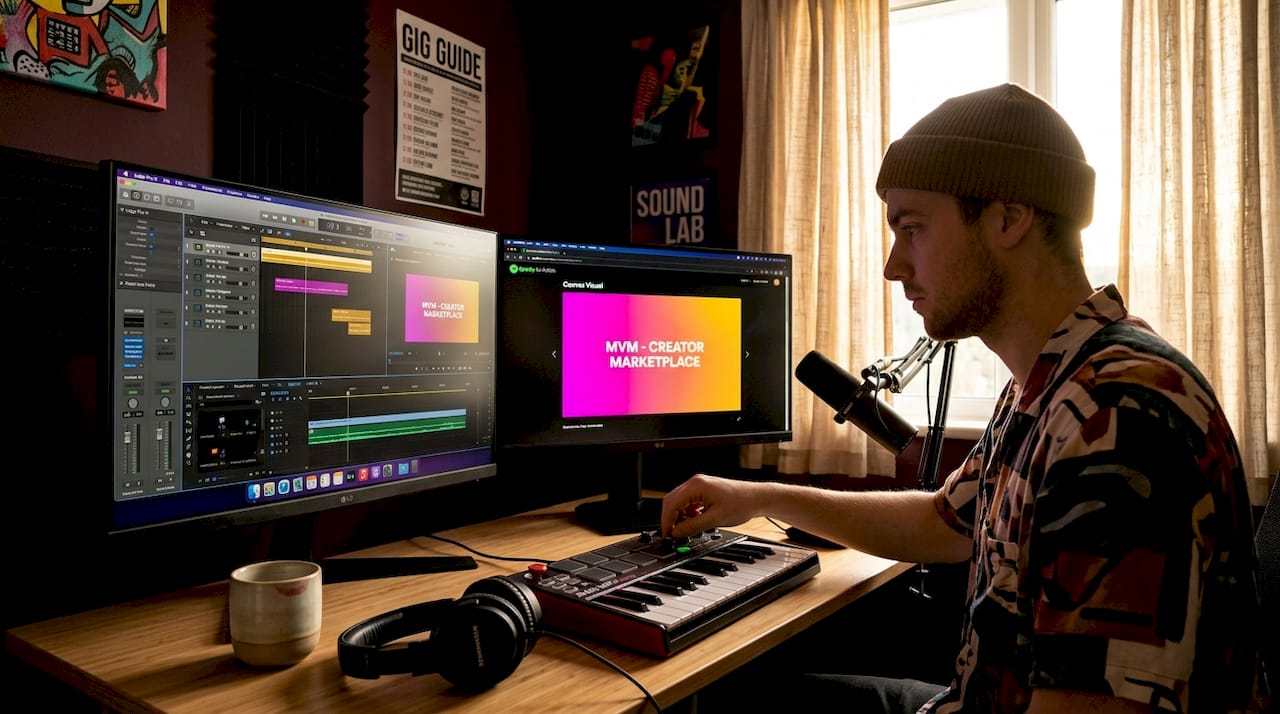 How to create song visuals: a 2026 guideLearn how to create song visuals in this 2026 guide. Engage listeners with stunning animations and boost your music's reach effectively!
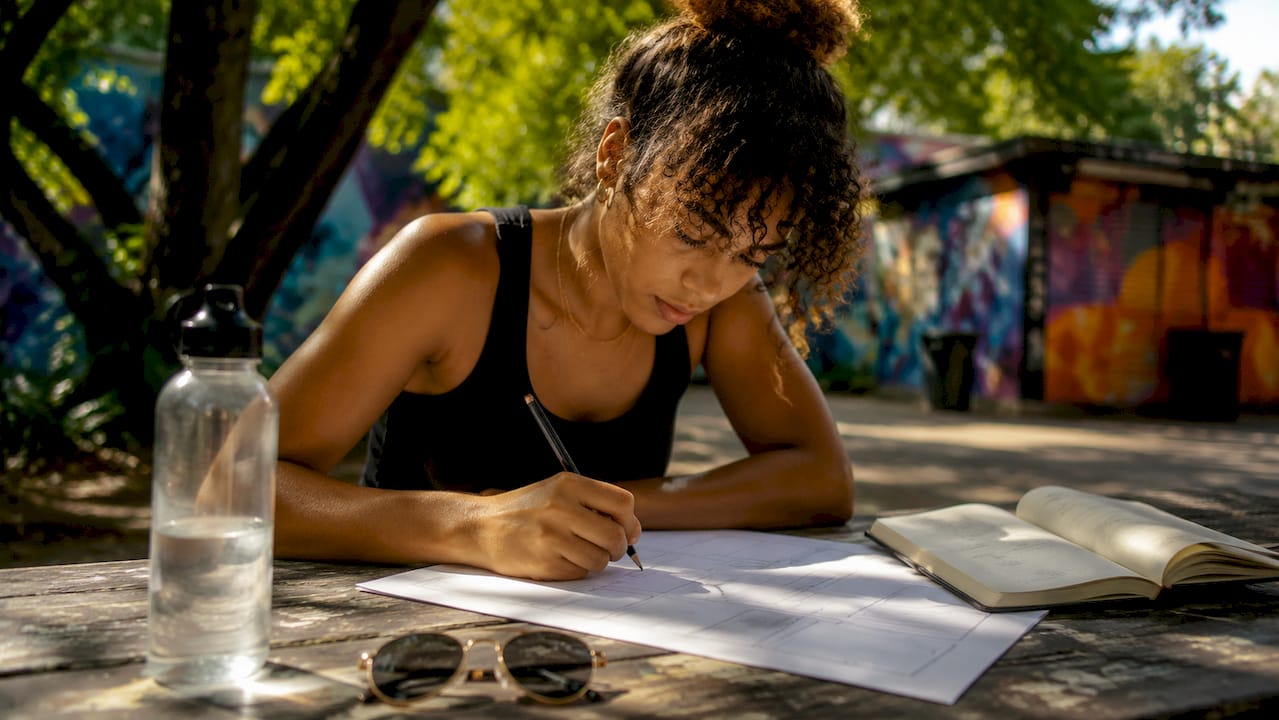 How to storyboard song videos: a practical guideMaster how to storyboard song videos to save time and costs. Create a clear, effective plan that boosts your music video production today!
 Girls on Film Mallorca EditThe Music Video Marketplace team headed to Mallorca to film new EDM-inspired videos with models Avah Huppe and Krysten-Rose Armstrong. The trip mixed creativity, teamwork, and sunshine — and the new videos are now live on www.musicvideomarketplace.com
.
Turn the idea into a finished music video.
Drop your track into the Studio and build your visual in minutes.